
-
Created by
 European Dynamics Trans Contractor, last updated on Apr 16, 2026
2 minute read
European Dynamics Trans Contractor, last updated on Apr 16, 2026
2 minute read
Navigate to Find Information > Voyage Information > Port information > Ships departed from a port.
The application presents the relevant search form.
Fill in any of the search criteria and click on Search button.
The application will present the list of Ships/Voyages that have departed from the selected port:
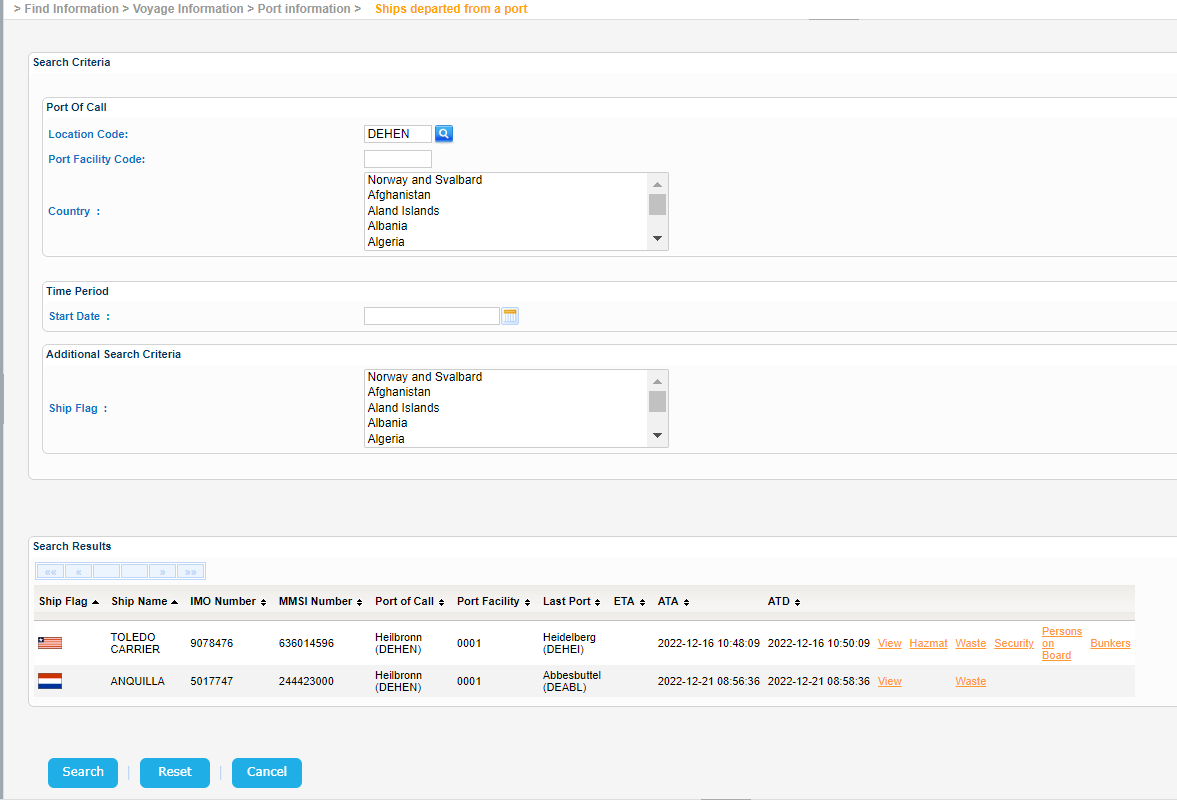
Similarly just like the previous sections the application presents the above information along with further details regarding the:
- Voyage
- Hazmat
- Waste
- Security
- Persons on Board
- Bunkers
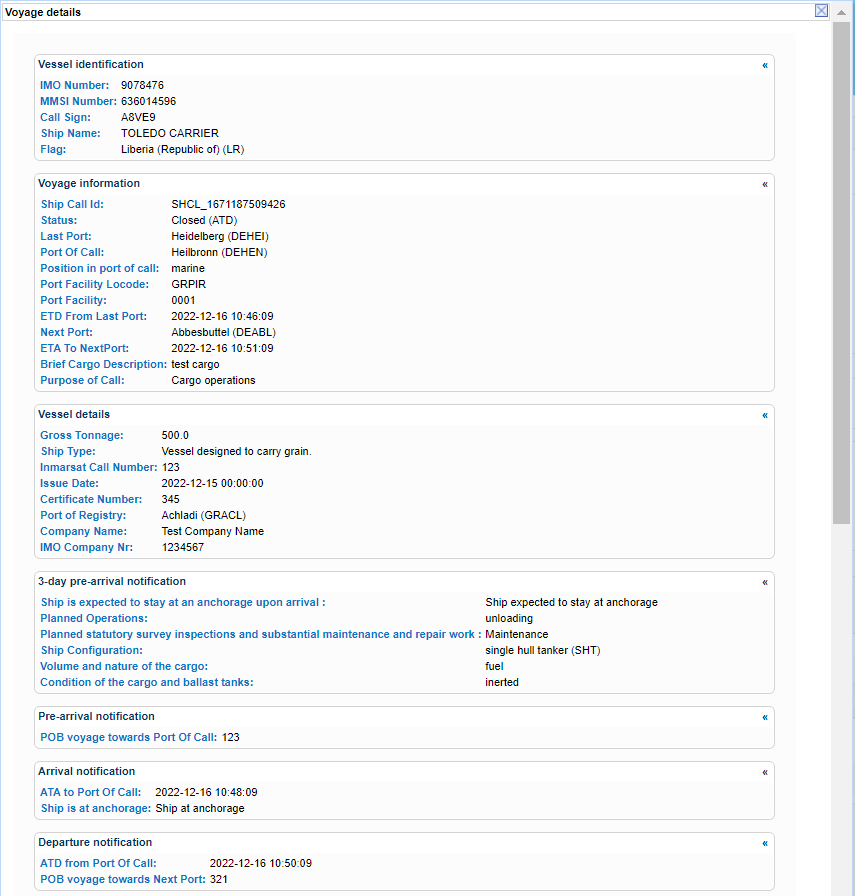
Select a Voyage and click on the View link.
A new pop up window is presented which contains the the details of the Voyage:
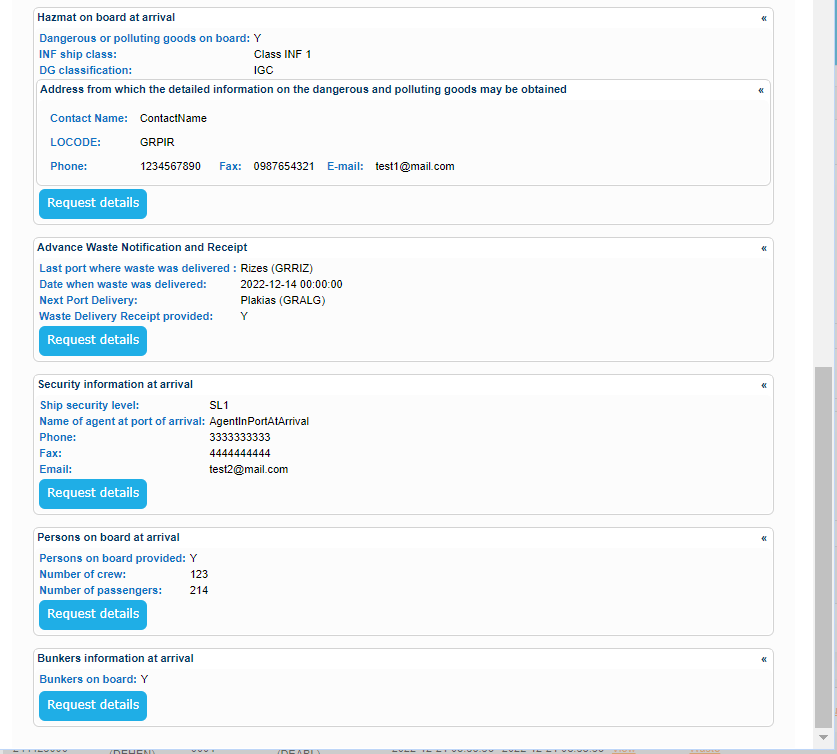
Similar pop ups are generated for the rest of the links.
Indicative samples are presented in [3.3.1 Integrated Ship Information] section.