
-
Created by
 European Dynamics Trans Contractor, last updated on Apr 22, 2026
2 minute read
European Dynamics Trans Contractor, last updated on Apr 22, 2026
2 minute read
Navigate to Send Notifications > Exemptions on Ports under PRF Directive > Validate Uploaded Exemptions.
The application will present the following search form:
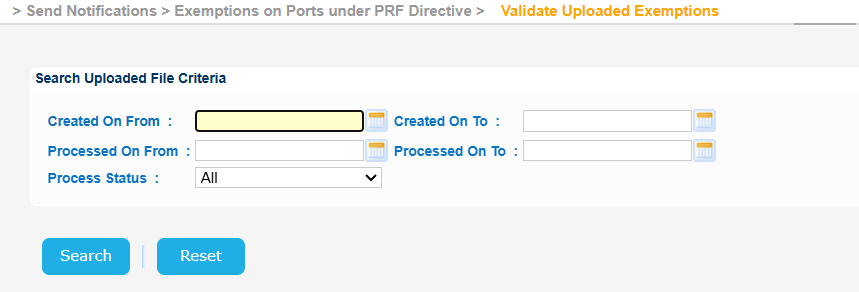
Fill in any of the search criteria, taking into consideration that the year cannot be more than 9999, and click on Search button.
Provided that there are Exemptions which have been uploaded manually the application will present the list of these uploads in order to validate each one of them.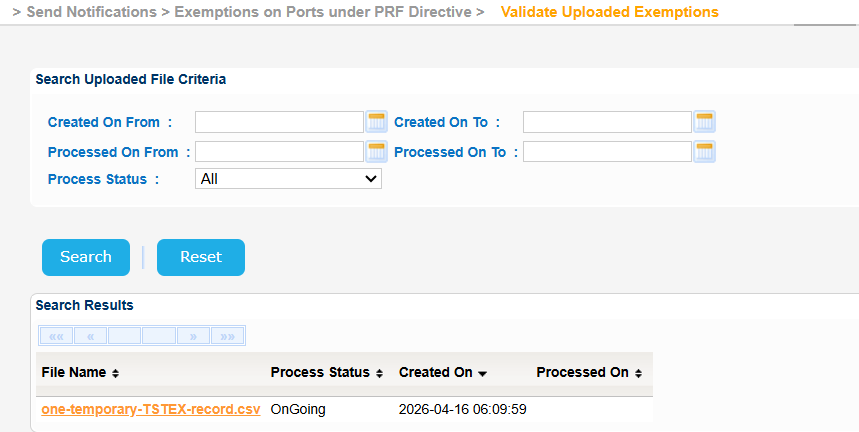
Click on one of the files presented and the application will present a new screen with more details: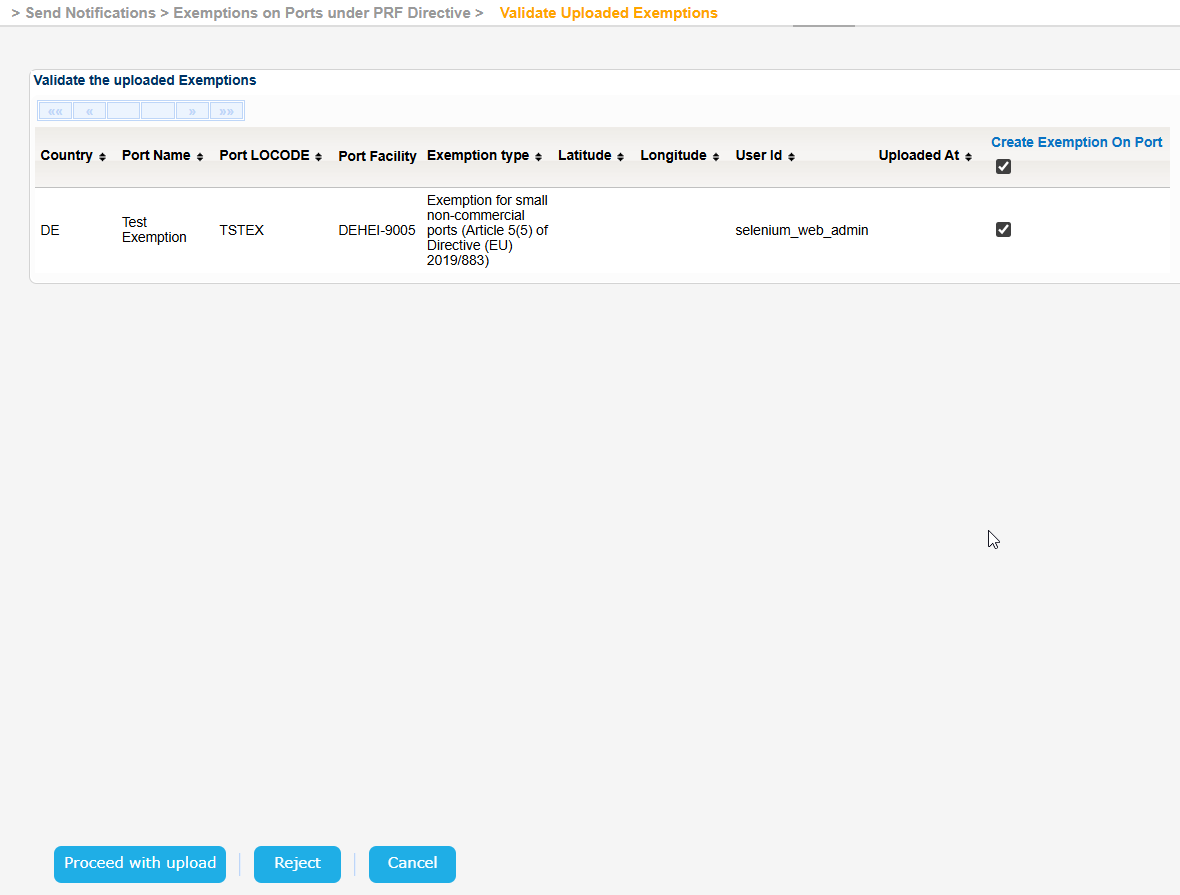
Select one of the Exemptions presented using the respective checkbox and click the "Proceed with upload" button.
If everything is fine the system will present the relevant success message.
If on the other hand there is, for example, a Temporary Locode - which is not allowed - the system will present an error message similar to the following: