
-
Created by
 European Dynamics Trans Contractor, last updated on Apr 16, 2026
3 minute read
European Dynamics Trans Contractor, last updated on Apr 16, 2026
3 minute read
Navigate to Send Notifications > Exemptions on scheduled services > Update exemption.
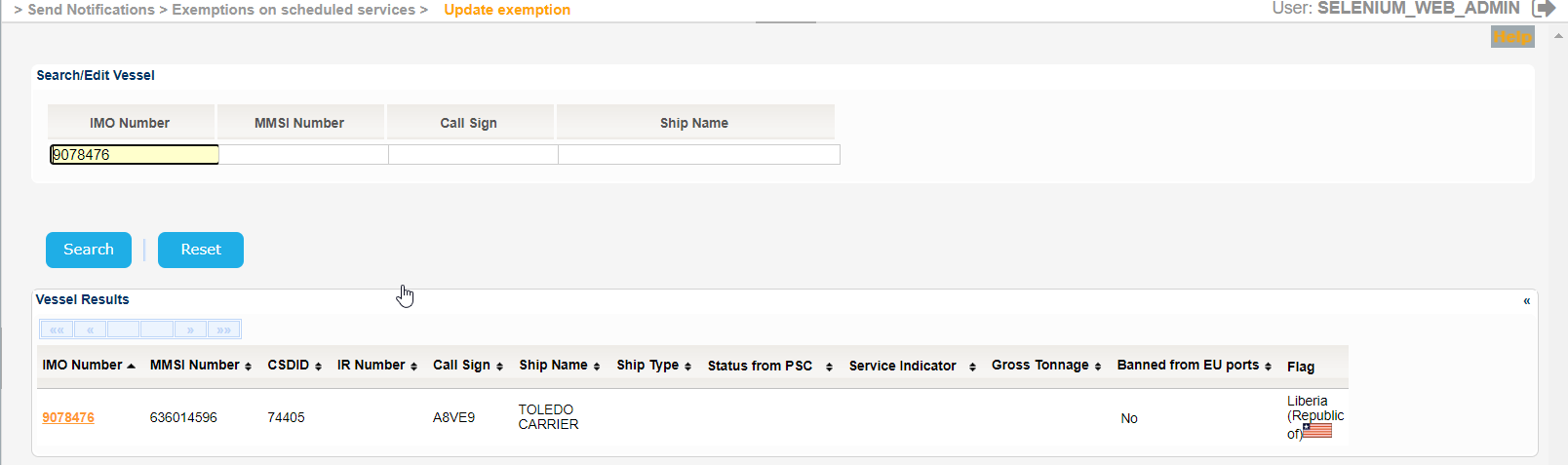
The application will present the Vessel search form.
Fill in at least one of the IMO Number, MMSI Number, Call Sign or Ship Name and click on Search button.
The application will present a list of Vessels that meet the search criteria.
The Service Indicator and Ship Type codes and labels are provided in the attached files:
Select one of the Vessels and click on the IMO Number link.
The application will present the list of Exemptions that meet the search criteria along with Type of Exemption field.
Select any value for the Type of Exemption fields and the results will be further filtered.
Select the date interval taking into consideration that the year of the input date cannot be more than 9999.
It is also possible to filter with All, Valid, Planned or Expired Exemptions.
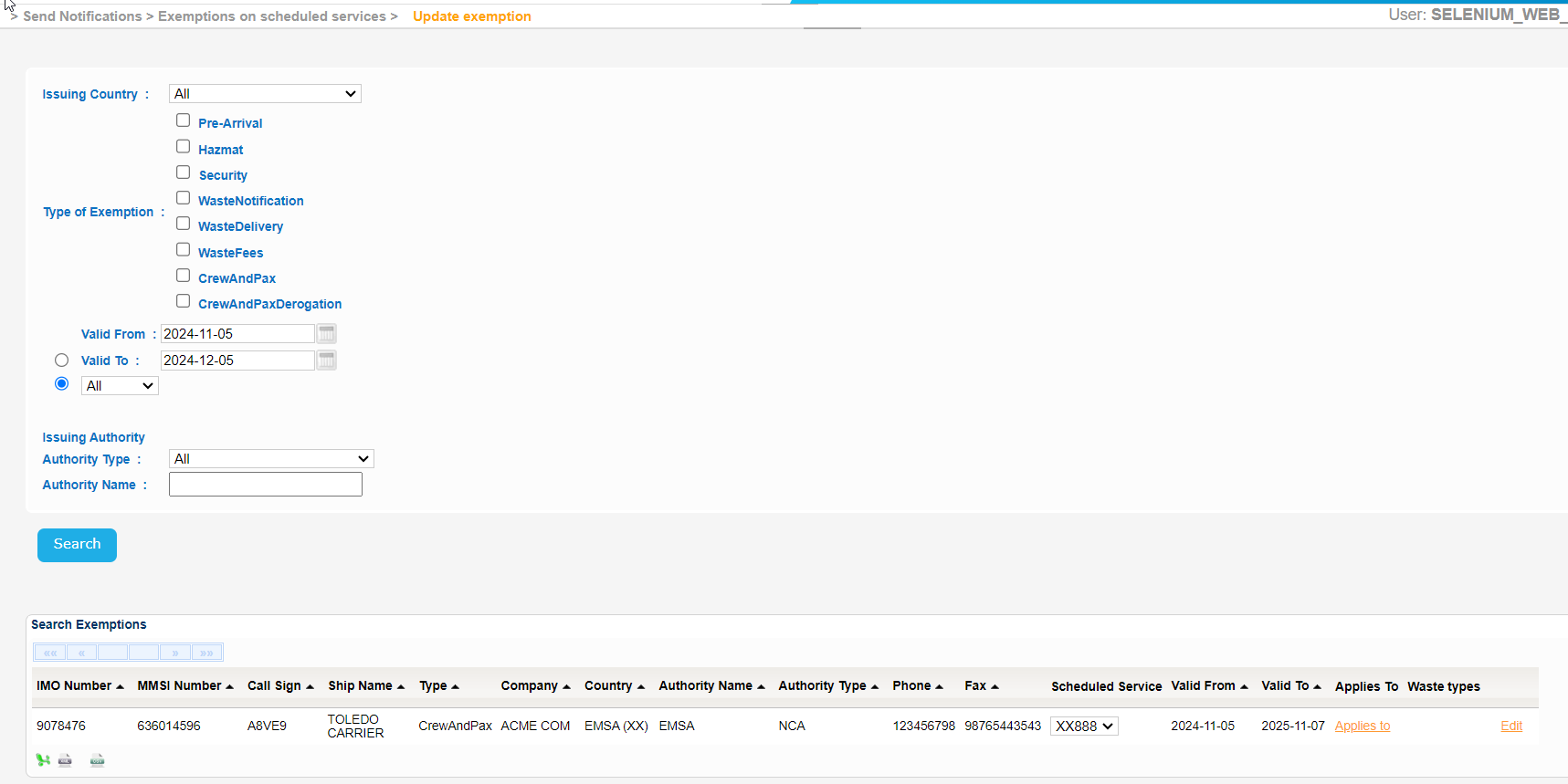
Export the search results in Excel, XML, CSV format by clicking on the respective icon on the bottom left side of the search results table.
 3.2.3.2-ssndata.xml
 3.2.3.2-ssndata.csv
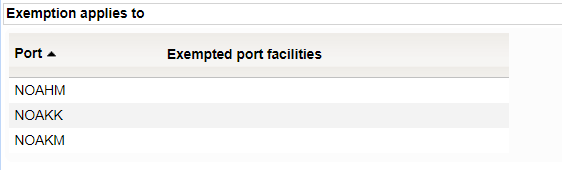
Select an Exemption, from the search results, and click on the "Applies to" link and a new pop up window will be launched to present the list of Ports along with the respective Exempted Port Facilities.
Select an Exemption, from the search results, and click on the Waste Types link and a new pop up window will be launched to present the list of waste types if any.

Select an Exemption, from the search results, and click on the Edit link.
A new screen will be presented with the Exemption details.
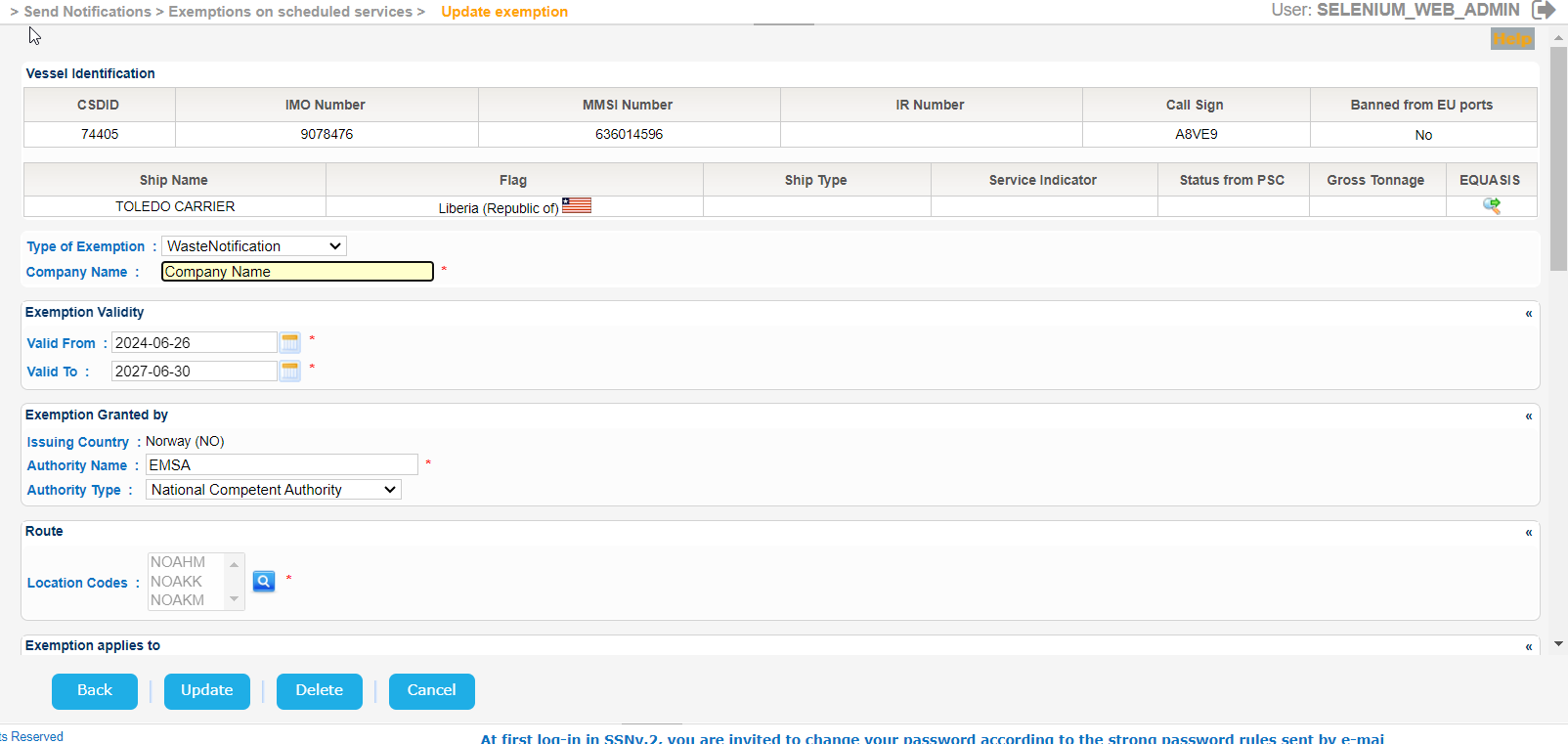
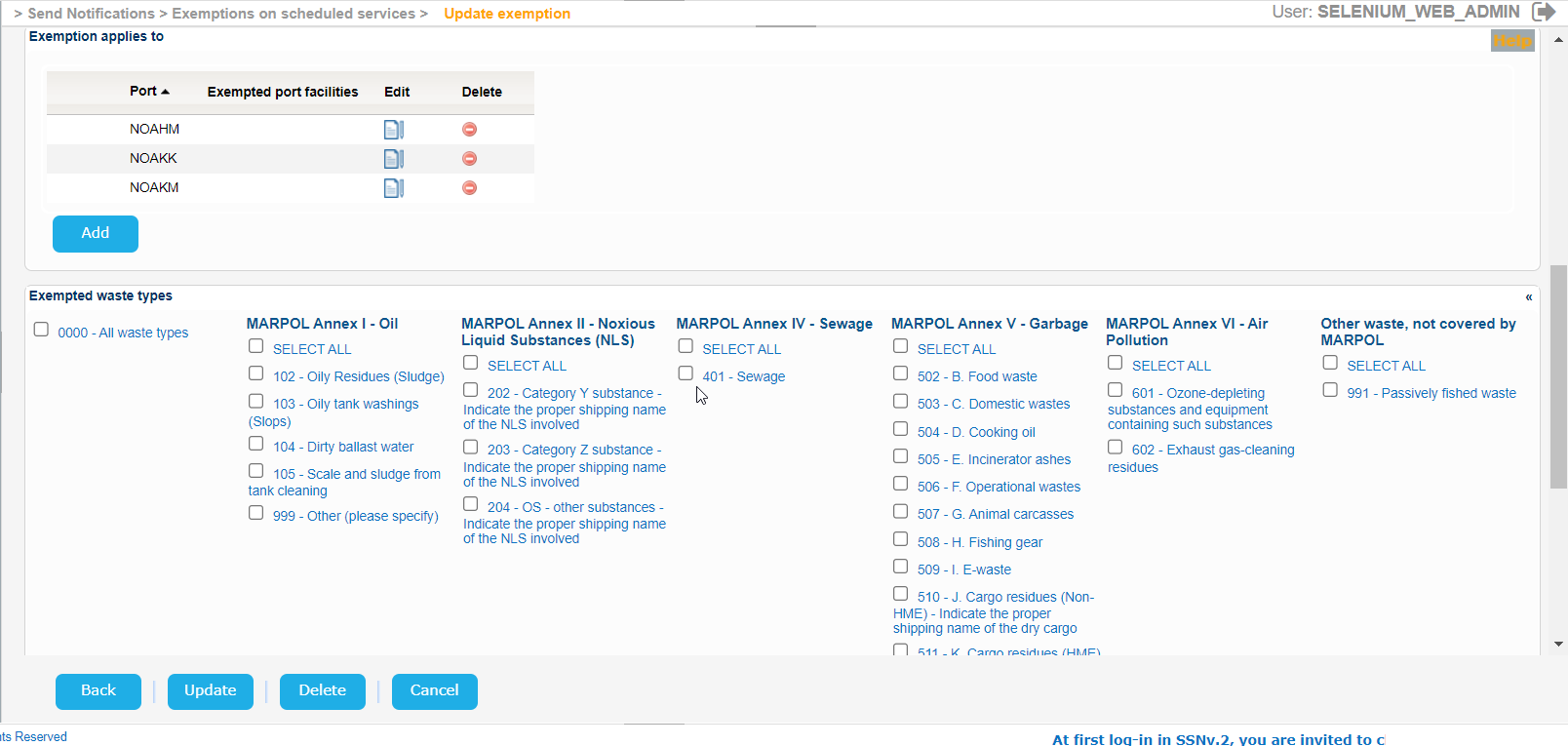
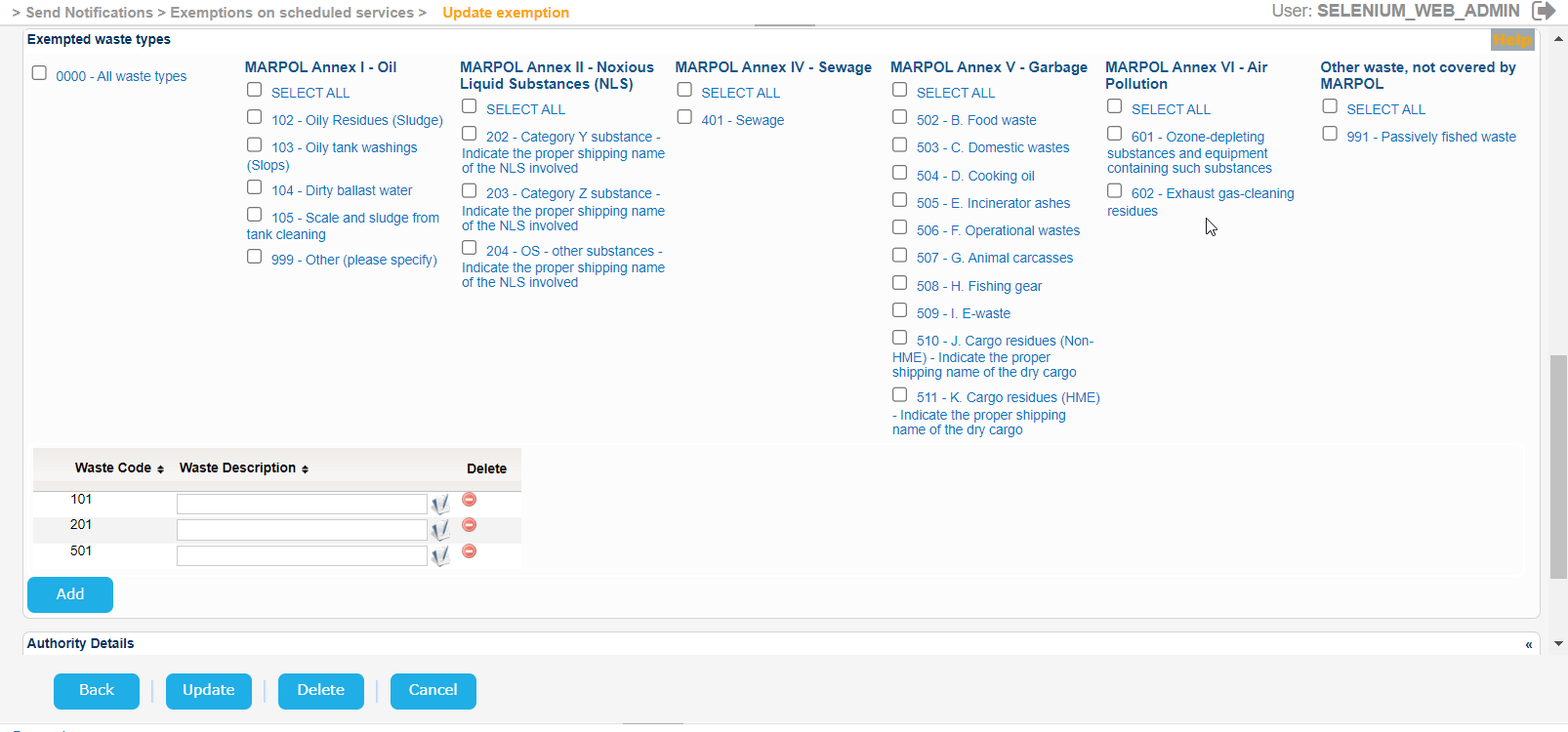
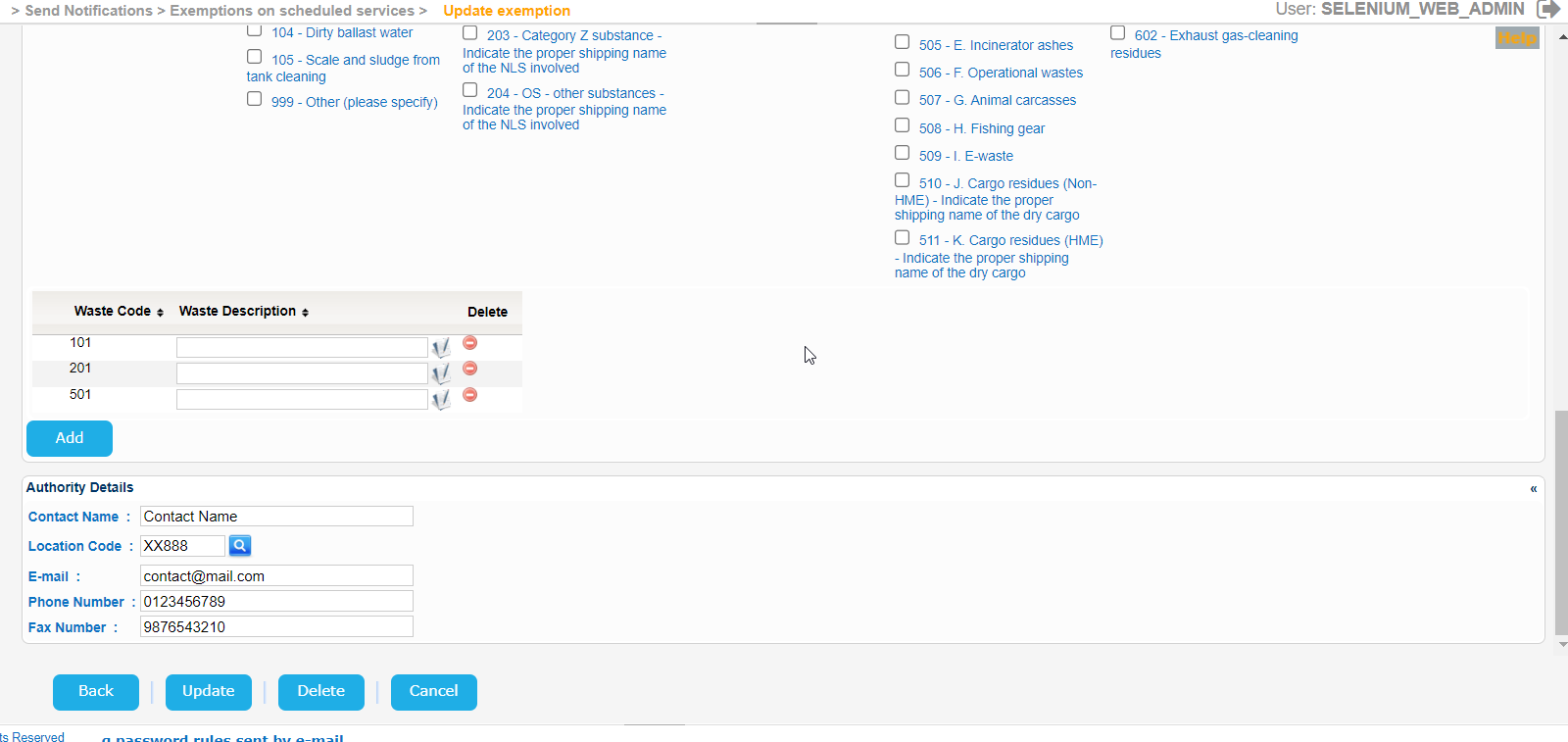
Use this screen to either update or delete the selected Exemption.