-
Created by
 European Dynamics Trans Contractor, last updated on Apr 16, 2026
1 minute read
European Dynamics Trans Contractor, last updated on Apr 16, 2026
1 minute read
Navigate to Management Console > Application Management > Edit Banner in order to modify the text associated with the banner.
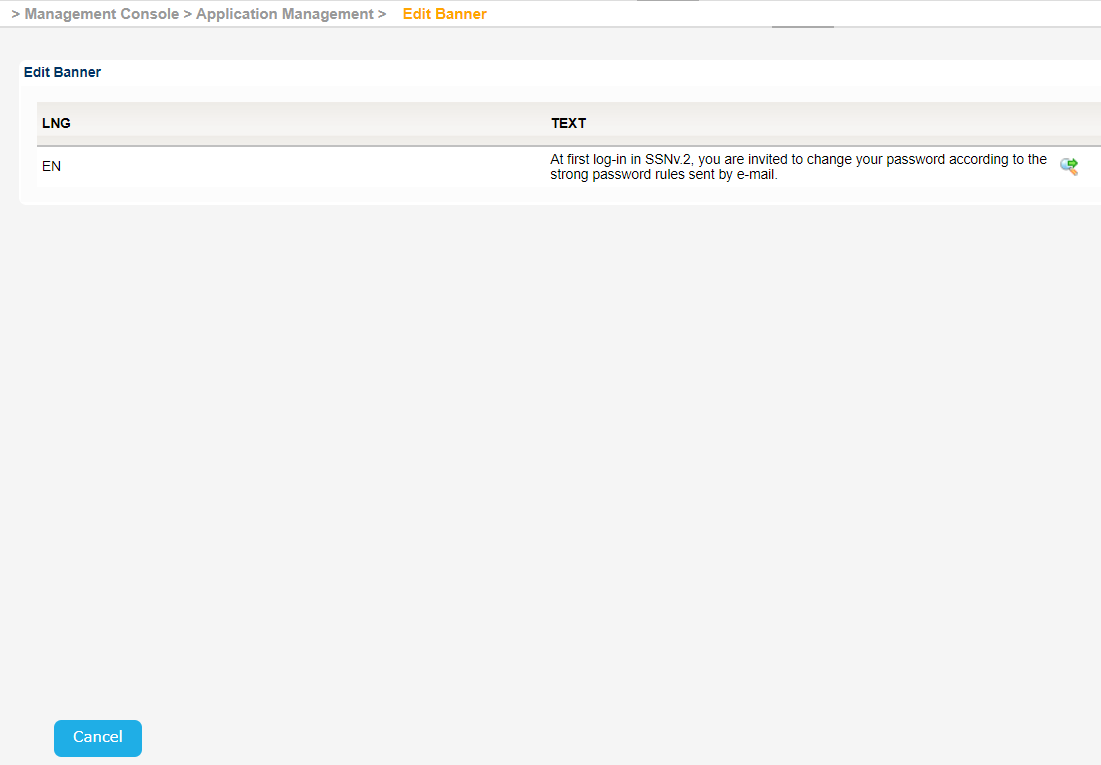
The application will present a screen with the text currently available.
Click on the "magnifier glass" icon next to the text.
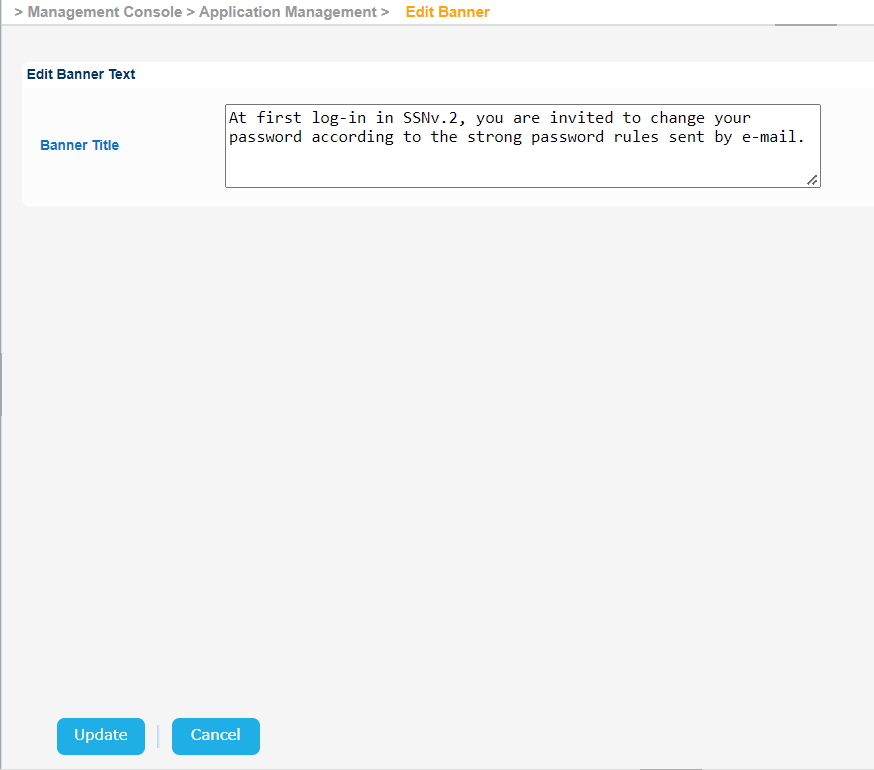
The edit Banner form will be presented where you can set the new text.
Once done click on the update button to store the changes in the database.