-
Created by
 European Dynamics Trans Contractor, last updated on Apr 16, 2026
1 minute read
European Dynamics Trans Contractor, last updated on Apr 16, 2026
1 minute read
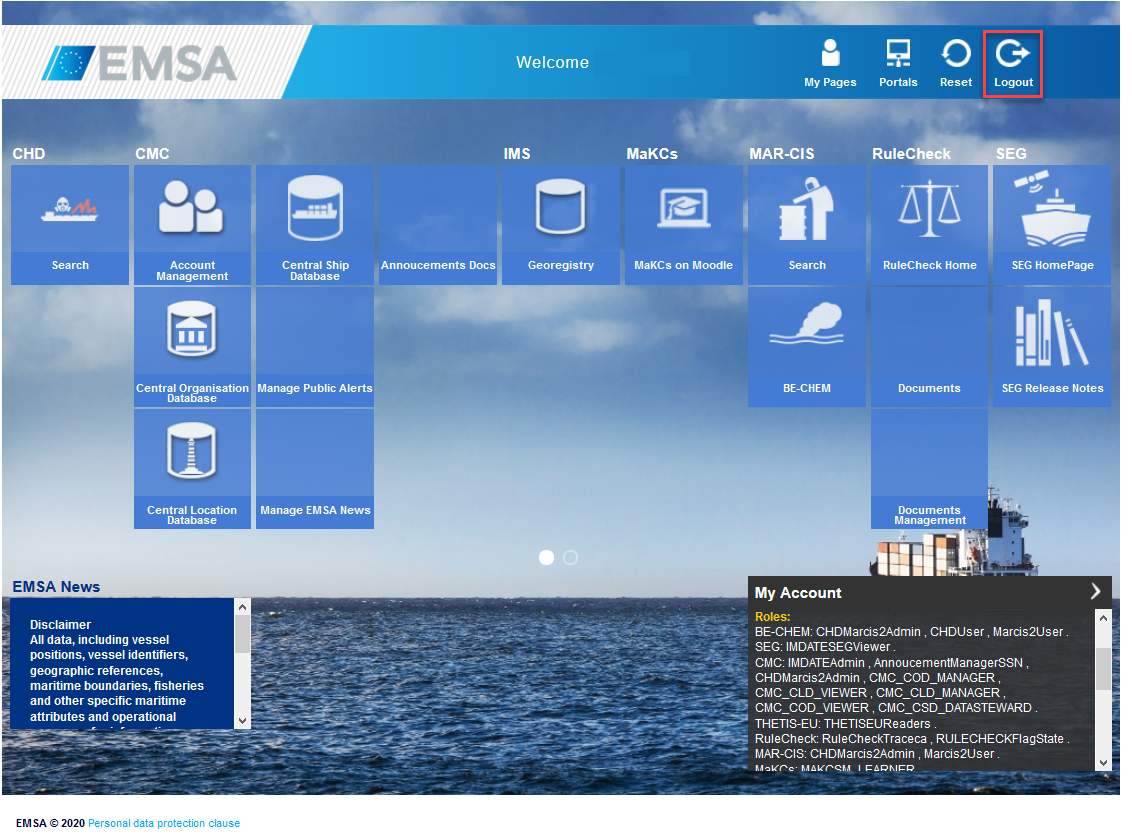
In order to Logout from any EIS Console click on logout icon on the top right corner of the screen:
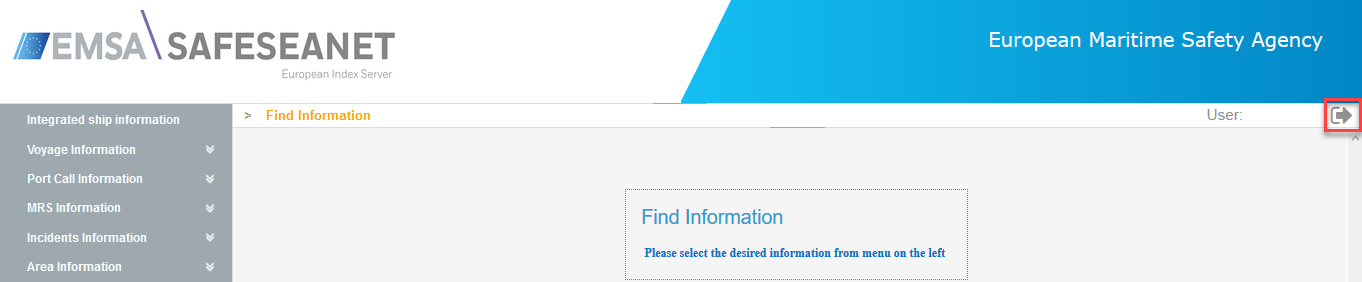
In order to logout from the EMSA Portal, similarly click on the logout icon on the top right corner of the screen: