
-
Created by
 European Dynamics Trans Contractor, last updated on Apr 16, 2026
1 minute read
European Dynamics Trans Contractor, last updated on Apr 16, 2026
1 minute read
Navigate to EMSA portal and try to access any of the presented applications.
The system will redirect you to the Keycloak Login Screen.
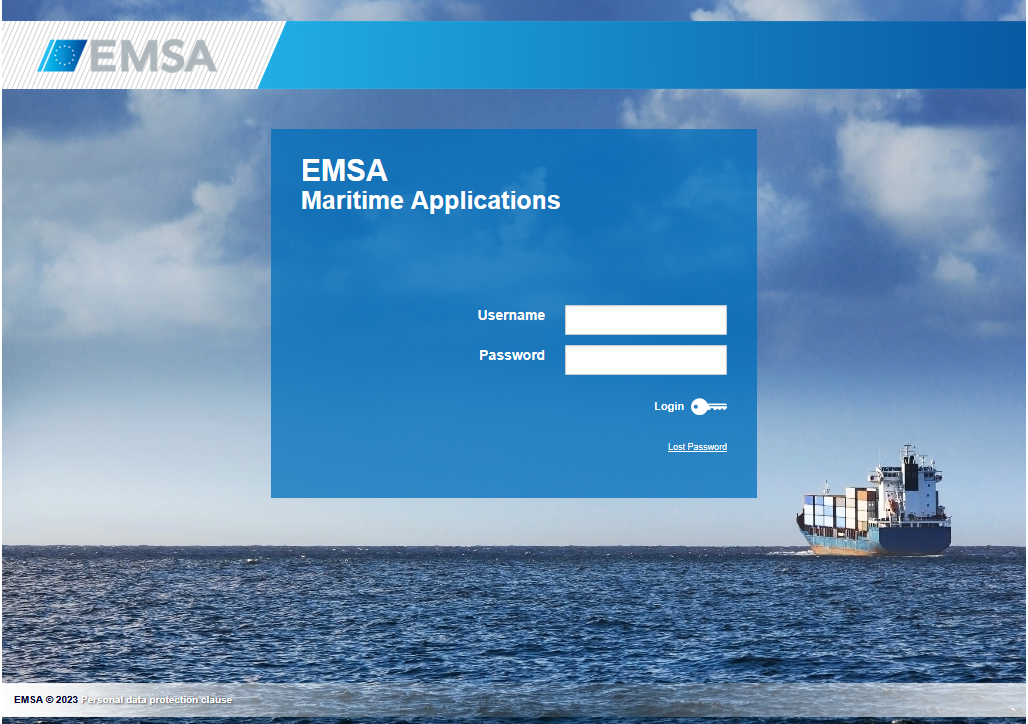
Fill in the appropriate credentials.
Provided that the credentials are correct EMSA Portal will present the landing page where various EMSA applications are accessible depending on the roles assigned to your username:
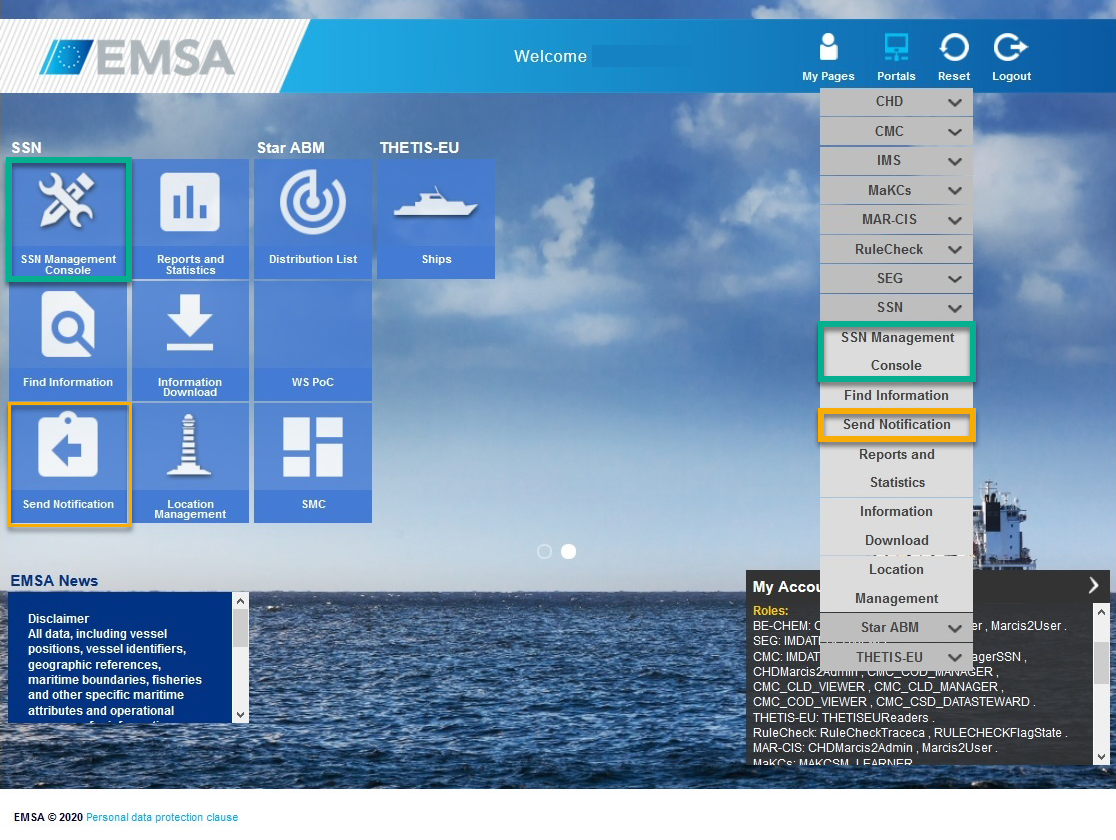
Click on EIS either from the main screen or the drop down menu on the top right corner.
EMSA Portal will redirect you to the SSN Management Console.