-
Created by
 European Dynamics Trans Contractor, last updated on Dec 27, 2022
2 minute read
European Dynamics Trans Contractor, last updated on Dec 27, 2022
2 minute read
Navigate to Find Information > Port Call Information > Based on ShipCallId.
The application will present the following screen:
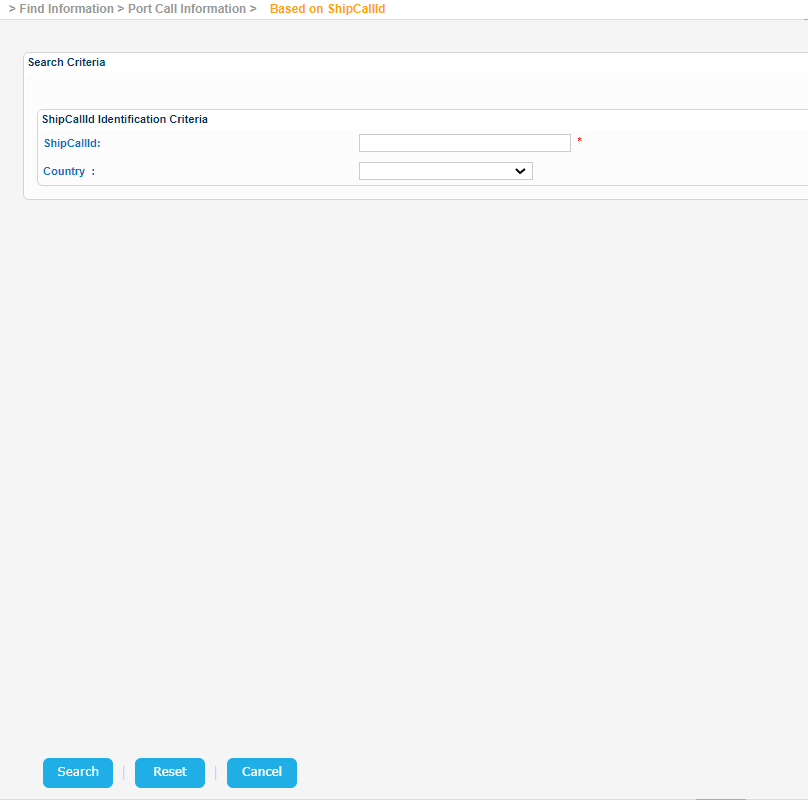
Fill in a Ship Call Id and click on Search button.
The application will perform a search and present in the results results information organized in the following sections:
- Vessel Identification
- Consolidated Port Plus
- Notifications
If no Country value is provided during the search, the application sets the appropriate one as soon as renders the results.
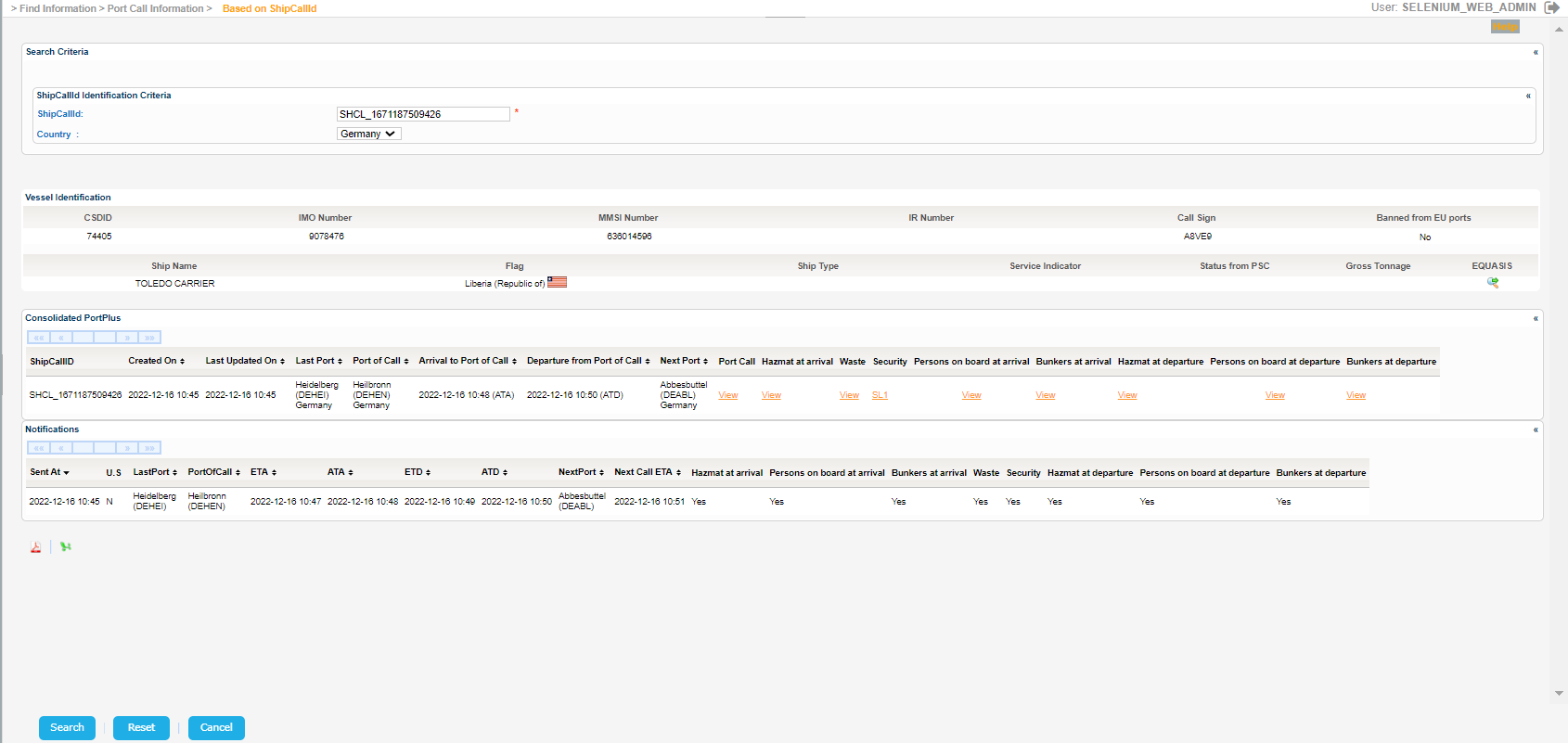
Export the search results in PDF or Excel format by clicking on the respective icon on the bottom left side of the screen:
Just like the previous sections click on any of the following urls in order to get further details on a pop up window:
- View (Port Call)
- Hazmat (At arrival / At departure)
- Waste (At arrival / At departure)
- Security (At arrival / At departure)
- Persons on board (At arrival / At departure)
- Bunkers (At arrival / At departure)
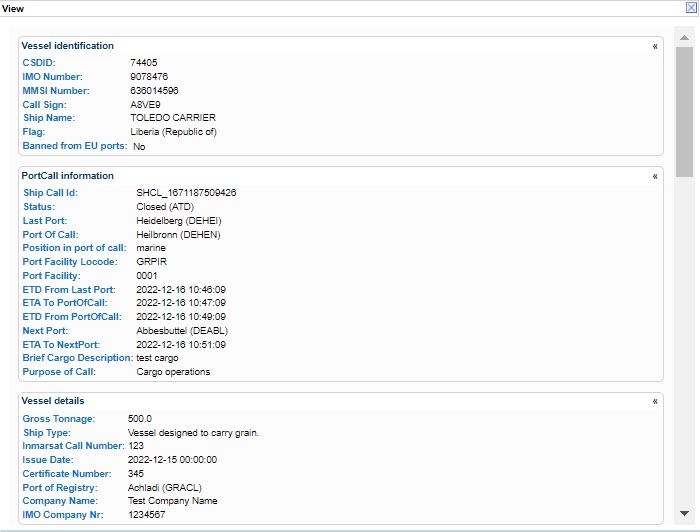
For View url the following pop window is presented: