-
Created by
 European Dynamics Trans Contractor, last updated on Dec 27, 2022
1 minute read
European Dynamics Trans Contractor, last updated on Dec 27, 2022
1 minute read
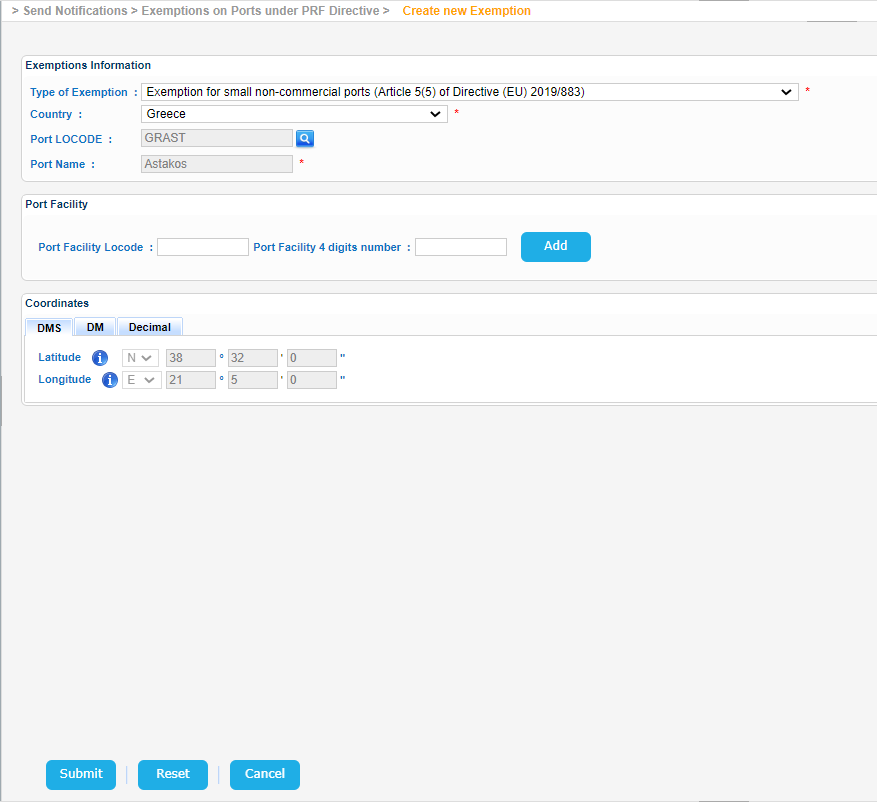
Navigate to Send Notifications > Exemptions on Ports under PRF Directive > Create new Exemption.
The application will present a screen with three sub-sections:
- Exemption Information
- Port Facility
- Coordinates
Select the type of Exemption and fill in at least the mandatory fields (Country and Port Name) and click on the Submit button.
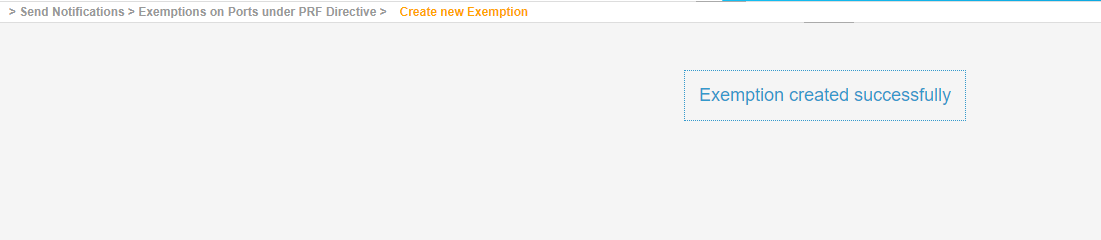
The application will create the Exemption for the selected Port and present the relevant message.