-
Created by
 European Dynamics Trans Contractor, last updated on Jun 11, 2023
2 minute read
European Dynamics Trans Contractor, last updated on Jun 11, 2023
2 minute read
Navigate to Find Information > Voyage Information > Ship voyage information > Current port call.
The application will present the Vessel search form along with a Time Period search criterion.
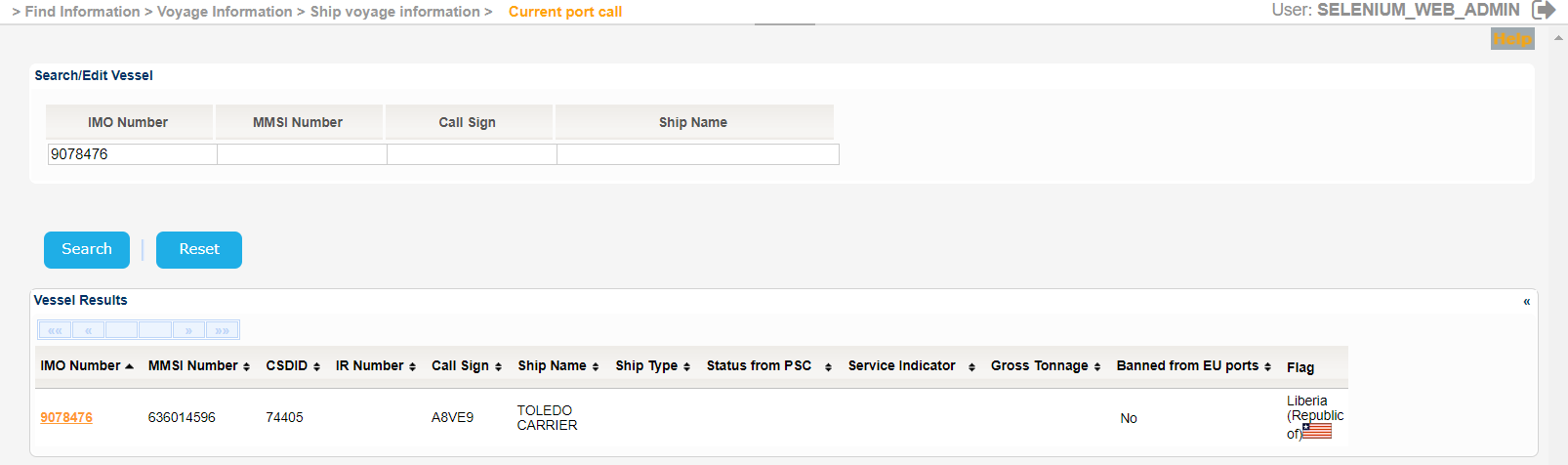
Fill in at least one of the IMO Number, MMSI Number, Call Sign or Ship Name and click on Search button.
The application will present a list of Vessels that meet the search criteria.
Select one of the Vessels and click on the IMO Number link.
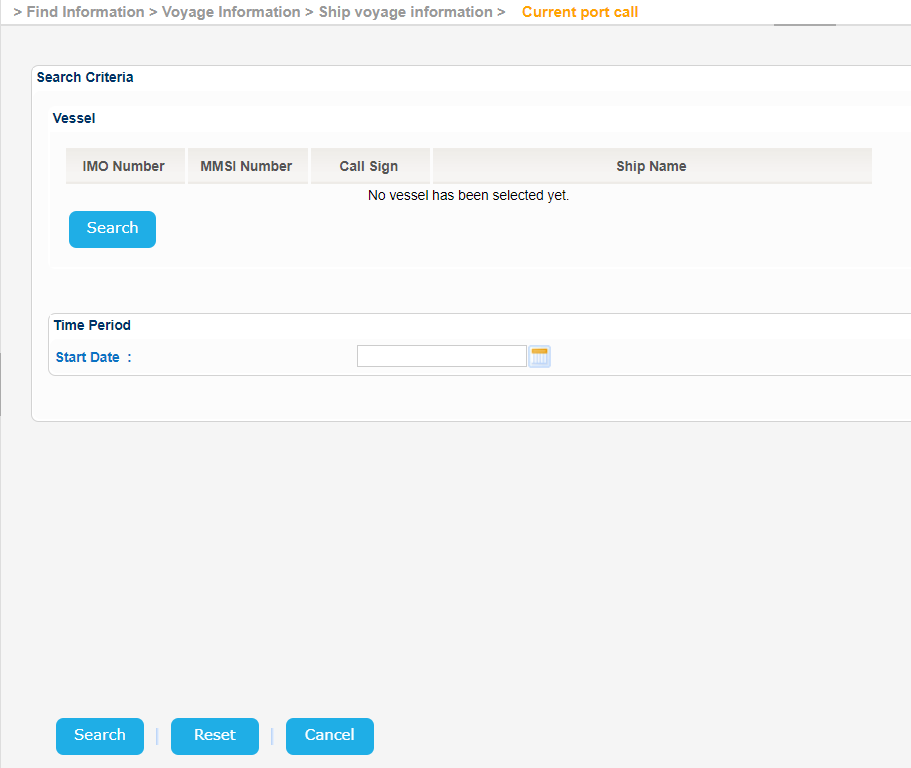
The application will present a new screen containing the Search/Edit Vessel section prefilled, based on the selected Vessel, along with the Time Period search criterion.
Optionally set a value for the Start Date and click on Search button.
The Service Indicator and Ship Type codes and labels are provided in the attached files:
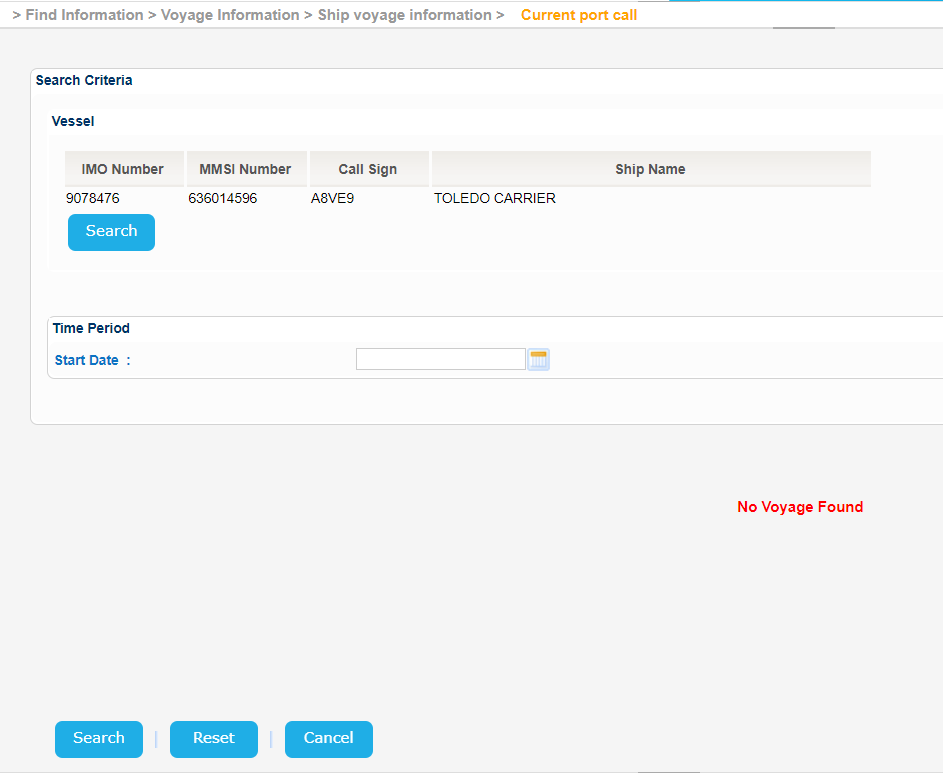
The application will present the current Port Call that meet the search criteria or the relevant message if there is no such Voyage.