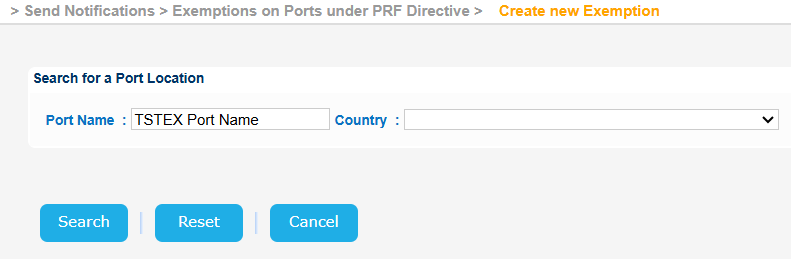
Navigate to Send Notifications > Exemptions on Ports under PRF Directive > Create new Exemption.
The application will present a screen with three sub-sections:
...
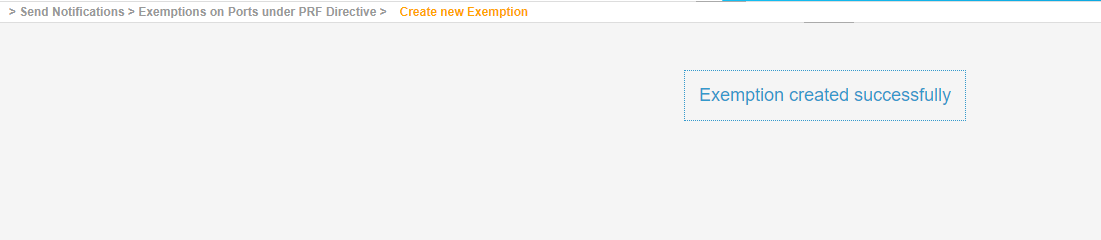
The application will create the Exemption for the selected Port and present the relevant message.
In the current version the system does not allow the use of Temporary Locations.
Therefore should you try to create a new Exemption from scratch by filling in the form a "Port LOCODE" of a temporary Location and click on Submit button the system will generate an error message.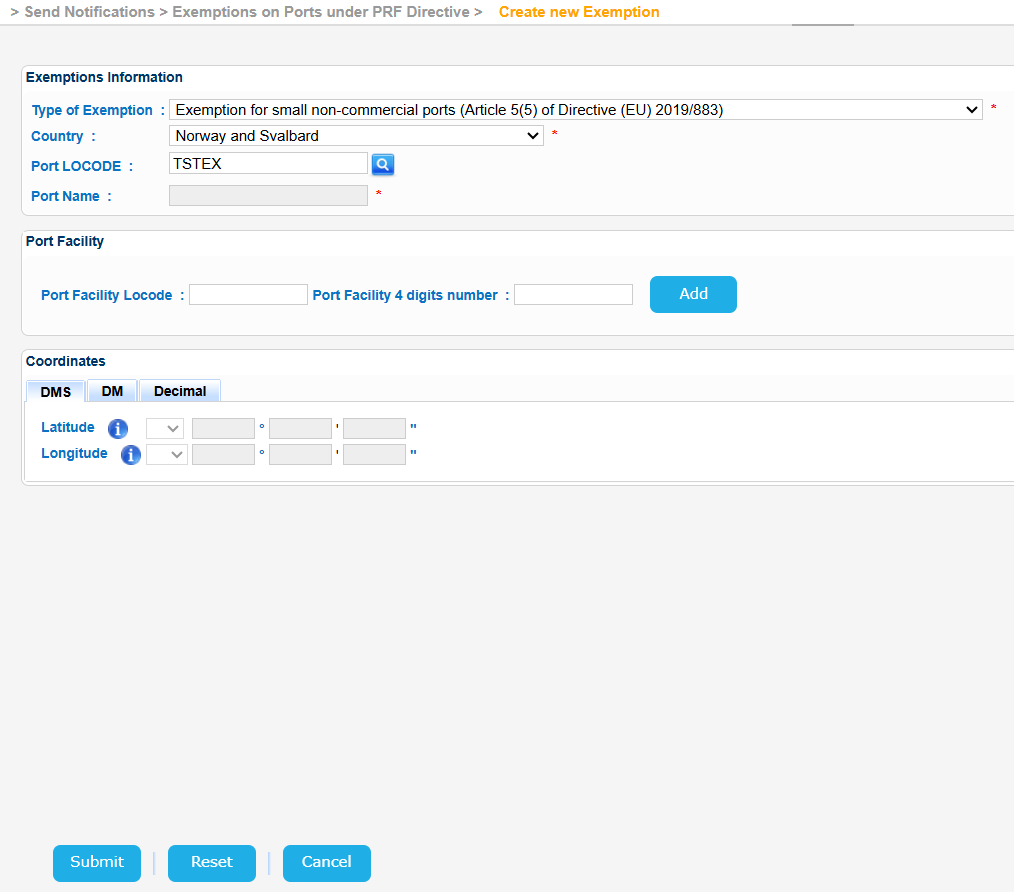

Similarly should you click on the Search icon of the Port LOCODE field and in the presented new screen look for a "Port Name" that corresponds to a temporary Location this will not be available for selection: