-
Created by
 European Dynamics Trans Contractor, last updated on Apr 16, 2026
2 minute read
European Dynamics Trans Contractor, last updated on Apr 16, 2026
2 minute read
Navigate to Find Information > Incidents Information > Distributed Incidents.
The application will present the following form.
Fill in any of the search criteria and click Search button:
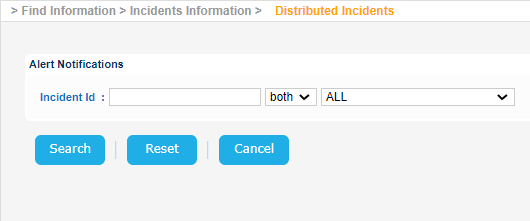
The application will present the list of Distributed Incidents organized per Incident Type.
Expand/Collapse the relevant section in order to see the list of Incidents of the specific Incident Type:
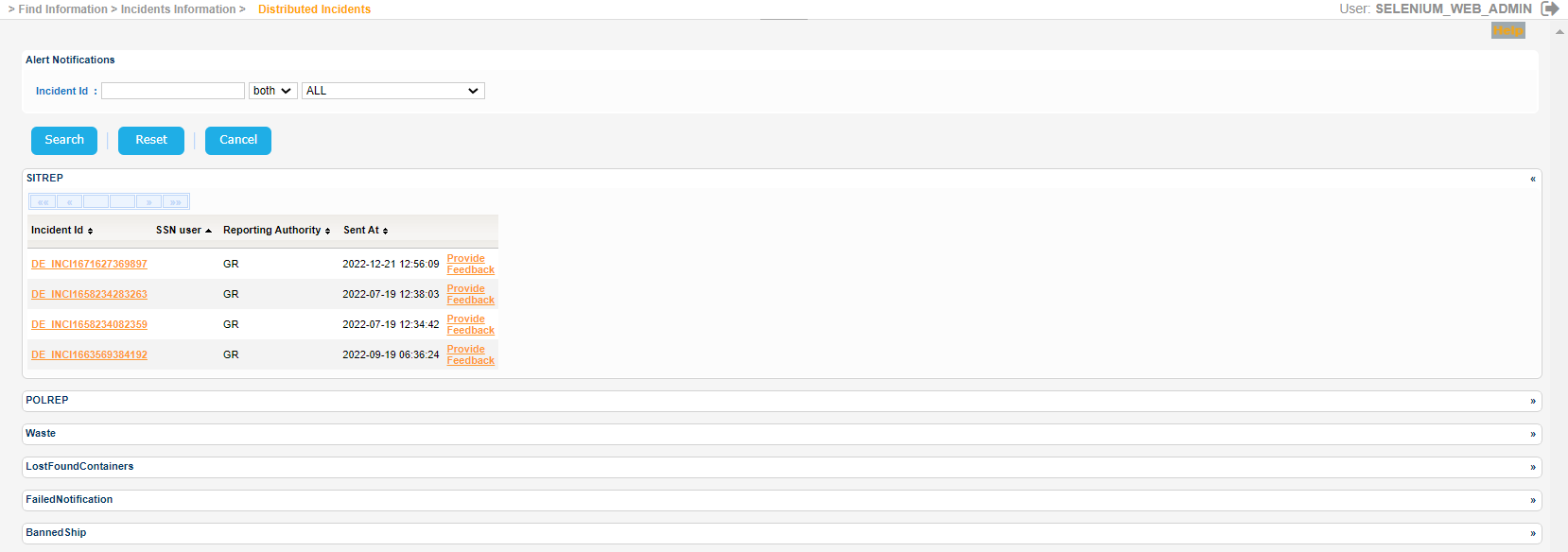
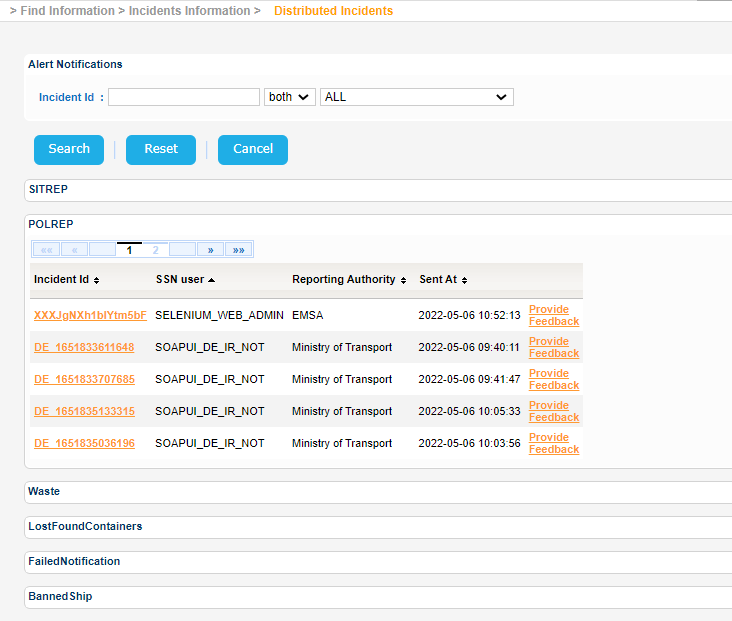
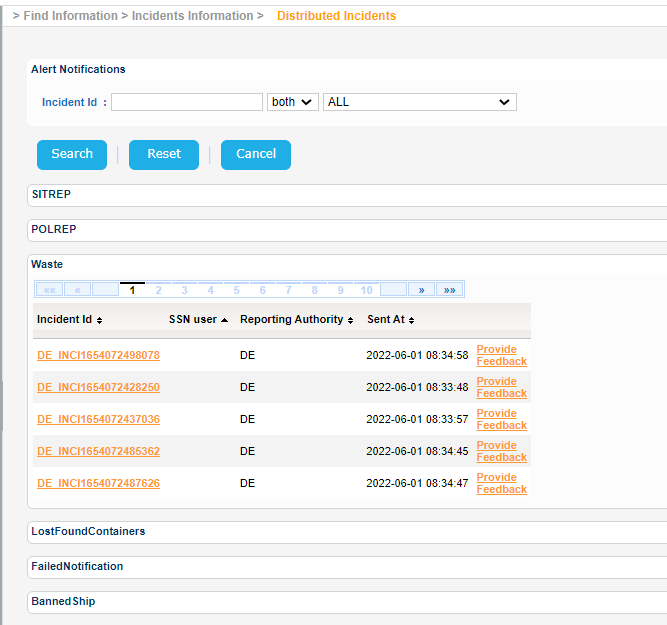
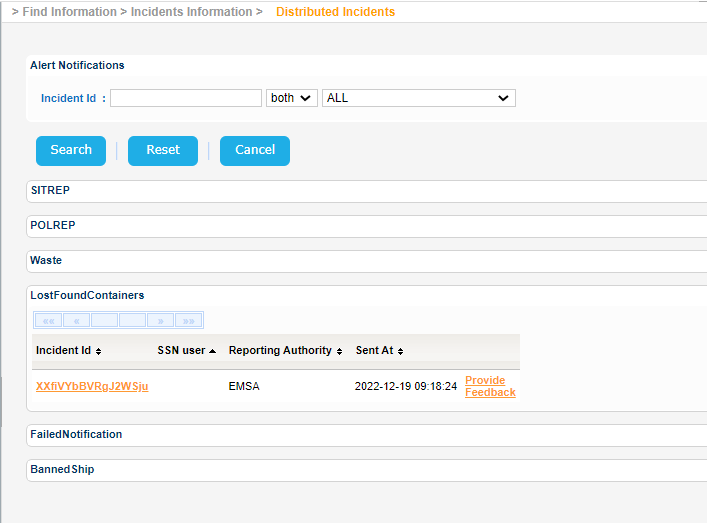
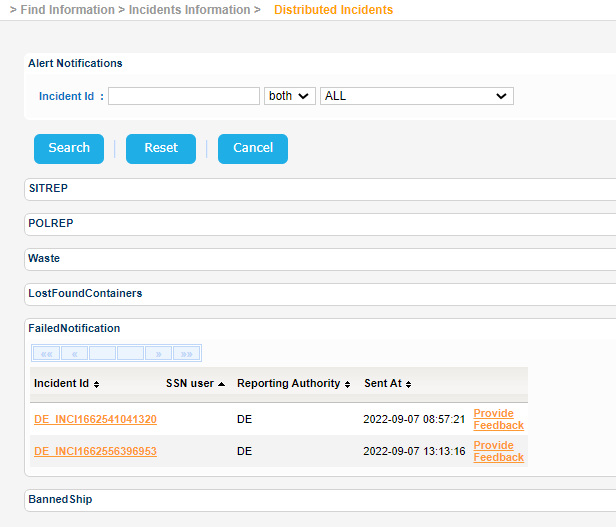
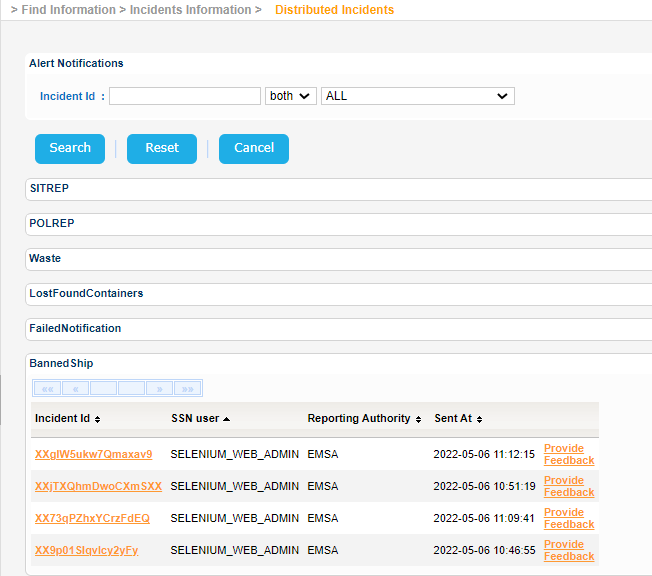
Select an IR and click on Incident Id.
A new pop up window will be launched to present the IR details:
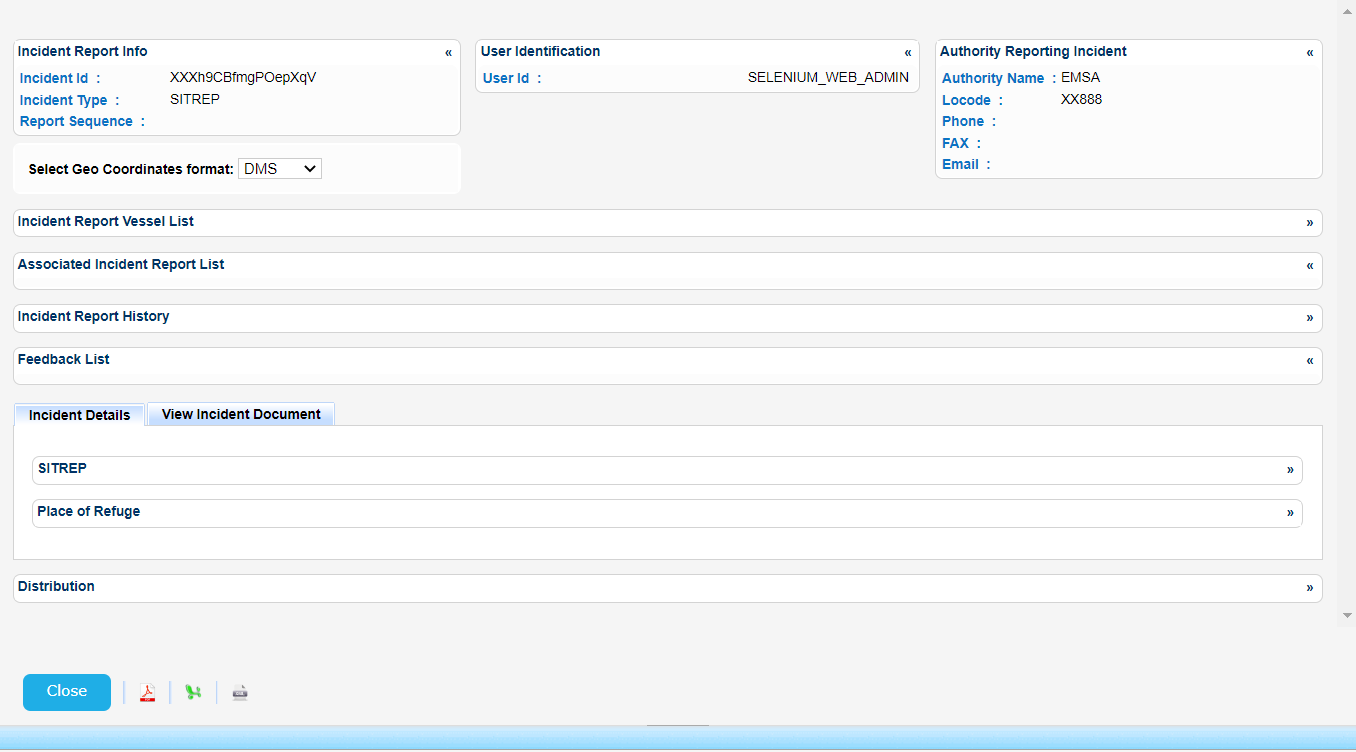
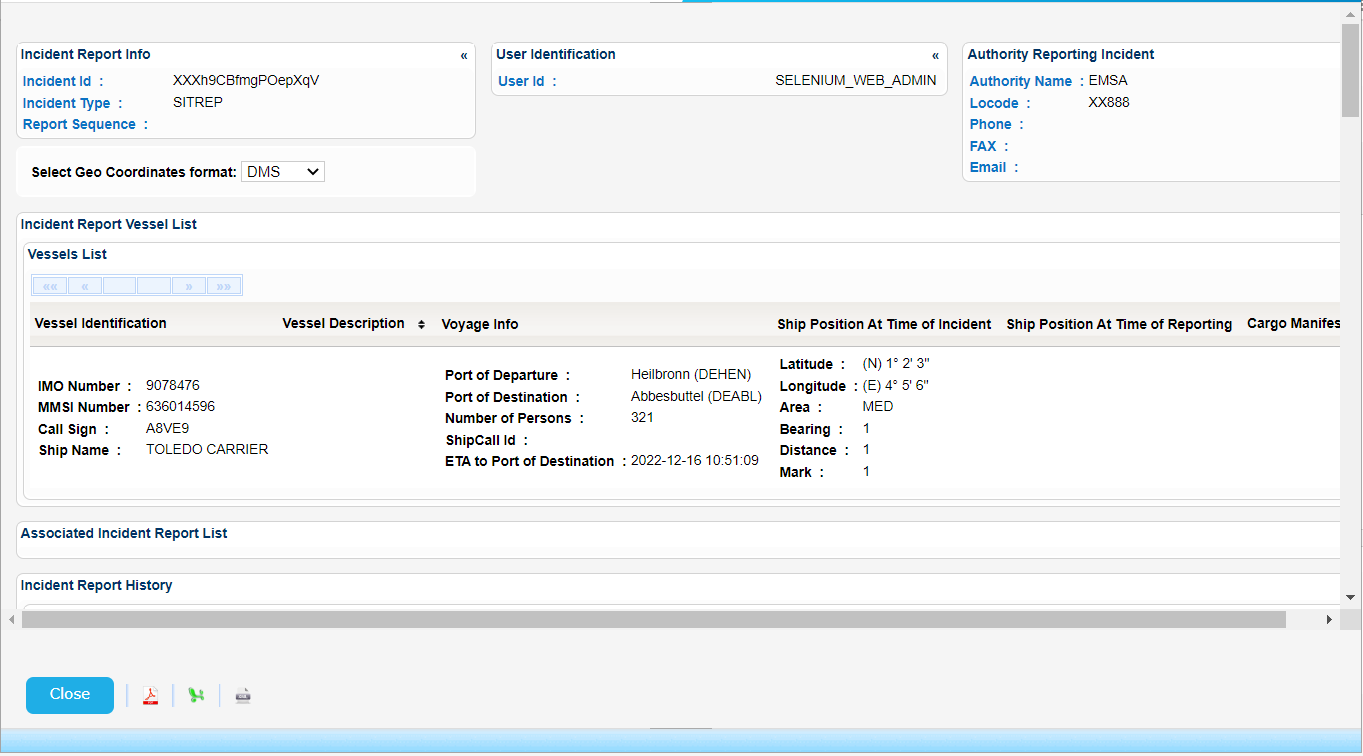
Close the IR Details pop up, select the same or different IR and click on Provide Feedback link:
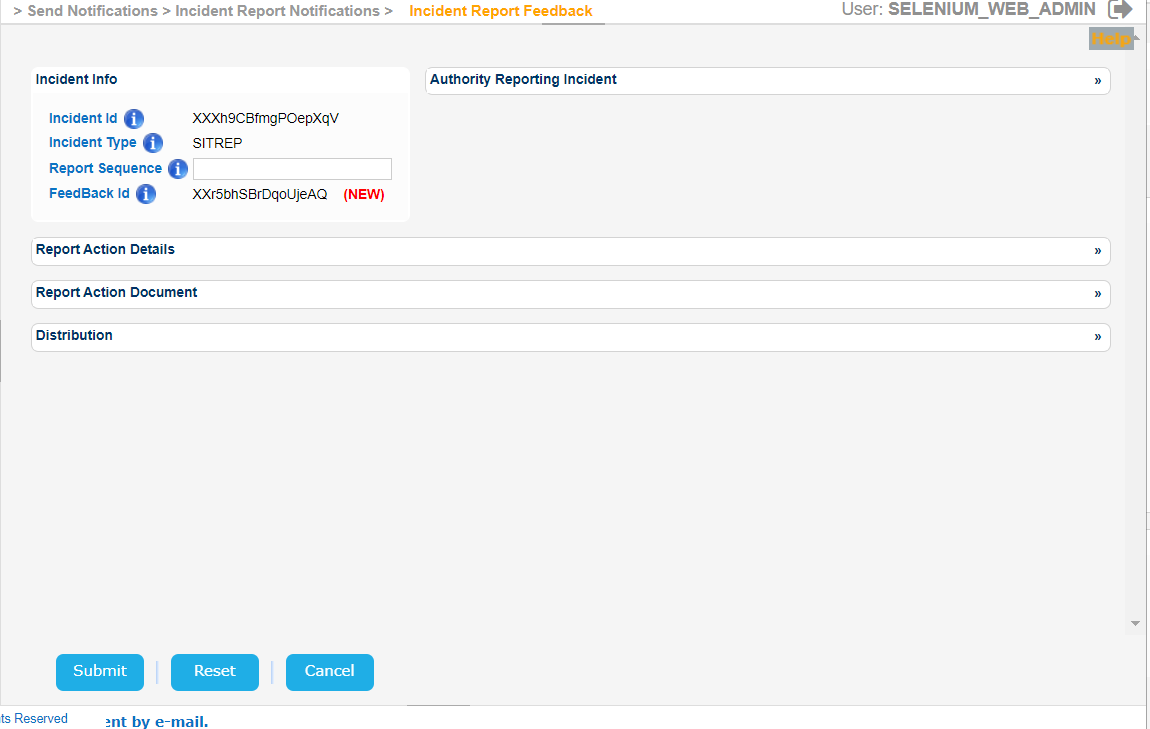
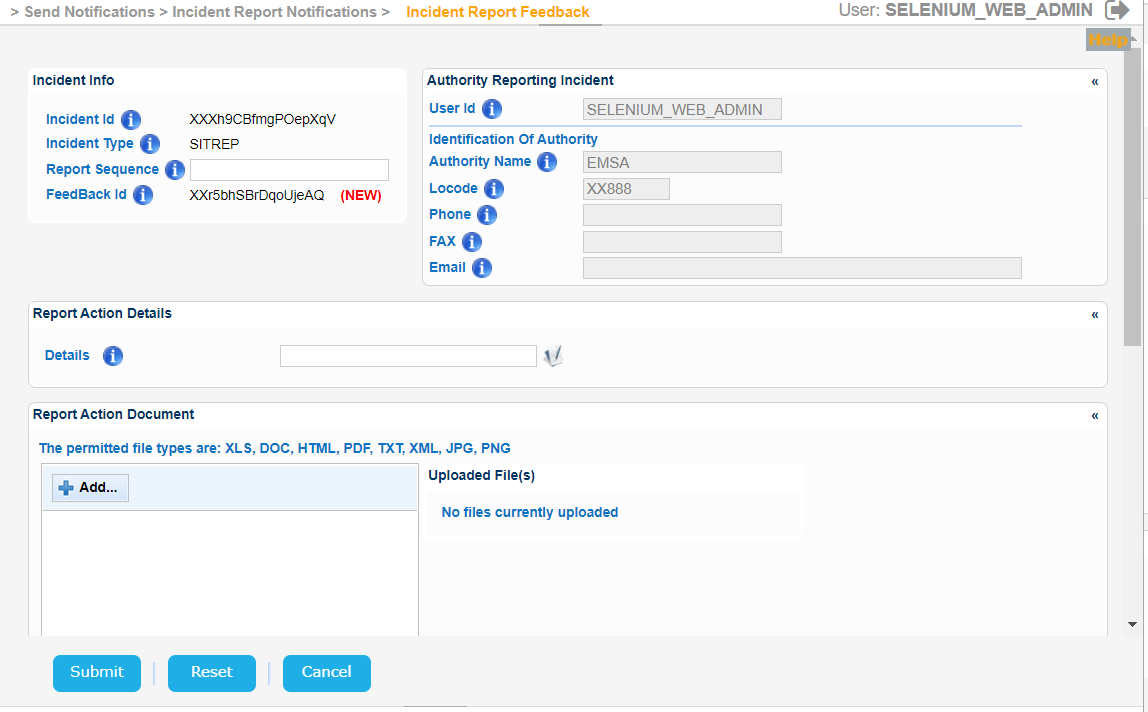
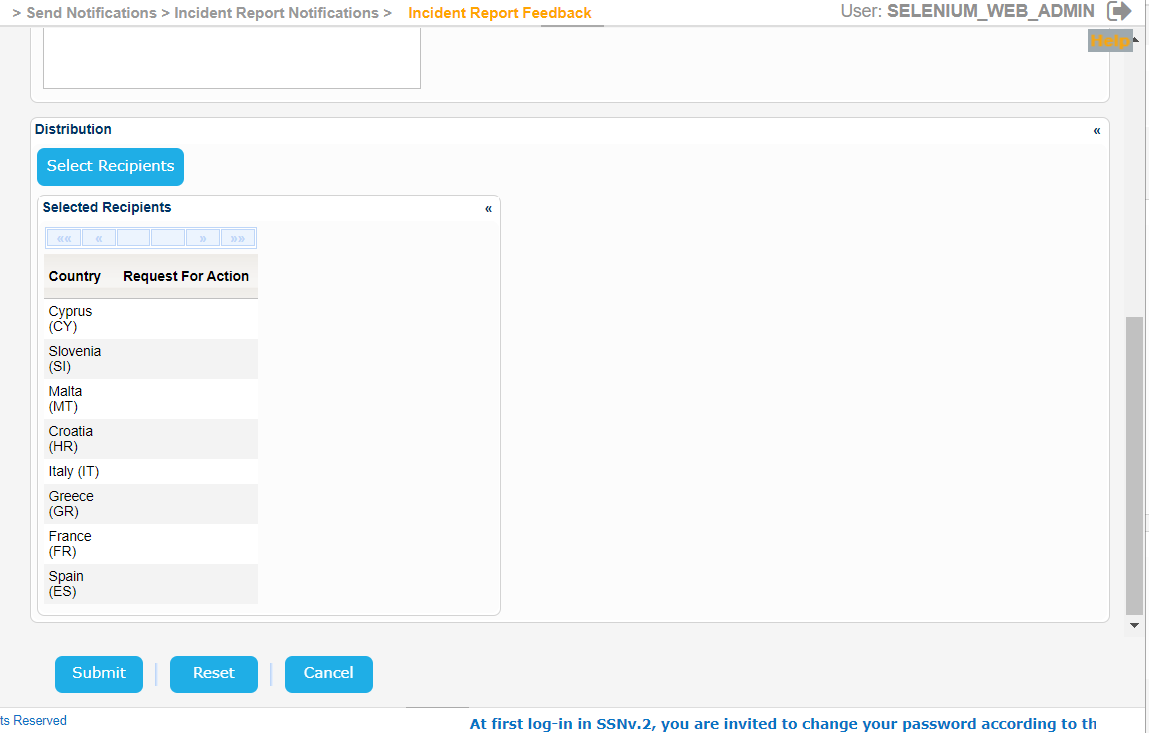
A new pop up window will be launched where you can modify the IR as described in [3.2.2.2 Update-Delete Feedback] section.
The following print screens present the pop up with its sub-sections expanded or collapsed: