-
Created by
 European Dynamics Trans Contractor, last updated on Apr 16, 2026
1 minute read
European Dynamics Trans Contractor, last updated on Apr 16, 2026
1 minute read
Navigate to Management Console > Conventions/Agreements Management > Search/Update Convention.
The application will present a search form containing the Convention Name and a list of Countries associated to the Convention.
Click on Search button to retrieve the list of all Conventions or optionally fill in any of the search criteria in order to narrow down the search results.
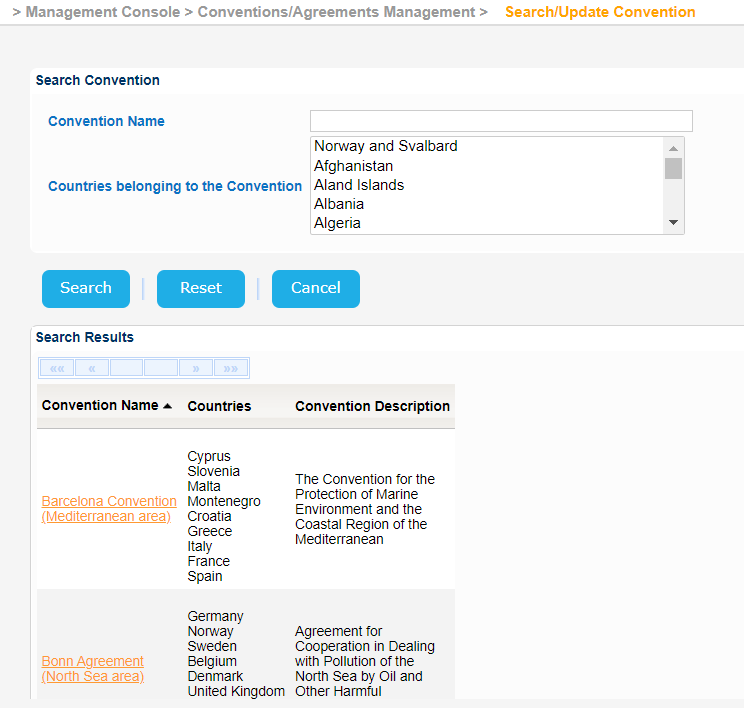
Select one of the results and click on the Convention Name.
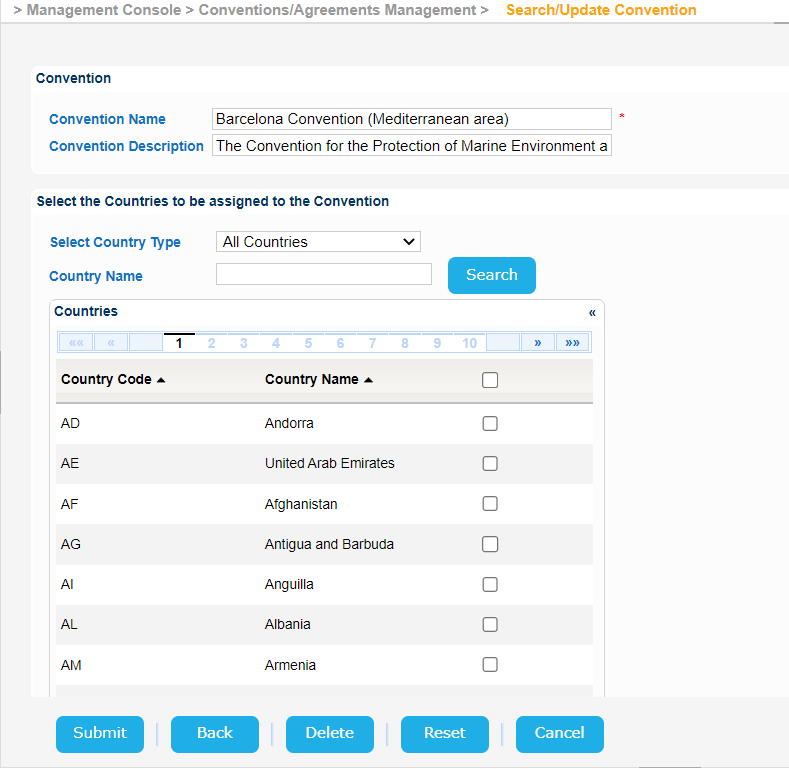
A new screen will be presented with the Convention Details.
Modify any of the available fields and click on Submit button to store the updated values in the database.