
-
Created by
 European Dynamics Trans Contractor, last updated on Dec 28, 2022
2 minute read
European Dynamics Trans Contractor, last updated on Dec 28, 2022
2 minute read
Navigate to Find Information > Incidents Information > IRs reported by Country / Authority.
The application will present a search form with Country/Authority Selection and Time Period Criteria.
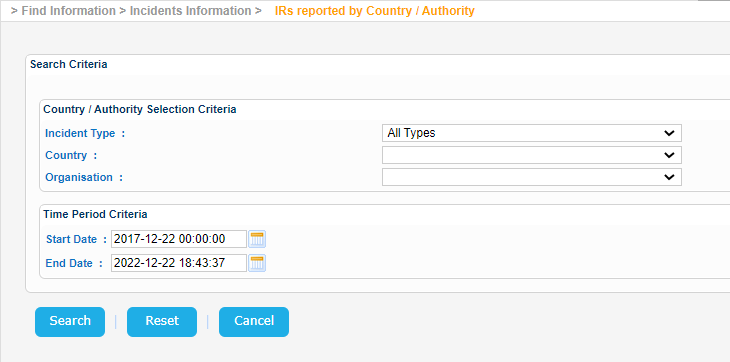
Fill in the Country field, adjust the Time Period criteria if needed and click on Search button.
The application will present a list of IRs associated with this particular country and meet also the rest of the search criteria:
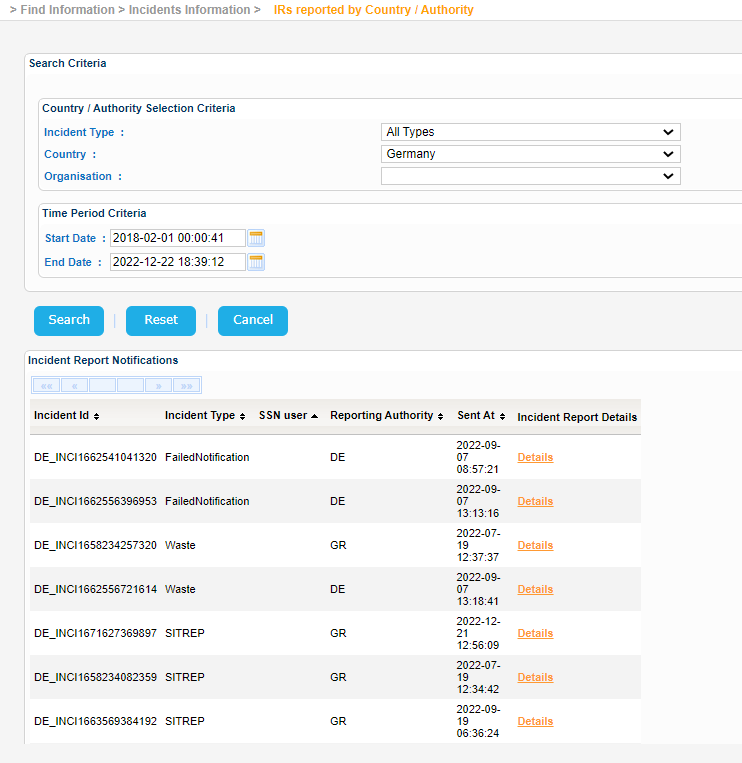
Select one of them and click on Details link under Incident Report Details column:
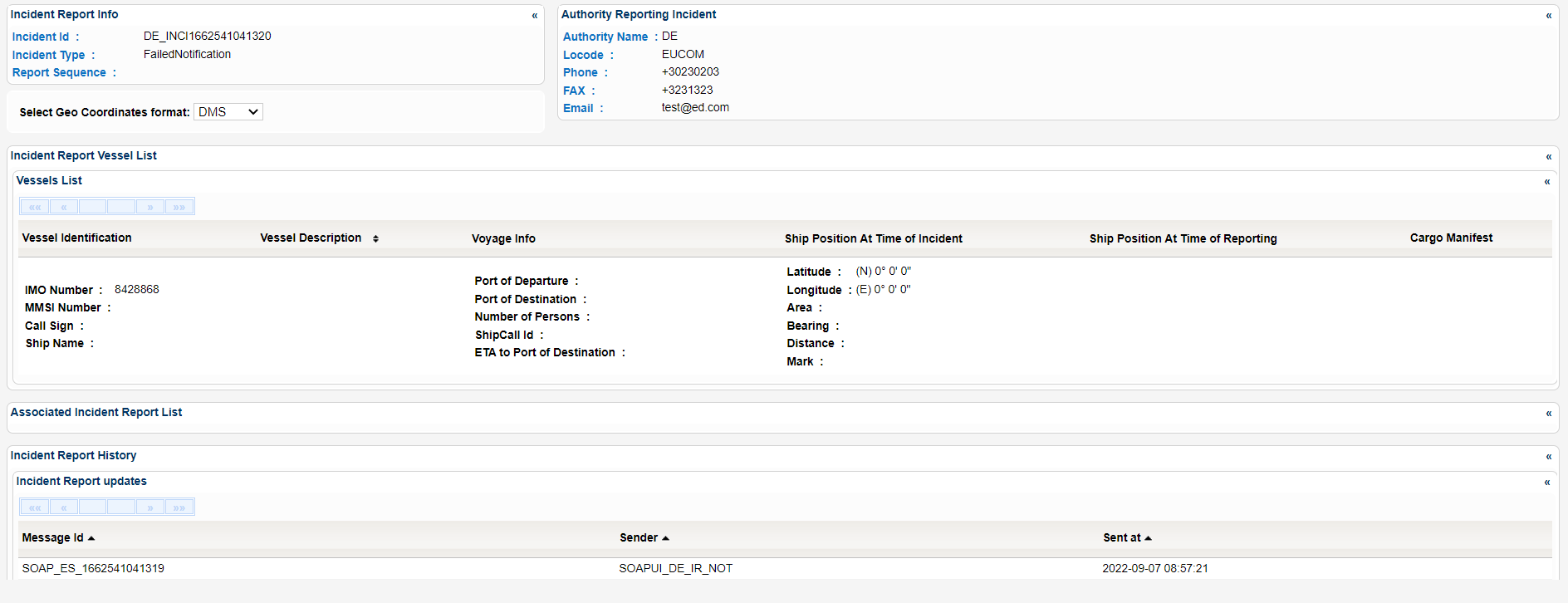
A new pop window is launched which presents the Incident Report Details organized in sub-sections as seen below:
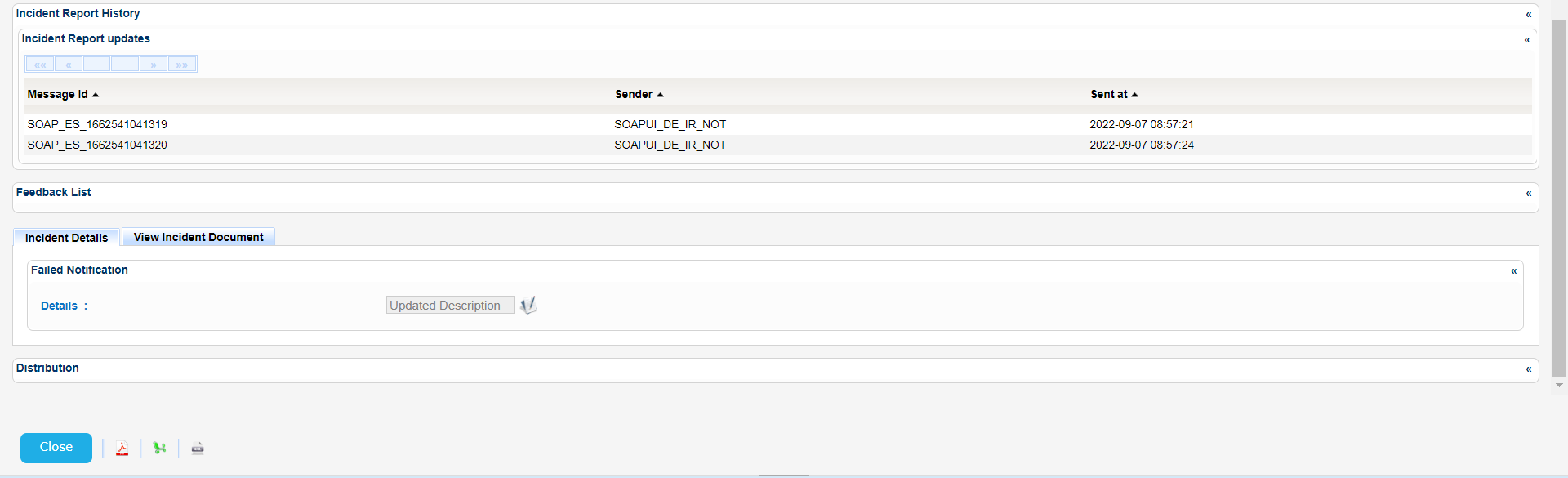
Export the Incident Report Details in Excel, XML, CSV format by clicking on the respective icon on the bottom left side of the pop up window:
 3.3.5.4 IncidentReport-22_12_28 - DE_INCI1662541041320.xml