
-
Created by
 European Dynamics Trans Contractor, last updated on Apr 16, 2026
1 minute read
European Dynamics Trans Contractor, last updated on Apr 16, 2026
1 minute read
Navigate to Send Notifications > Exemptions on Ports under PRF Directive > Upload list of Exemptions.
The application will present a form where you can upload an CSV file with a list of exemptions.
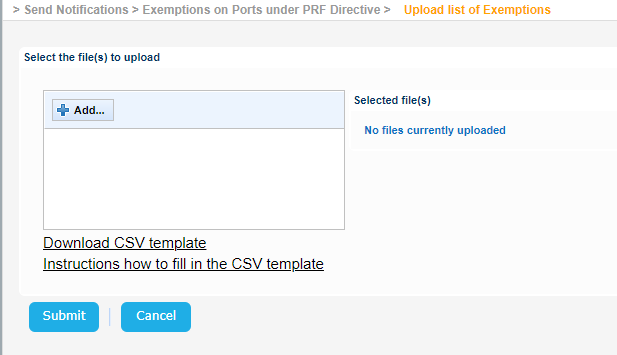
Click on the "Download CSV template" link in order to download the CSV template which should be used.
Click on the "Instructions how to fill in the CSV template" which provides guidelines regarding the correct values for the CSV.
 Upload_list_of_Exemptions_sample.csv
Click on the Add button in order to select the CSV file to upload and on Submit button in order to upload the file to the application.