
-
Created by
 European Dynamics Trans Contractor, last updated on May 01, 2025
3 minute read
European Dynamics Trans Contractor, last updated on May 01, 2025
3 minute read
Navigate to Find Information > Exemptions Information > Exemptions.
The application will present the Vessel search form along with Exemption search criteria,
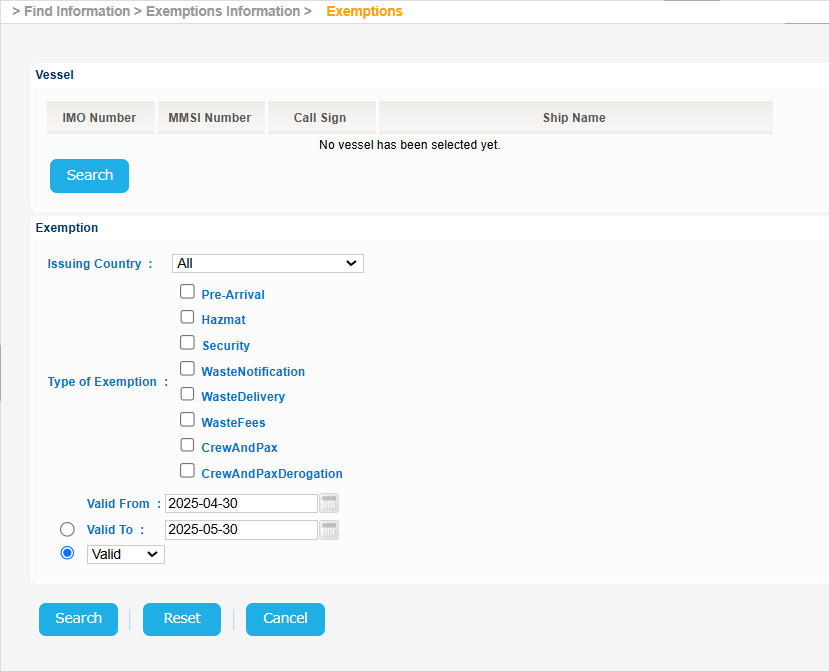
Click the Search button of the Vessel section:
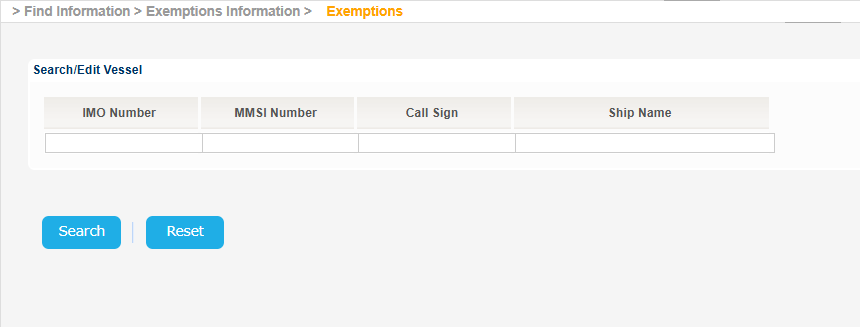
Fill in at least one of the IMO Number, MMSI Number, Call Sign or Ship Name and click on Search button.
The application will present a list of Vessels that meet the search criteria.
Select one of the Vessels and click on the IMO Number link:
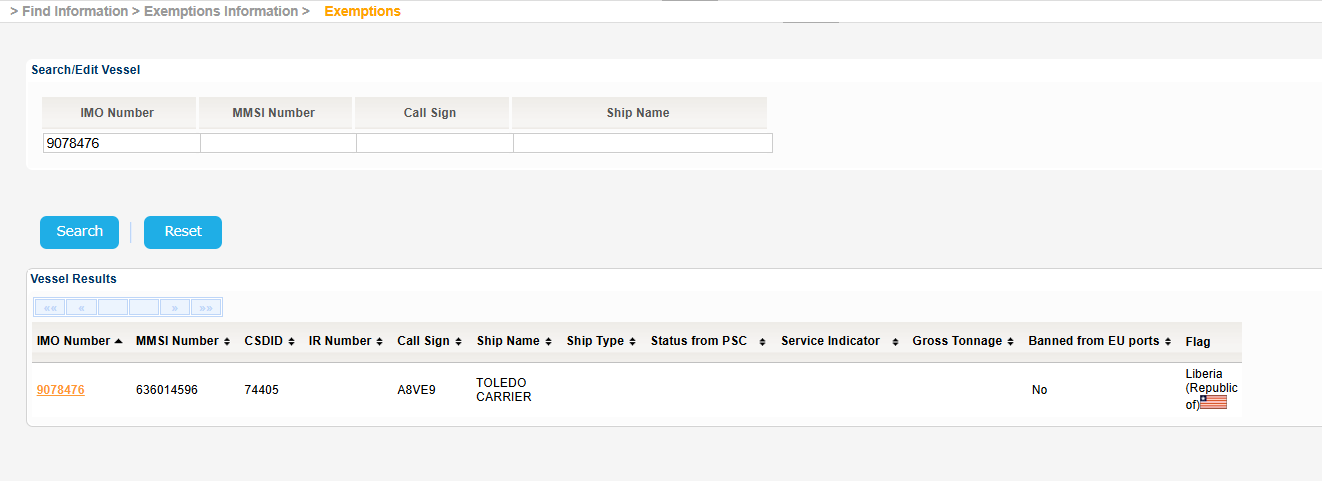
The Service Indicator and Ship Type codes and labels are provided in the attached files:
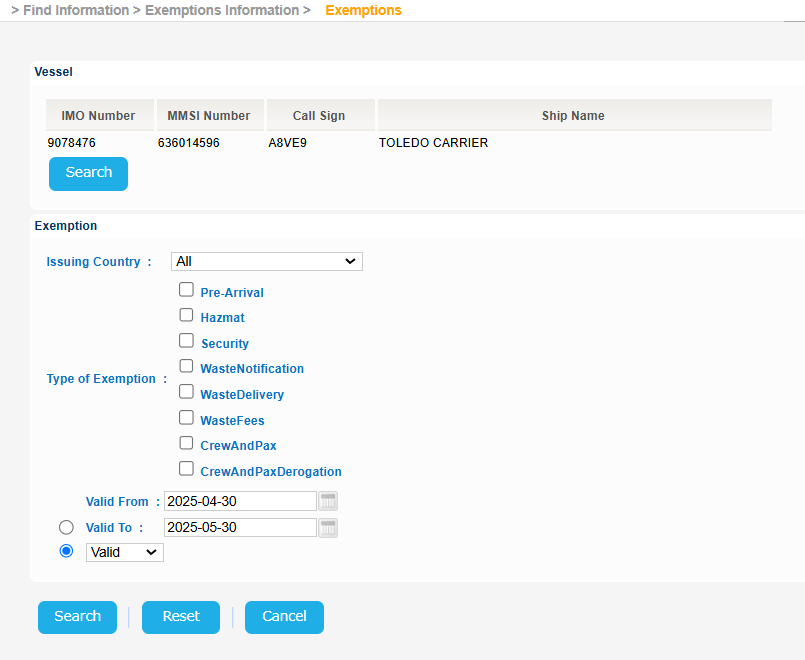
The application will present a new screen containing the Search/Edit Vessel section prefilled, based on the selected Vessel, along with the Exemption criteria.
Fill in, optionally, the Exemption criteria and click on Search button:
Alternatively you may not select any Vessel and just fill in the Exemption criteria and click on Search button.
In either case the application will present a list of Exemptions for the Scheduled Services:
Select an Exemption and click on Applies to Link.
A new pop up window will be launched to present the Port Code and the Exempted Port Facility:
Close the previous pop up.
Select the same or another Exemption and click on Waste Types link
A new pop up window will be launched to present the applicable Waste Types:
Export the search results in Excel, XML, CSV format by clicking on the respective icon on the bottom left side of the search results table: