
-
Created by
 European Dynamics Trans Contractor, last updated on Jul 12, 2026
3 minute read
European Dynamics Trans Contractor, last updated on Jul 12, 2026
3 minute read
Navigate to Statistics Console > Logs > Search Logs.
The application will present a search form with various search criteria related to the messages exchanged between SSN and MS/ES systems.
The message types supported are the following:
Fill in any of the search criteria and click on Search button.
The year of the input date cannot be more than 9999.
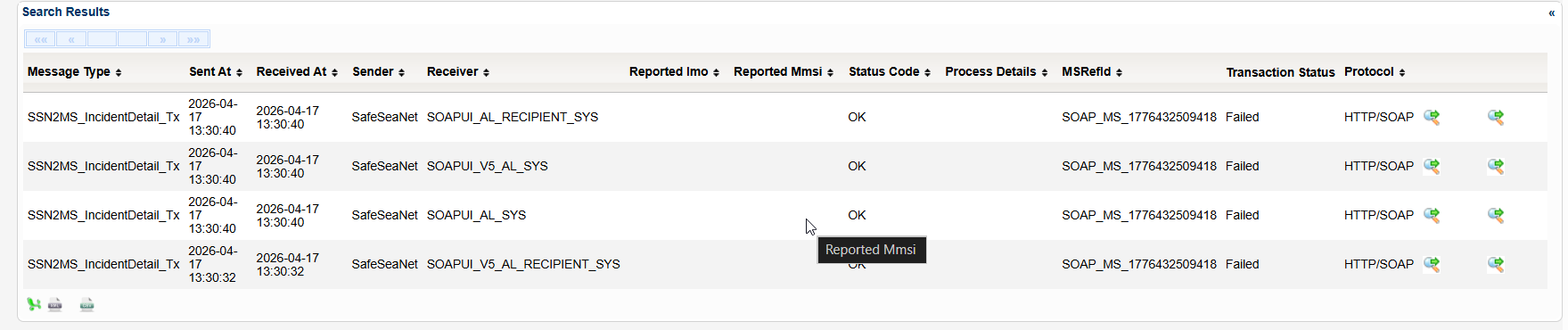
The application will present a list of messages that fulfill the search criteria.
For each Message information about its type, status, transaction status, protocol and details about the processing among others are presented.
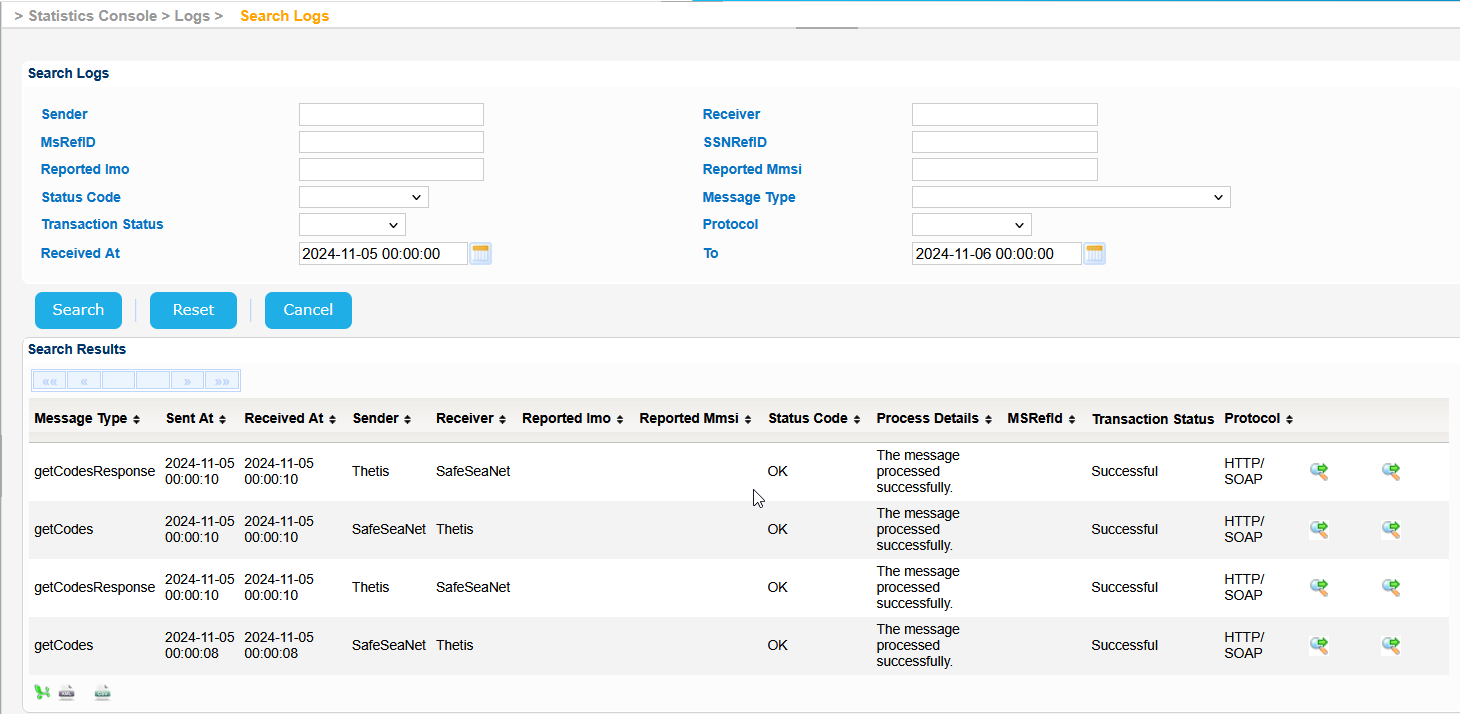
Select a Message and click on the green icon on the right of the screen having the "Show xml message" tooltip.
A pop up window will be launched where the actual XML message can be seen.
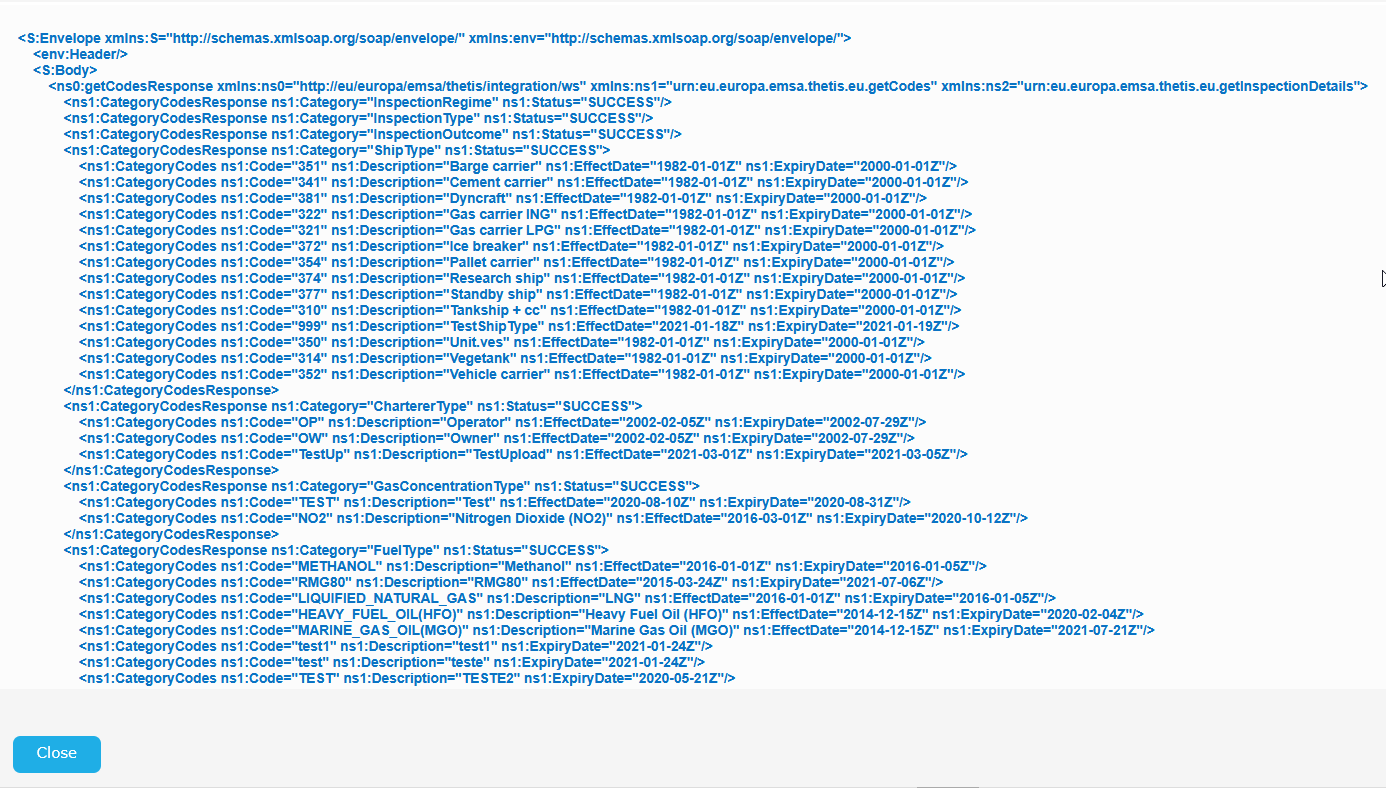
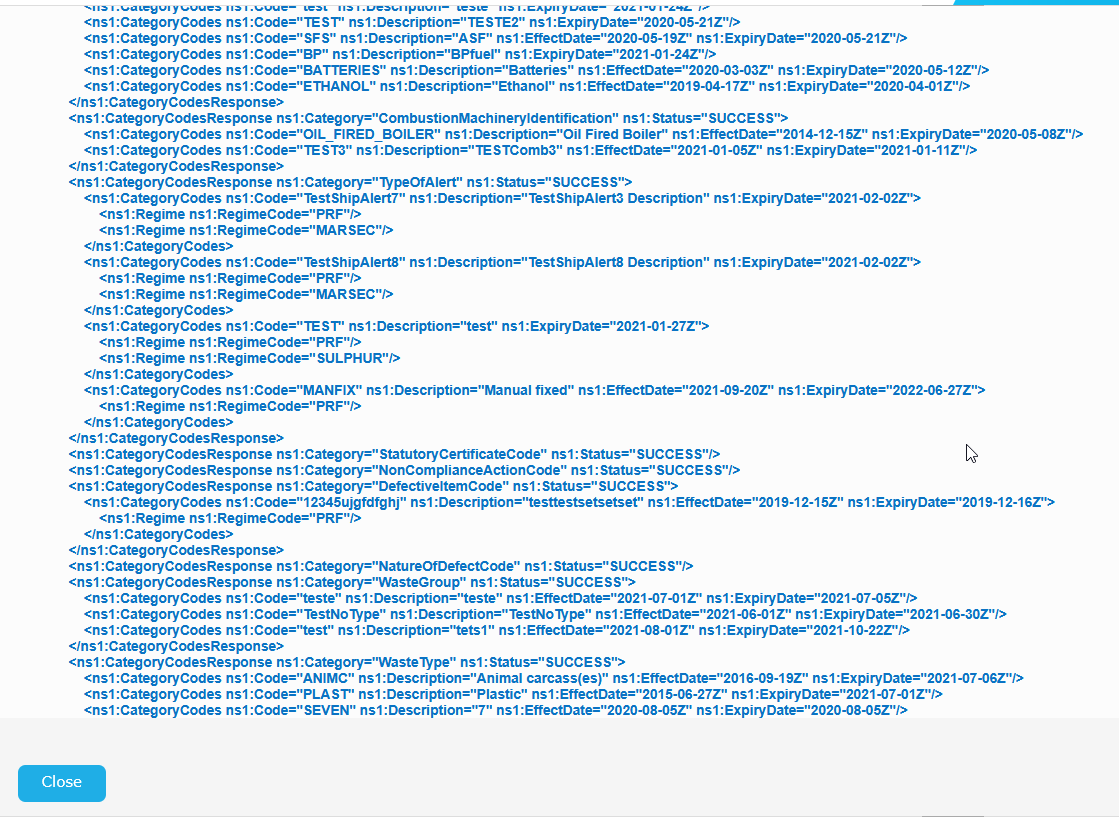
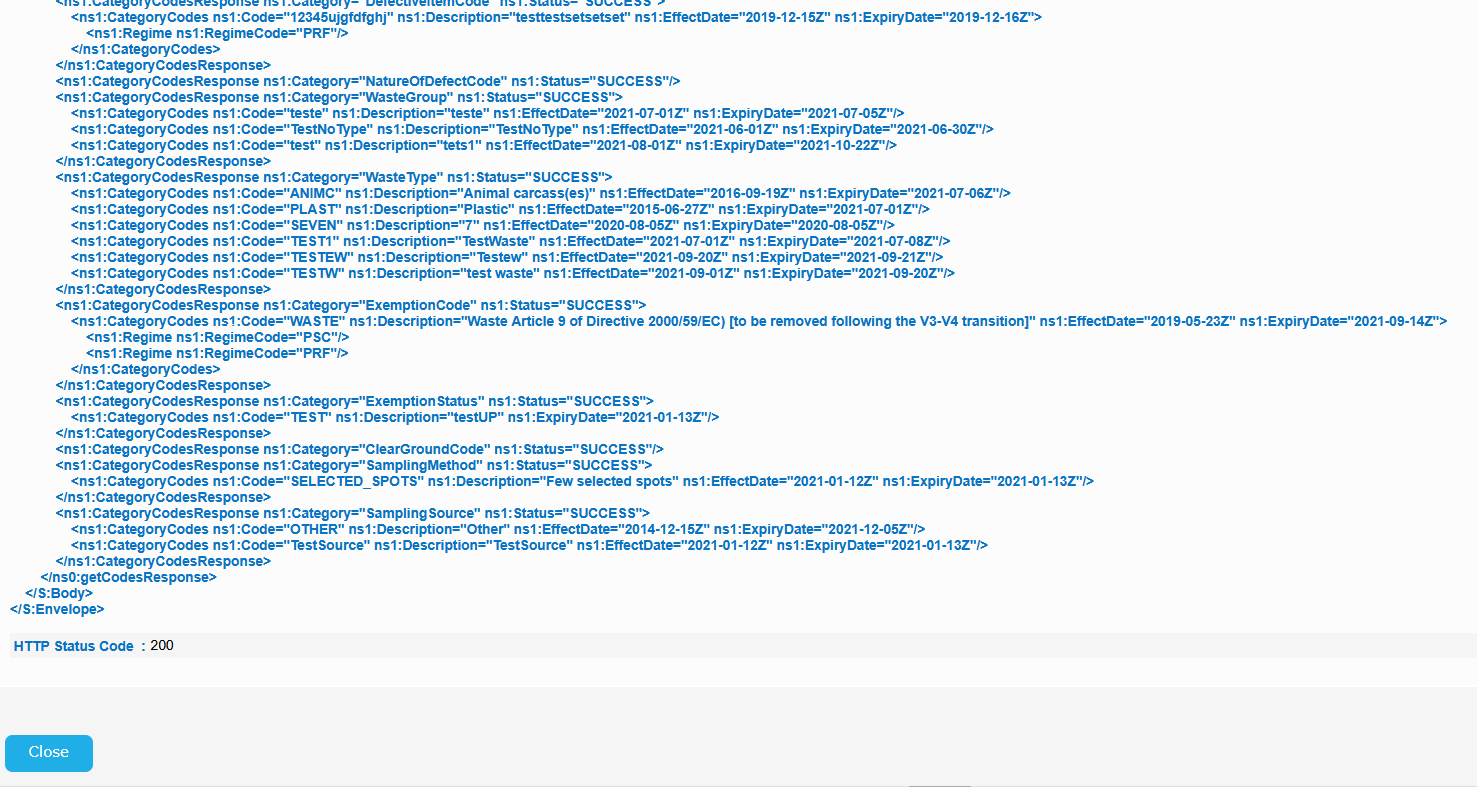
Similarly click on the green icon, of the results table, on the right of the screen having the "Show transaction messages" tooltip.
A pop up window will be launched also where the details of the transaction are presented..

For IDM UserInfo service the relevant screens are the following:
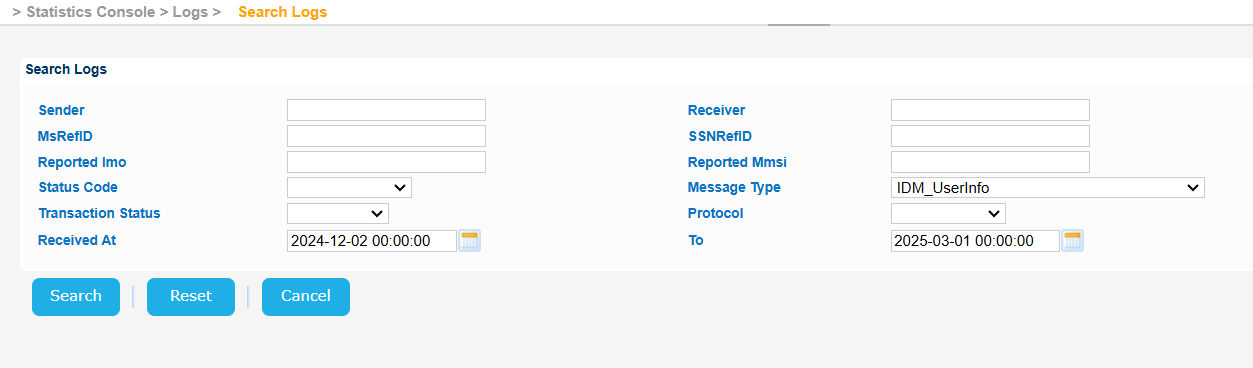

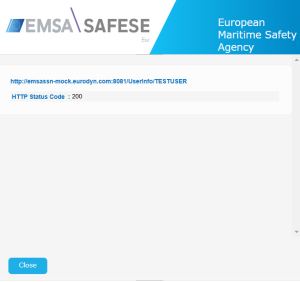
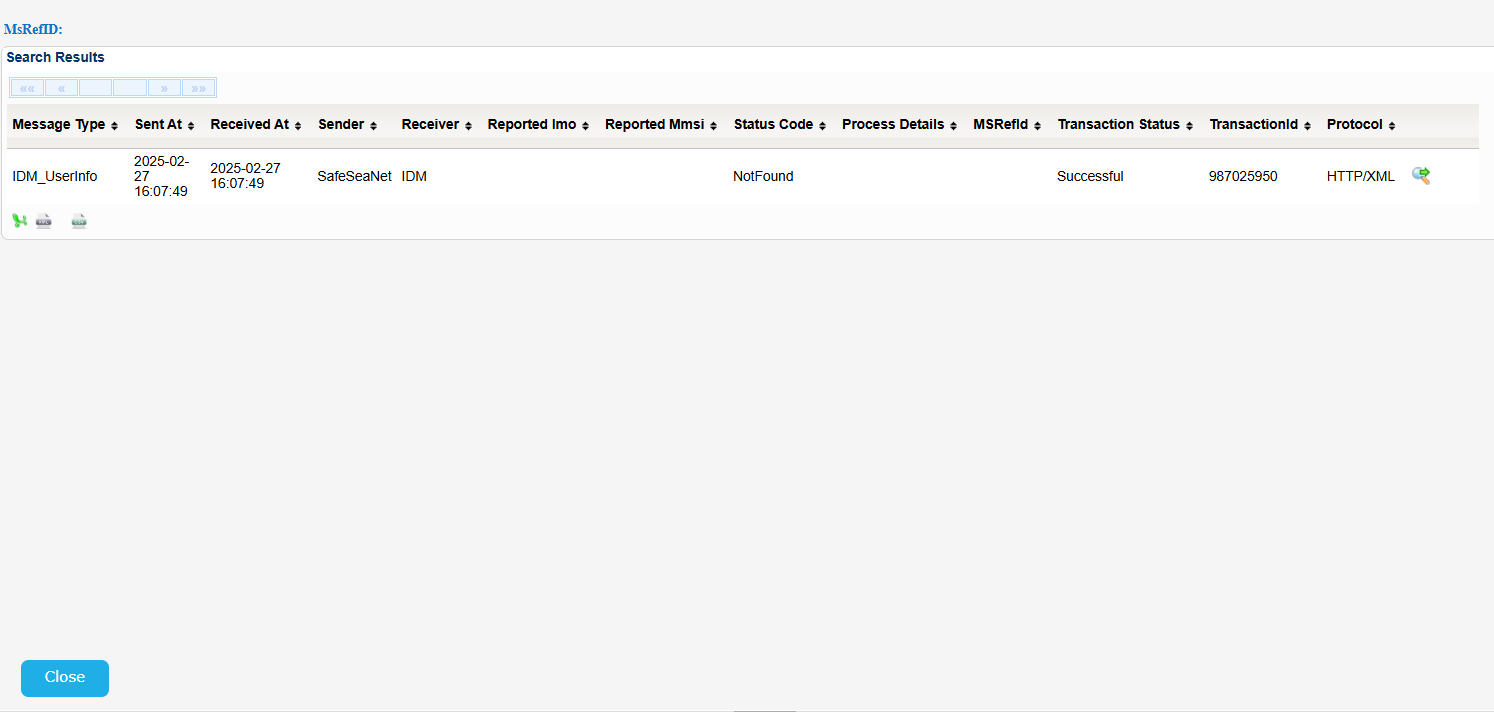
Indicative samples for SSN2MS_IncidentDetail_Tx are the following: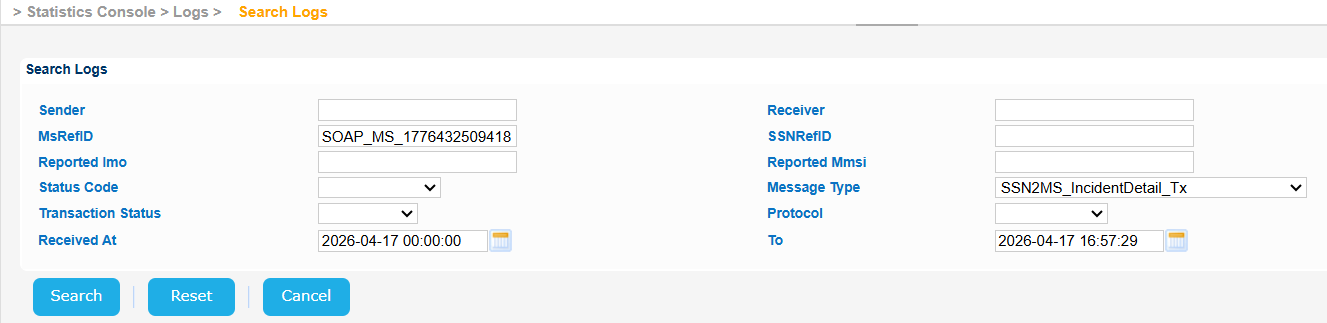
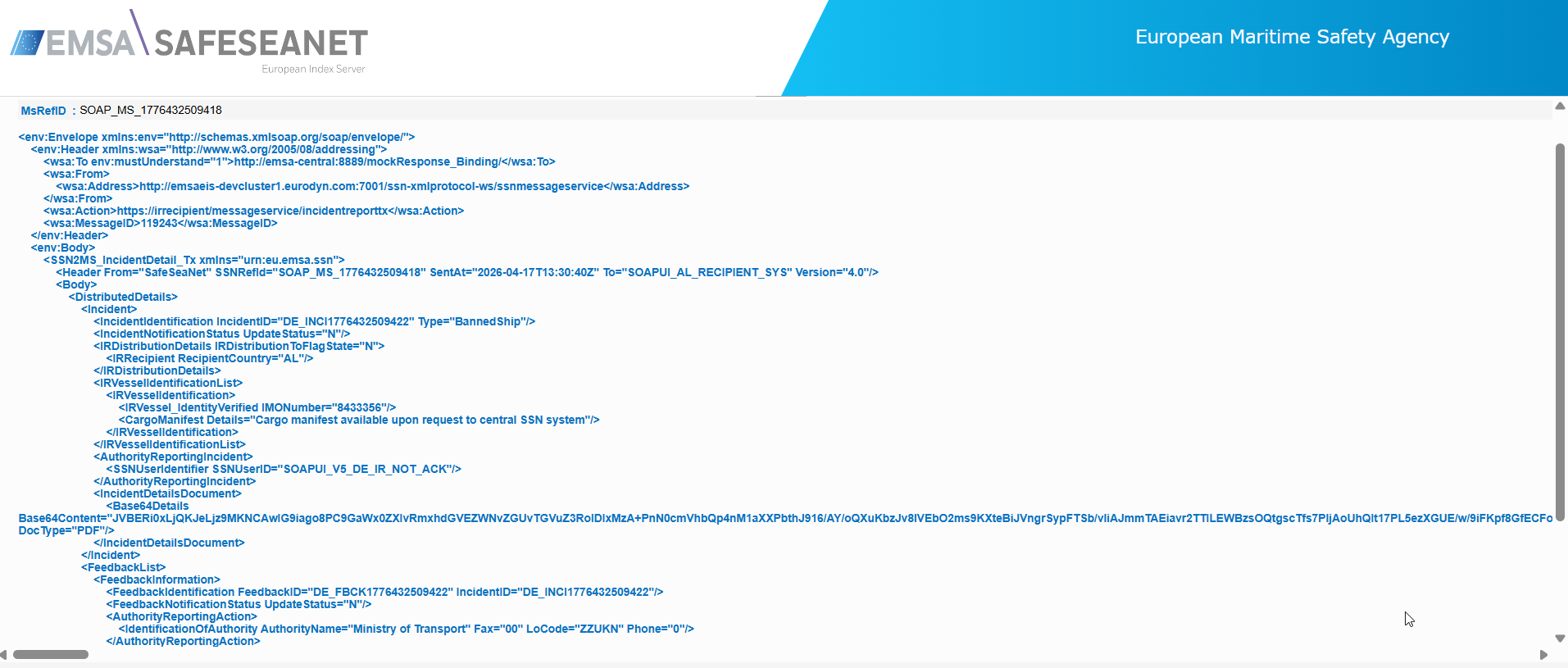

When an incident feedback Notification contains an AuthorityReportingAction with SSNUserIdentifier->SSNUserID, the details of the user's Organisation will be included instead of the SSNUserId in the feedback of the TX or Res message under the AuthorityReportingAction.
This applies to all messages SSN2MS_IncidentDetail_Tx (v4 and v5), SSN2MS_IncidentReport_Res (v4 and v5), SSN2ES_IncidentReport_Res (v4).
This is the same implementation as for AuthorityReportingIncident element when SSNUserIdentifier->SSNUserID is reported.