-
Created by
 European Dynamics Trans Contractor, last updated on Jul 23, 2026
2 minute read
European Dynamics Trans Contractor, last updated on Jul 23, 2026
2 minute read
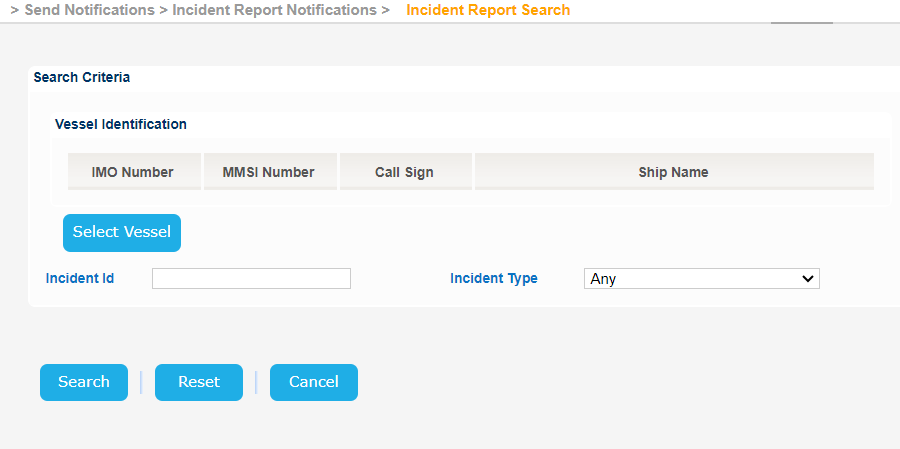
Navigate to Send Notifications > Incident Report Notifications > Incident Report Search.
The application will present the Vessel search form along with the Incident Id and Incident Type fields.
Fill in at least one of the search fields and optionally include the Vessel particulars search criteria and click on Search button.
The application will present a list of Incidents that meet the search criteria.
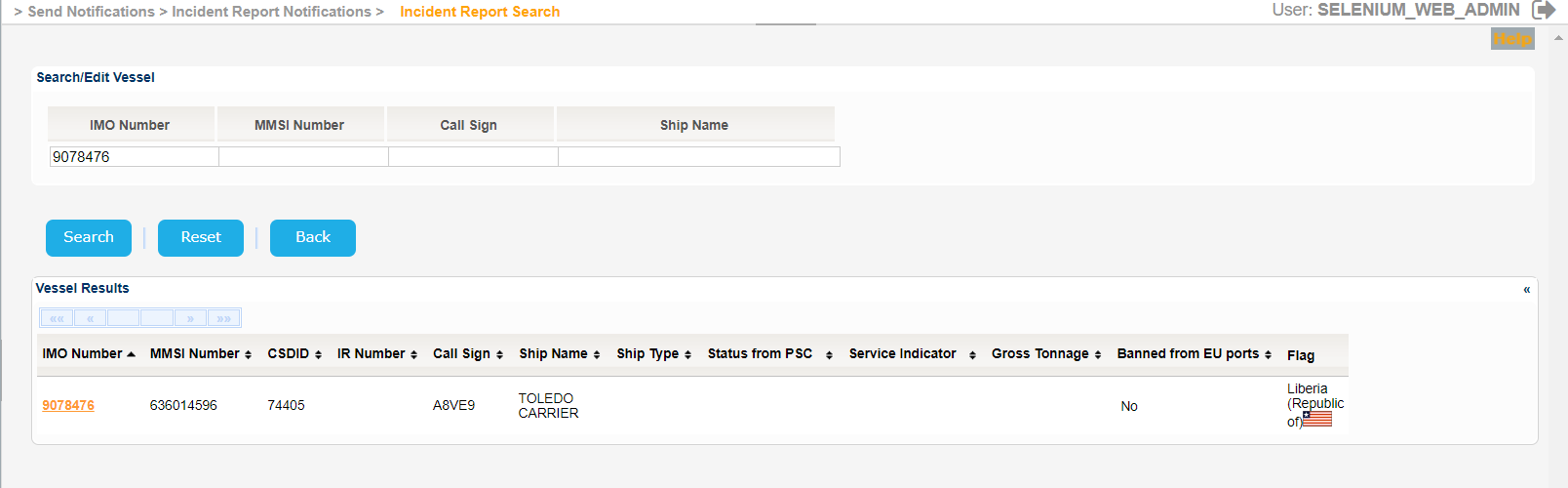
The Service Indicator and Ship Type codes and labels are provided in the attached files:
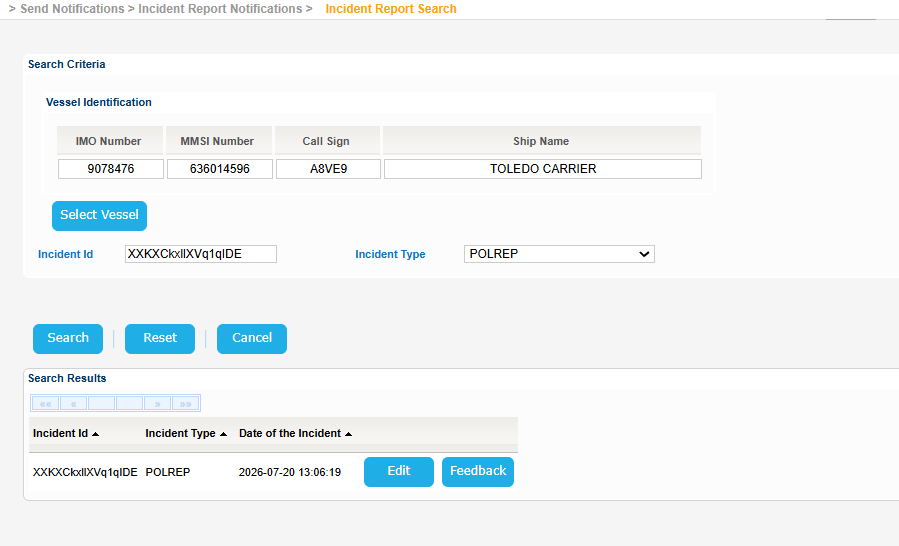
Select an Incident and Click on Edit button.
The application will present the Edit Incident Form where you can update the Incident or delete it by clicking the relevant buttons.
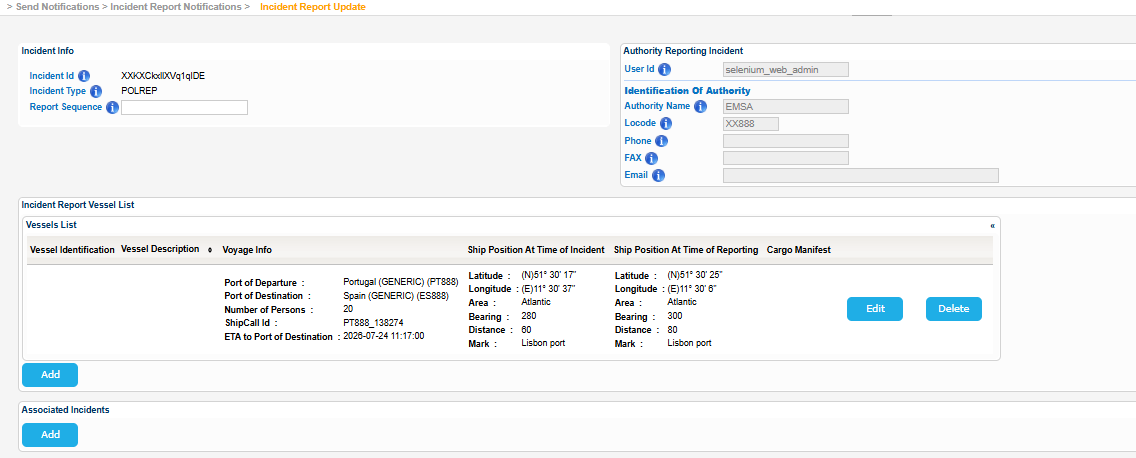
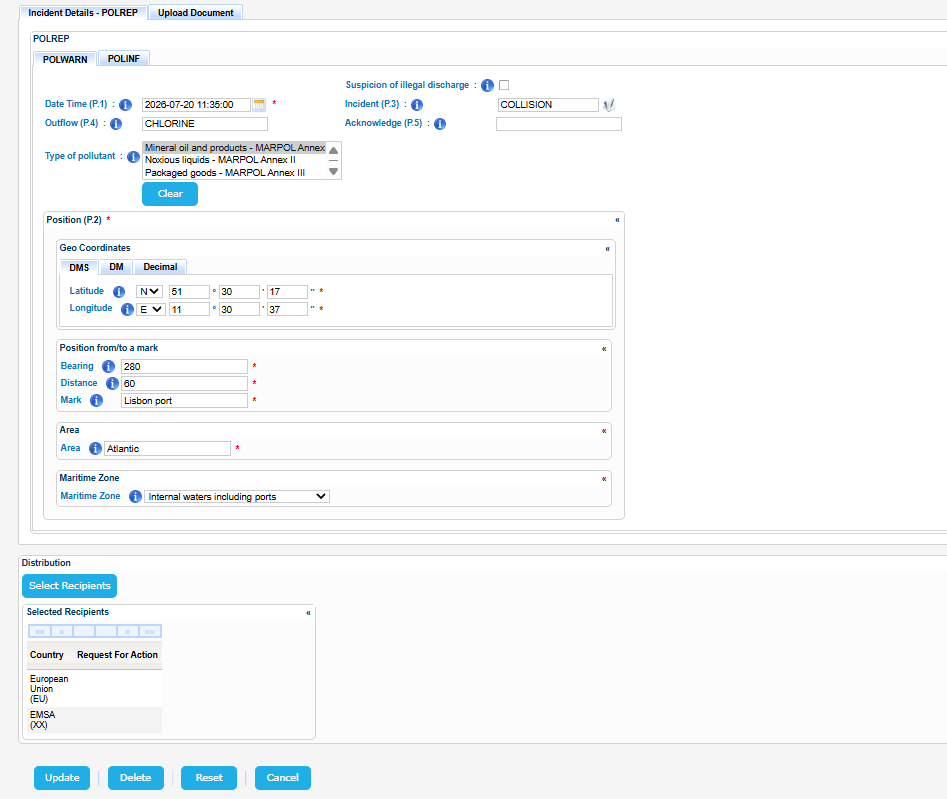
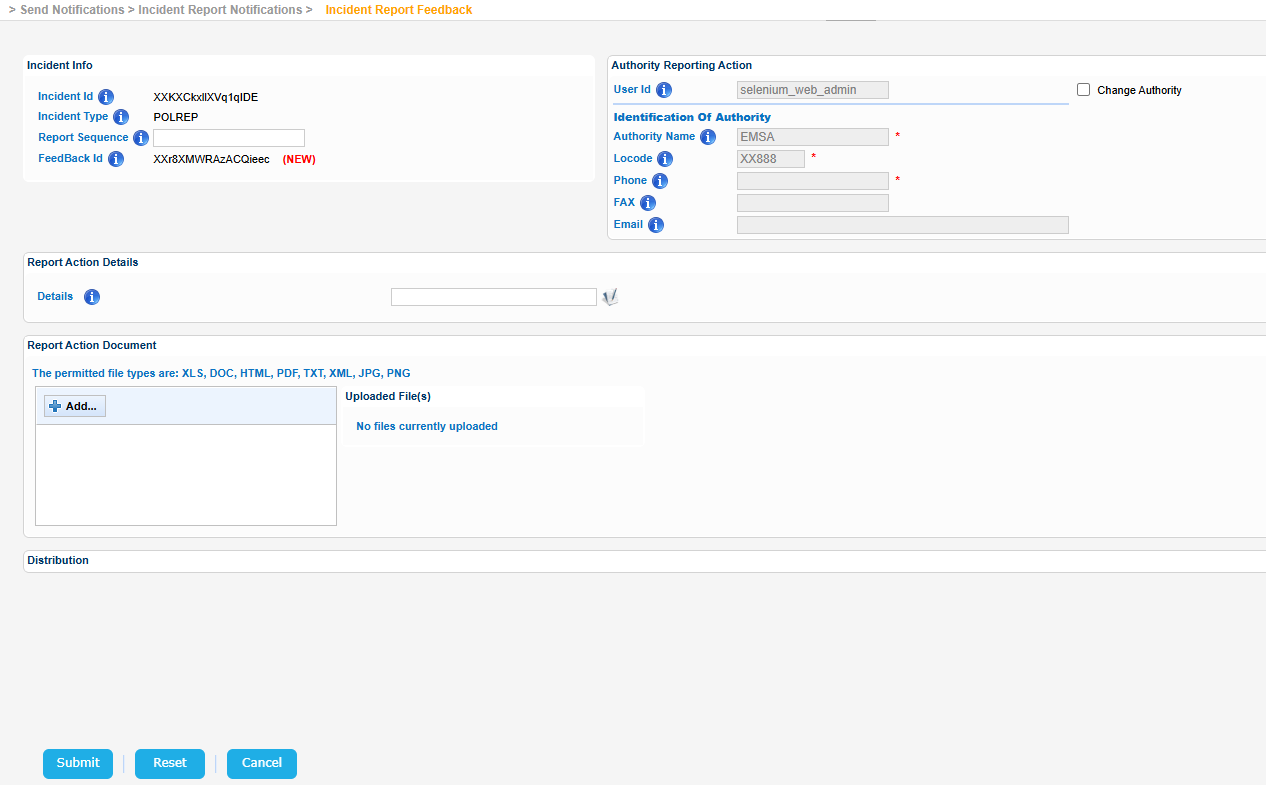
Apart from editing/deleting the Incident Report you may provide feedback by clicking on the relevant button of the Incident results table.
In this case the application will present a slightly different screen where you can modify the Report Sequence, the Report Action Details, the Report Action Document and the Recipients.