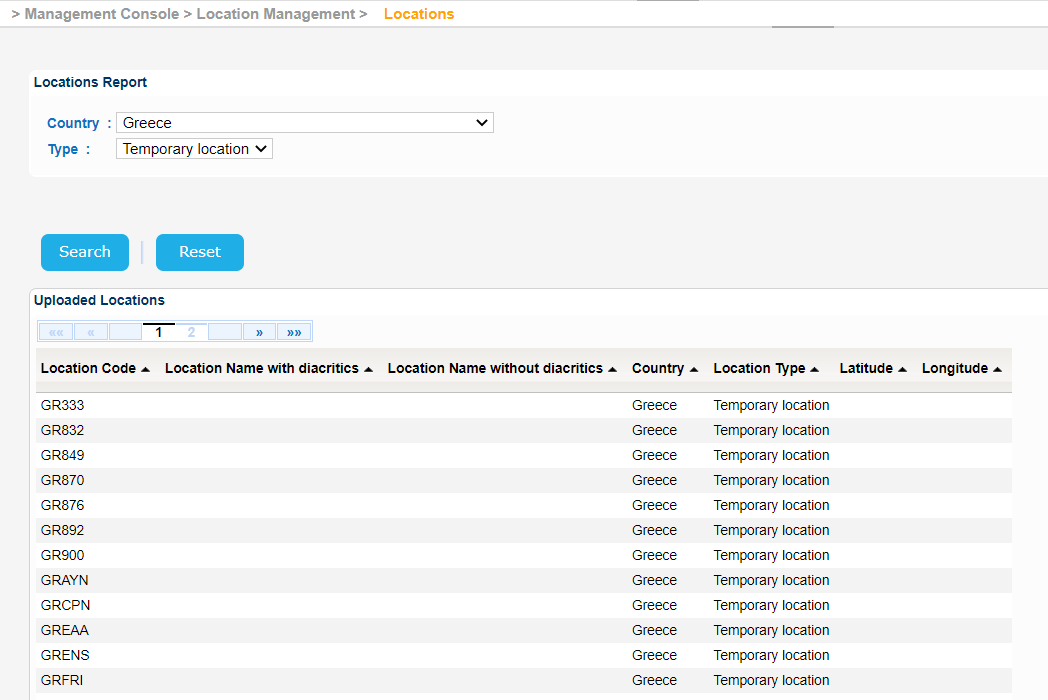
Navigate to Management Console > Location Management > Locations.
The application will present a search form for the Locations Report.
Fill in the search criteria and click on Search button.
The application will present a list of uploaded Locations that meet the search criteria.
The application will present further Location details on a new screen:
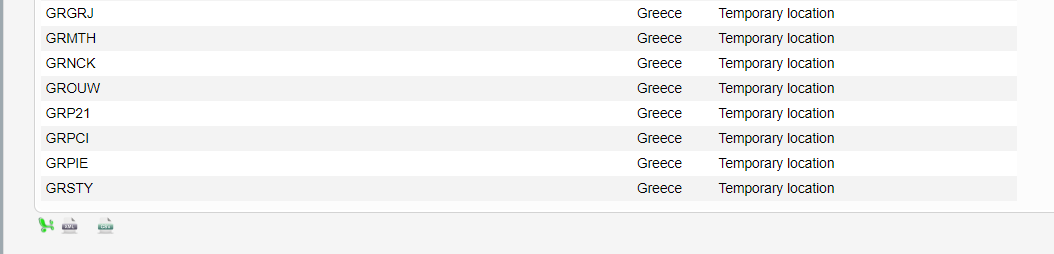
In order to export the results in Excel, XML or CSV format click on the relevant button at the bottom left of the table.