-
Created by
 European Dynamics Trans Contractor, last updated on Dec 27, 2022
1 minute read
European Dynamics Trans Contractor, last updated on Dec 27, 2022
1 minute read
Navigate to Management Console > Location Management > Search Location.
The application will present a search form.
Fill in the search criteria and click on Search button.
The application will present a list of Locations that meet the search criteria.
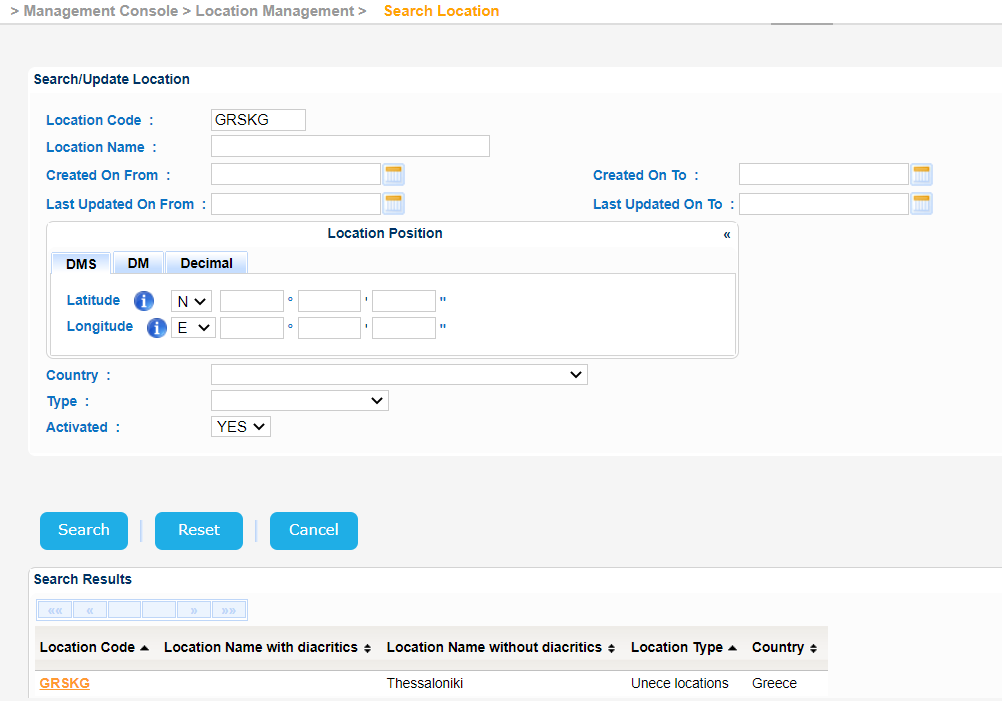
Select one and click on its Location Code link of the Search Results.
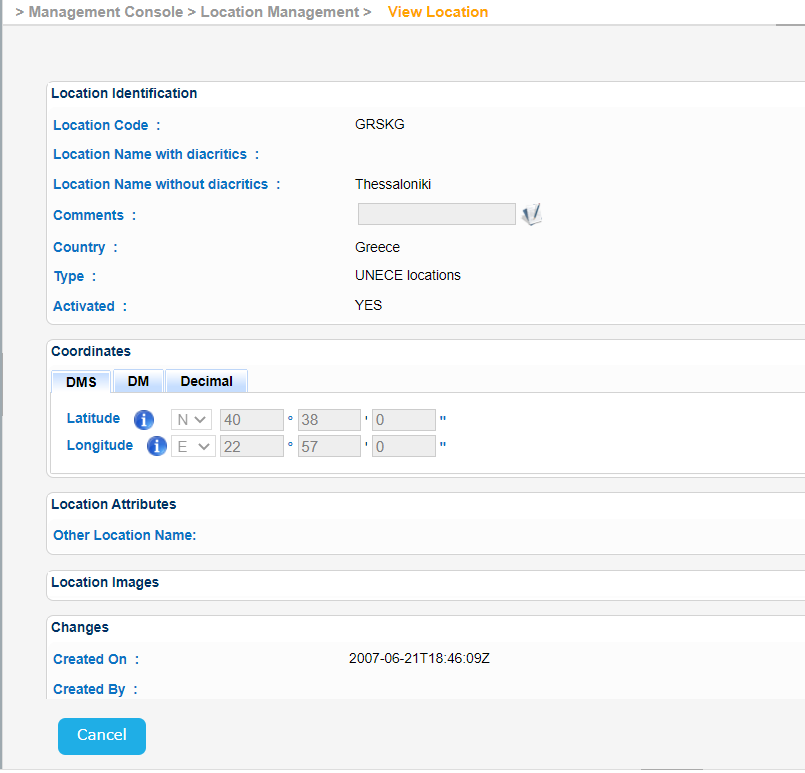
The application will present further Location details on a new screen.