
Navigate to Find Information > Port Call Information > Based on ShipCallId.
The application will present the following screen:
...
Fill in a Ship Call Id and click on Search button.
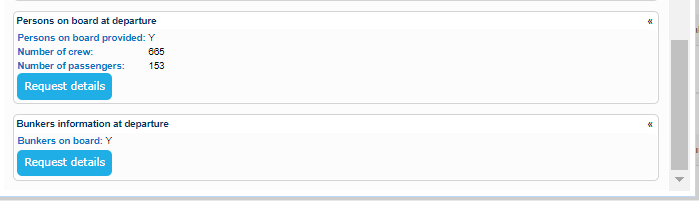
The application will perform a search and present in the results results information organized in the following sections:
...
If no Country value is provided during the search, the application sets the appropriate one as soon as renders the results.
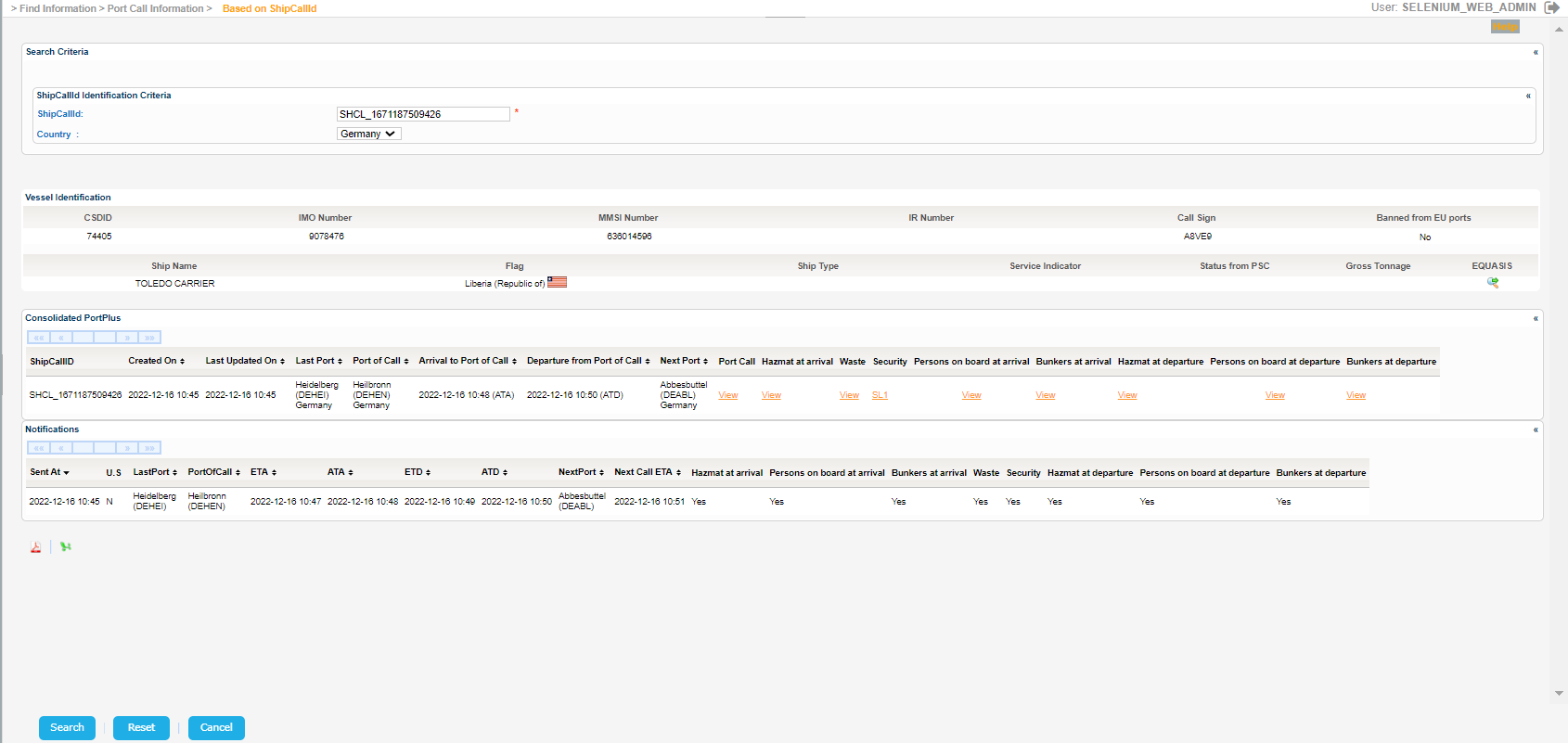
The Service Indicator and Ship Type codes and labels are provided in the attached files:View file name Service Indicator codes.xls height 250 View file name Ship Type UN codes.xls height 250
Click on the EQUASIS link to get further details from EQUASIS on a new tab.
Indicative sample is presented in [3.3.1 Integrated Ship Information] section.
Export the search results in PDF or Excel format by clicking on the respective icon on the bottom left side of the screen:
...
For View url the following pop window is presented:
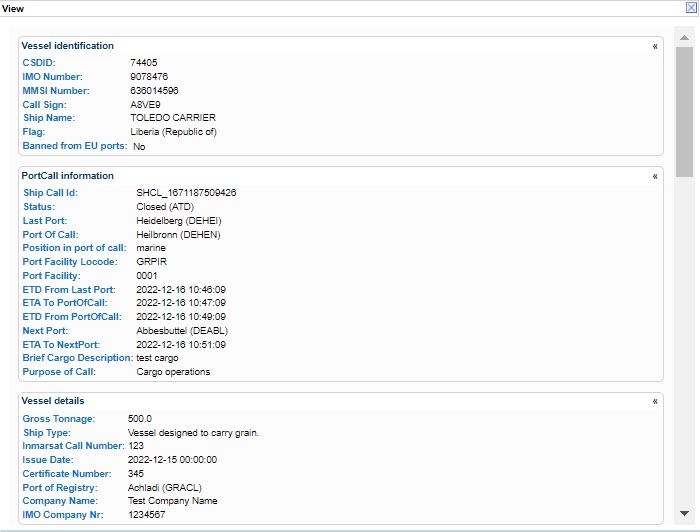
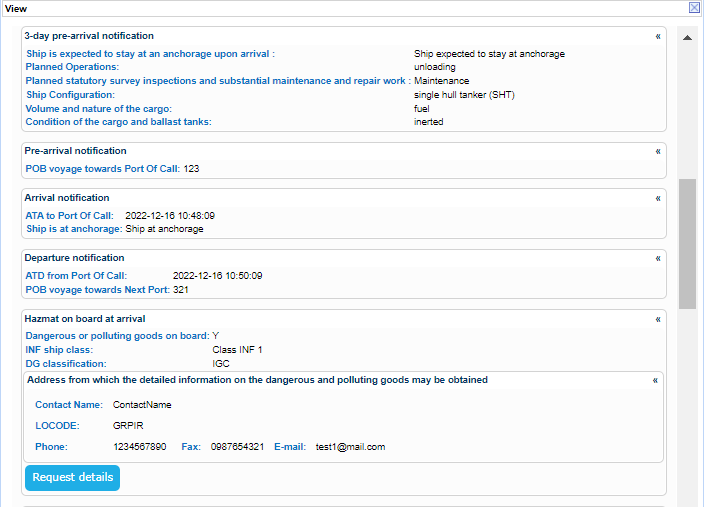
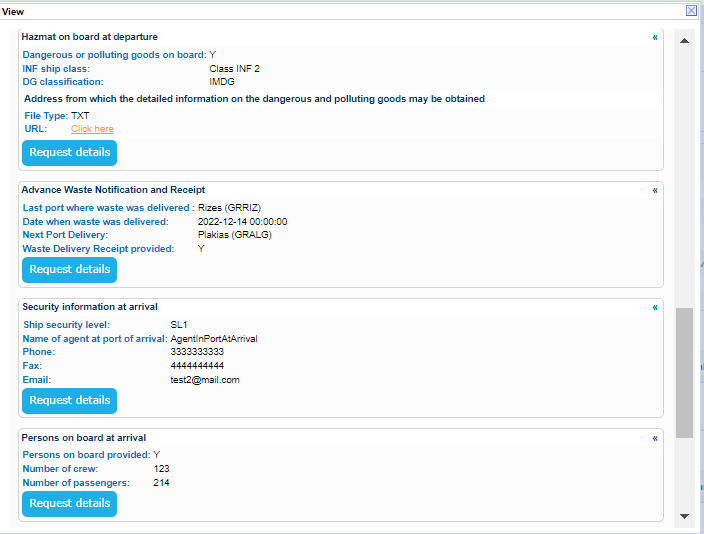
Indicative samples for the rest of the pop ups are presented in [3.3.1 Integrated Ship Information] section.