
Navigate to Find Information > Exemptions Information > Exemptions.
The application will present the Vessel search form along with Exemption search ctiteria,criteria,
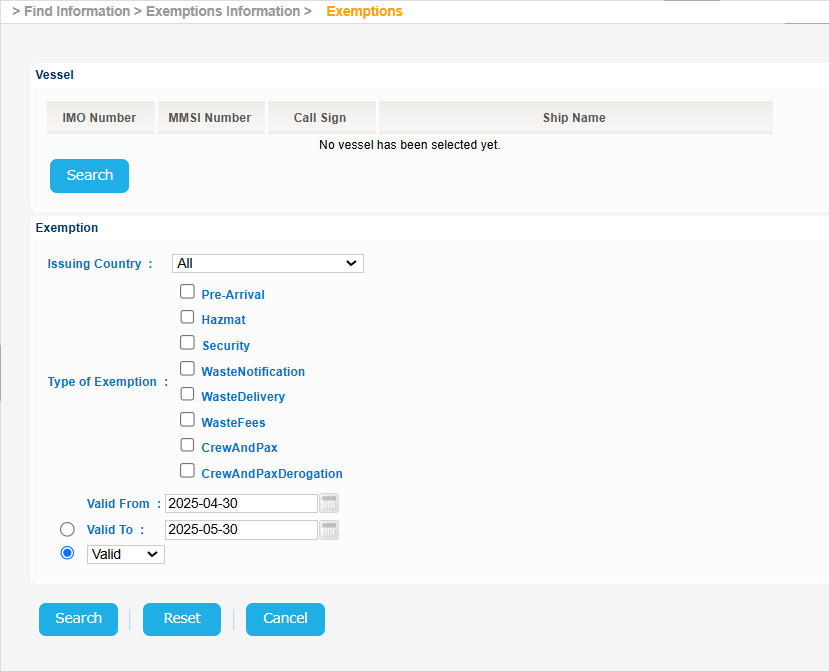
The year of the input date cannot be more than 9999
Click the Search button of the Vessel section:
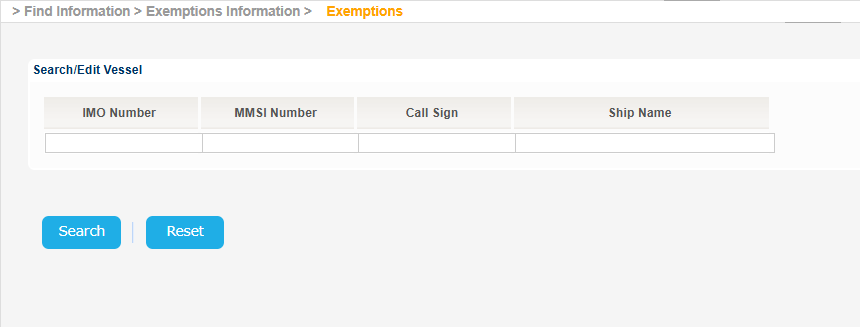
Fill in at least one of the IMO Number, MMSI Number, Call Sign or Ship Name and click on Search button.
The application will present a list of Vessels that meet the search criteria.
Select one of the Vessels and click on the IMO Number link:
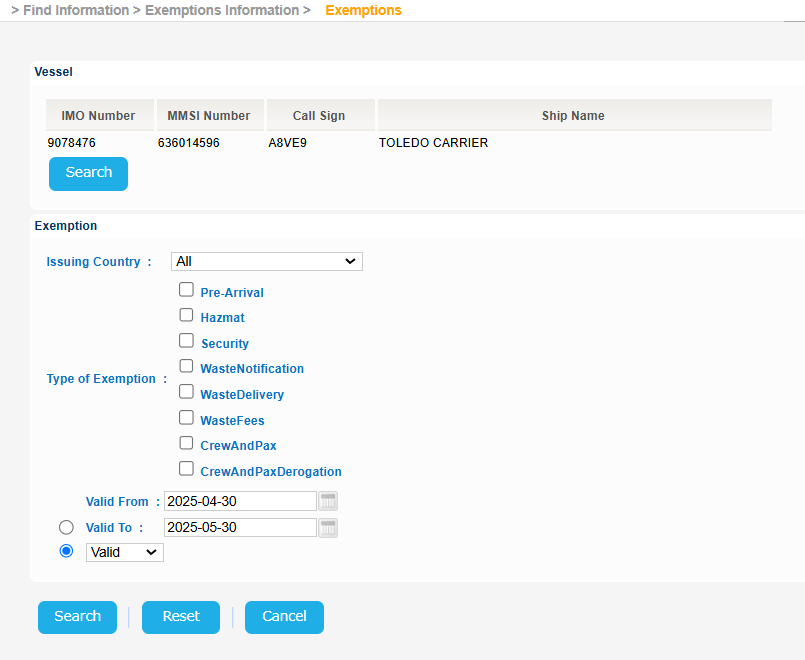
The application will present a new screen containing the Search/Edit Vessel section prefilled, based on the selected Vessel, along with the Exemption criteria.
Fill in, optionally, the Exemption criteria and click on Search button:
Alternatively you may not select any Vessel and just fill in the Exemption criteria and click on Search button.
In either case the application will present a list of Exemptions for the Scheduled Services:

Select an Exemption and click on Applies to Link.
A new pop up window will be launched to present the Port Code and the Exempted Port Facility: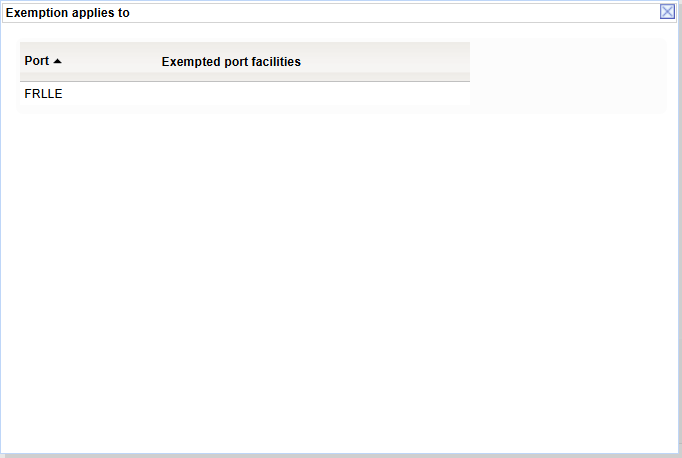
Close the previous pop up.
Select the same or another Exemption and click on Waste Types link
A new pop up window will be launched to present the applicable Waste Types:
Export the search results in Excel, XML, CSV format by clicking on the respective icon on the bottom left side of the search results table:
| View file | ||||
|---|---|---|---|---|
|
| View file | ||||
|---|---|---|---|---|
|
| View file | ||||
|---|---|---|---|---|
|