
...
In order to successfully create an Incident Report you need to select an Incident Type (e.g. POLREP) and fill in the rest of the mandatory fields.
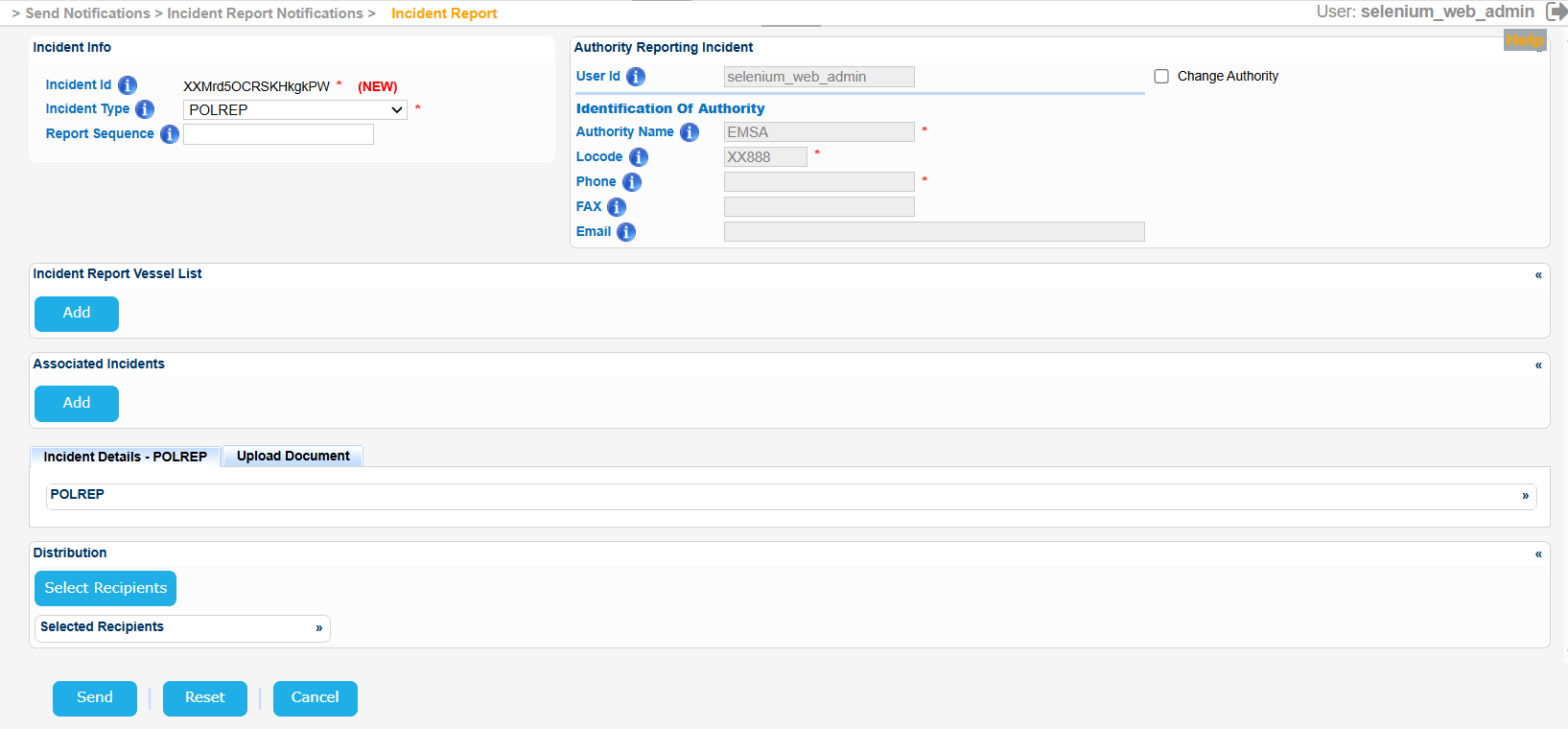
For the Vessels taking part in the Incident Report click on Add button of the Incident Report Vessel List section.
A new screen will present the Vessel search form along with a prefilled option that states that the Vessels is identified.
Fill in the at least one of Vessel particulars, click on Search Button and select one of the presented Vessels in the Results table by clicking on the IMO number link.
The application will present in a new screen the Vessel Identification section with the details of the selected Vessel and again the Vessel Identified option will be checked.
Should you decide that the Vessel is not identified and click on the relevant radio button, then the Vessel Identification section will be replaced by a field name Vessel Description where you need to fill in a short description of the Vessel.
Additional information can be provided for the Voyage and the actual Ship Position and the Cargo Manifest in the relevant sub-sections.
...