
Navigate to Find Information > Incidents Information > IRs reported by Country / Authority.
The application will present a search form with Country/Authority Selection and Time Period Criteria.
The year of the input date cannot be more than 9999,
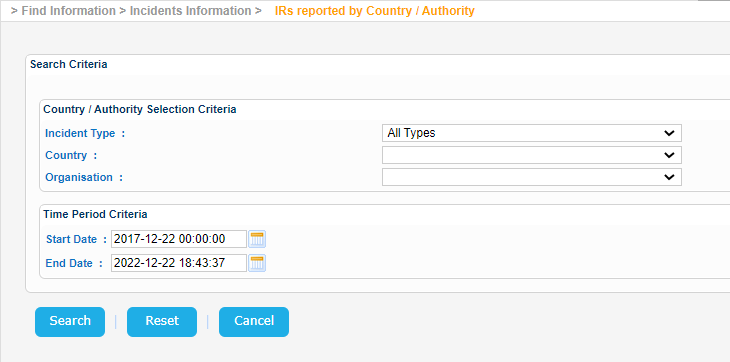
Fill in the Country field, adjust the Time Period criteria if needed and click on Search button.
The application will present a list of IRs associated with this particular country and meet also the rest of the search criteria:
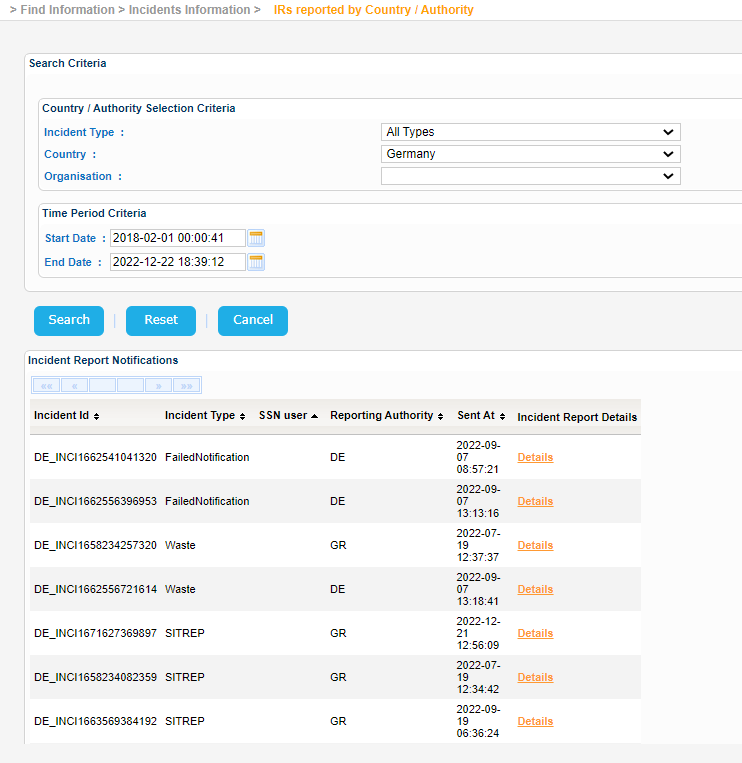
Select one of them and click on Details link under Incident Report Details column:
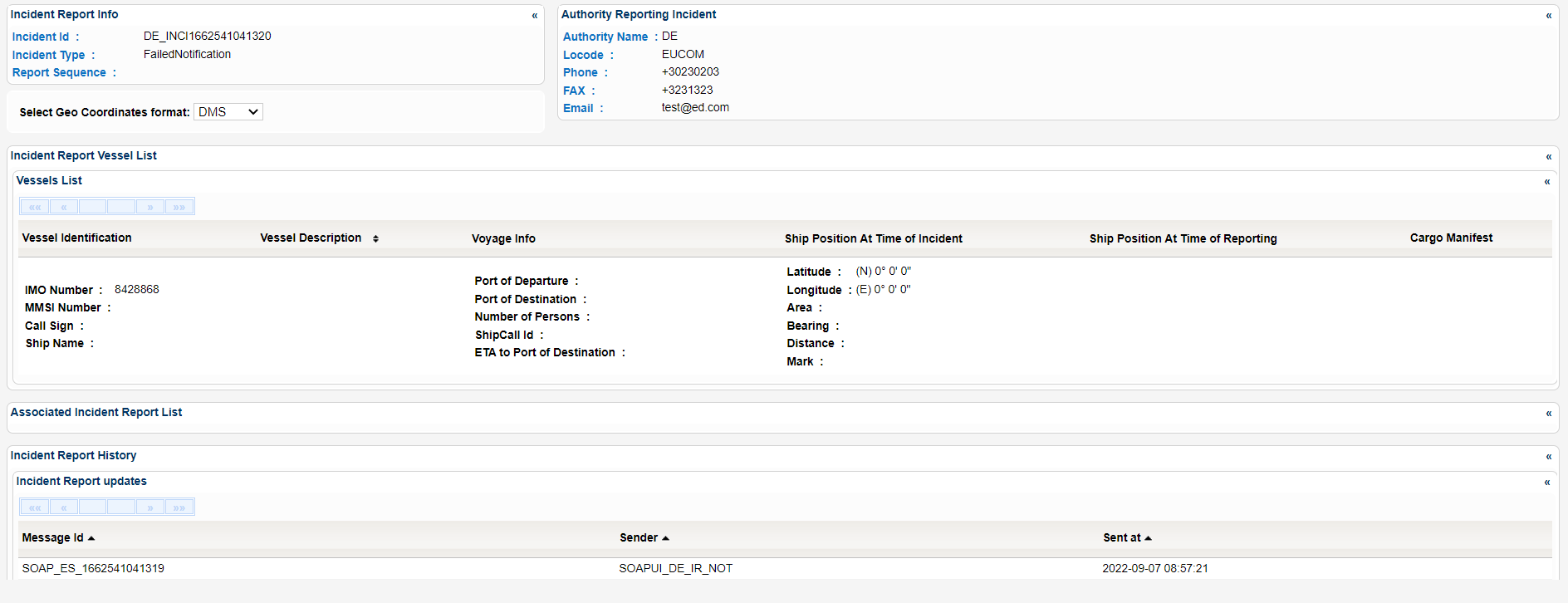
A new pop window is launched which presents the Incident Report Details organized in sub-sections as seen below:
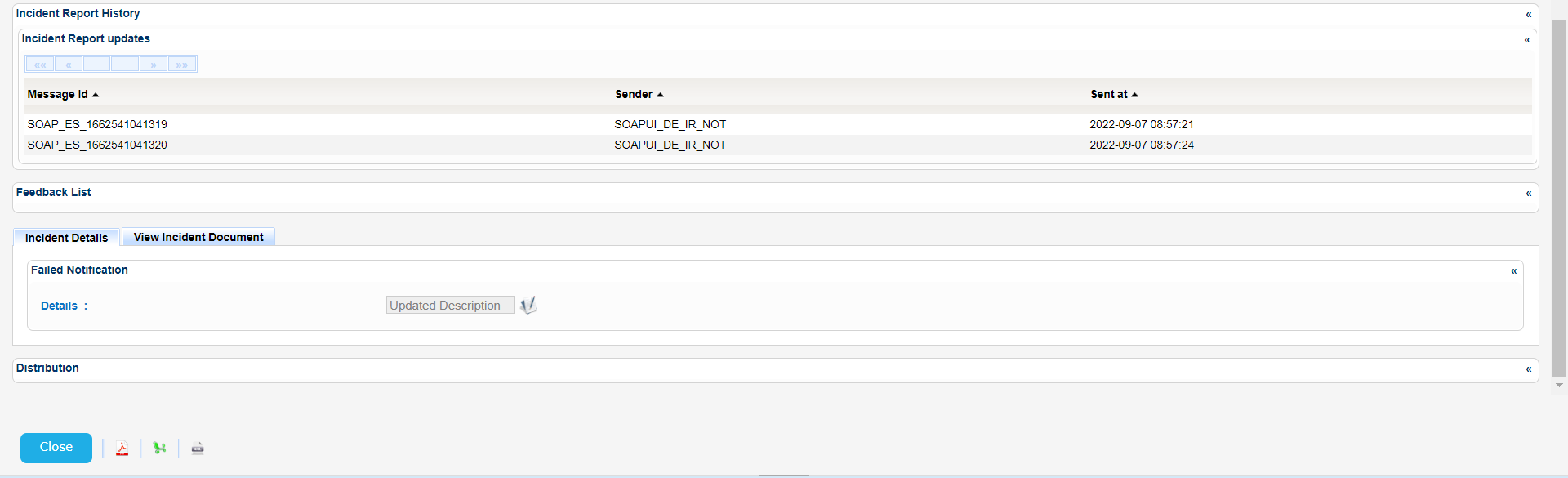
Export the Incident Report Details in Excel, XML, CSV format by clicking on the respective icon on the bottom left side of the pop up window:
| View file | ||||
|---|---|---|---|---|
|
| View file | ||||
|---|---|---|---|---|
|
| View file | ||||
|---|---|---|---|---|
|