
Navigate to Find Information > Exemptions Information > Exemptions.
The application will present the Vessel search form along with Exemption search criteria,
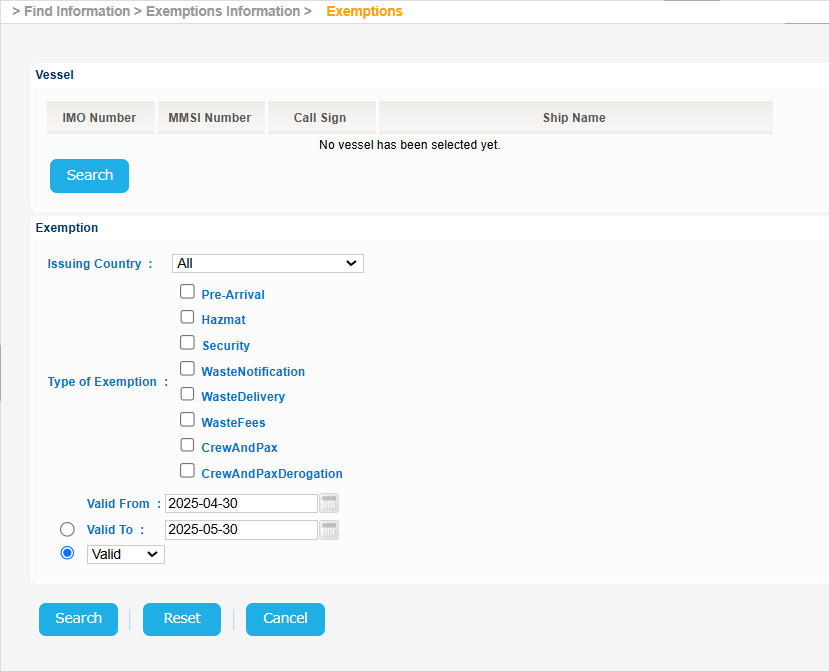
The year of the input date cannot be more than 9999
Click the Search button of the Vessel section:
...
Select an Exemption and click on Applies to Link.
A new pop up window will be launched to present the Port Code and the Exempted Port Facility: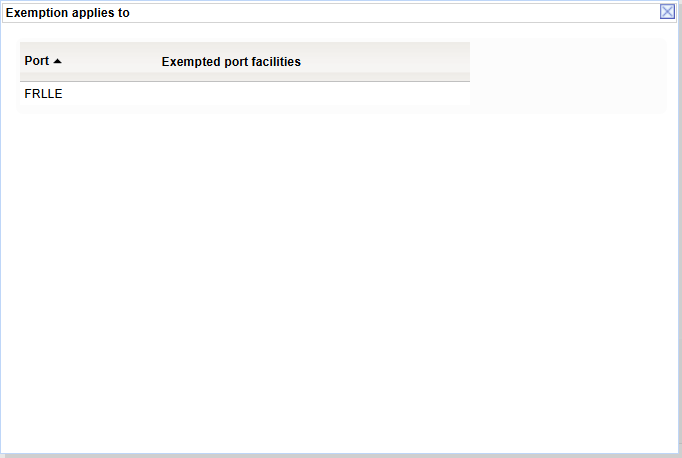
Export the search results in Excel, XML, CSV format by clicking on the respective icon on the bottom left side of the search results table:
| View file | ||||||||
|---|---|---|---|---|---|---|---|---|
|
| View file | ||||||||
|---|---|---|---|---|---|---|---|---|
|
| View file | ||||||||
|---|---|---|---|---|---|---|---|---|
|