
Navigate to Send Notifications > Generic Notifications > Ship - MRS Notification.
The application will present the Vessel search form:
Fill in at least on of the IMO Number, MMSI Number, Call Sign or Ship Name and click on Search button.
...
Fill in at least one of the IMO Number, MMSI Number, Call Sign or Ship Name and click on Search button.
The application will present a list of Vessels that meet the search criteria.
Select one of the Vessels and click on the IMO Number link.
...
- MRS Information
- Voyage Information
- Ship Position
- Dynamic Information
- Bunker
- Cargo Informatio
- DGDetails
- Contact Details
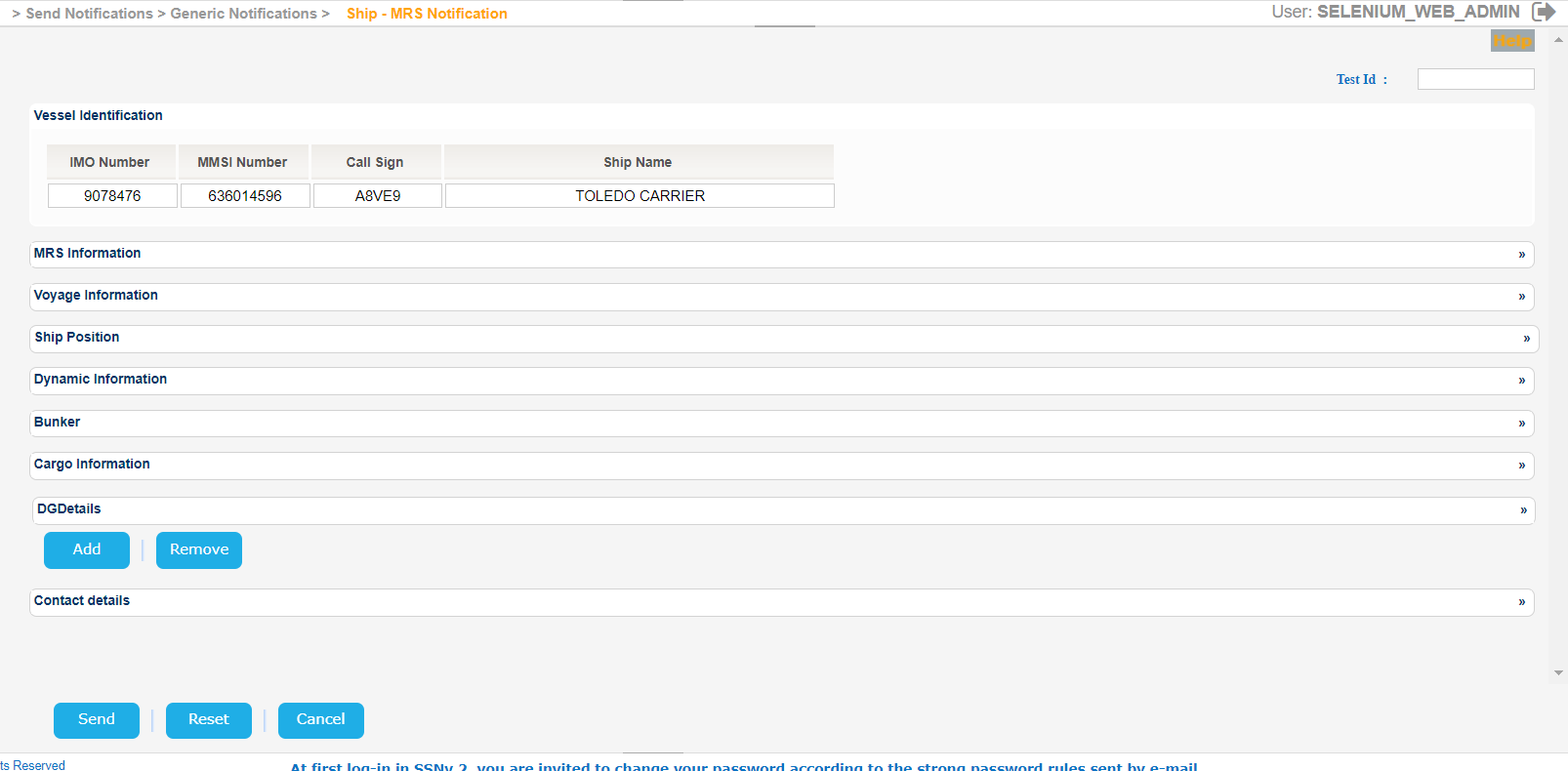
Expand all sections one by one all sections and fill in the mandatory fields. Note that apart from the contact name, at least one more contact detail must be filled to send the notification (Phone, FAX or Email):
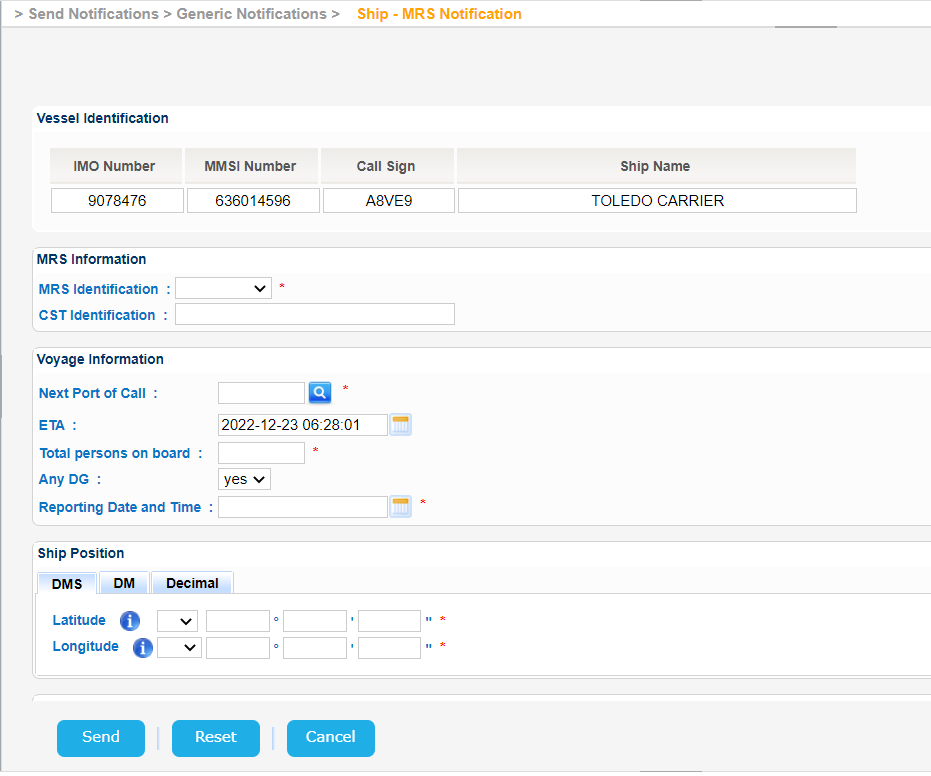
Should you click on Send button without properly filling in all the mandatory fields you will get a validation error message similar to the following:
...
When done click on Send button.
Provided that the values submit are appropriate the application will send the MRS Notification and present the following message:
...