Navigate to Statistics Console > Message analysis > Amount of delays in replies.
The application will present a search with Date/Time search criteria.
Set the time interval of your preference and click on Search button.
The year of the input date fields cannot be more than 9999.
The application will present a list of delayed transactions, which took more than 60 secs to complete and a list of unsuccessful transactions.
If there are no delayed transactions then the relevant message will be presented:
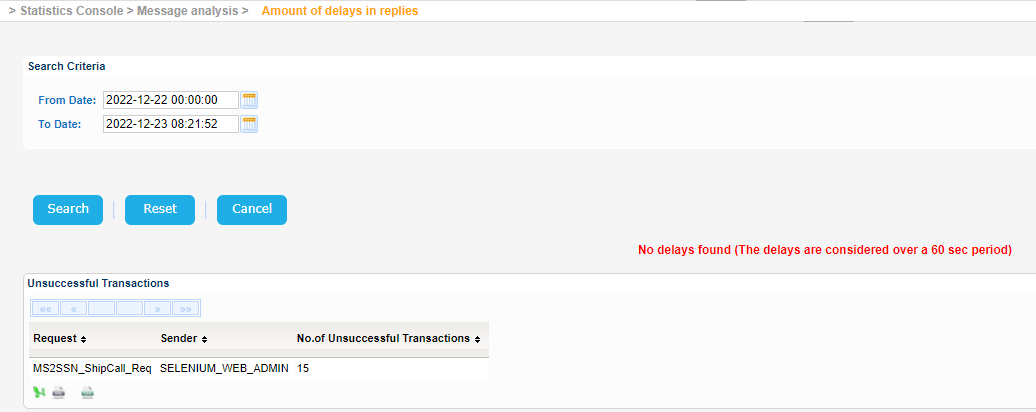 Image Added
Export the search results in Excel, XML, CSV format by clicking on the respective icon on the bottom left side of the search results table:
| View file |
|---|
| name | 3.4.5.4 ssndata.xls |
|---|
| height | 250 |
|---|
|
| View file |
|---|
| name | 3.4.5.4 ssndata.xml |
|---|
| height | 250 |
|---|
|
| View file |
|---|
| name | 3.4.5.4 ssndata.csv |
|---|
| height | 250 |
|---|
|
