
Navigate to Find Information > Area Information > Incidents for non-identified ships.
The application will present search form with Incident Type search criterion:
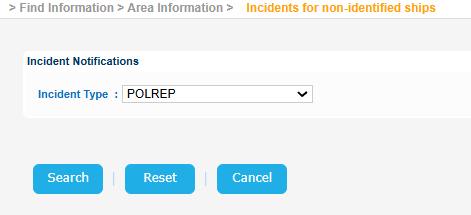
Select an Incident Type from the drop down and click Search button.
The application will present a list of IRs of the selected types which contain non identified Vessels:
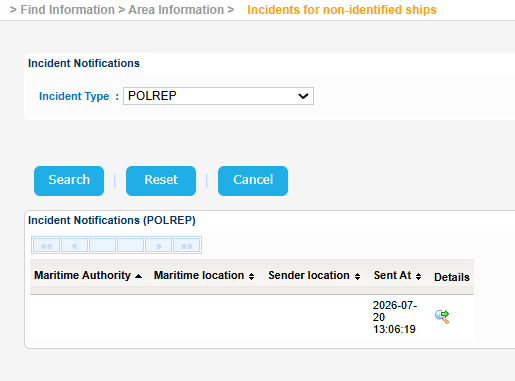
Select one and click on Details button.
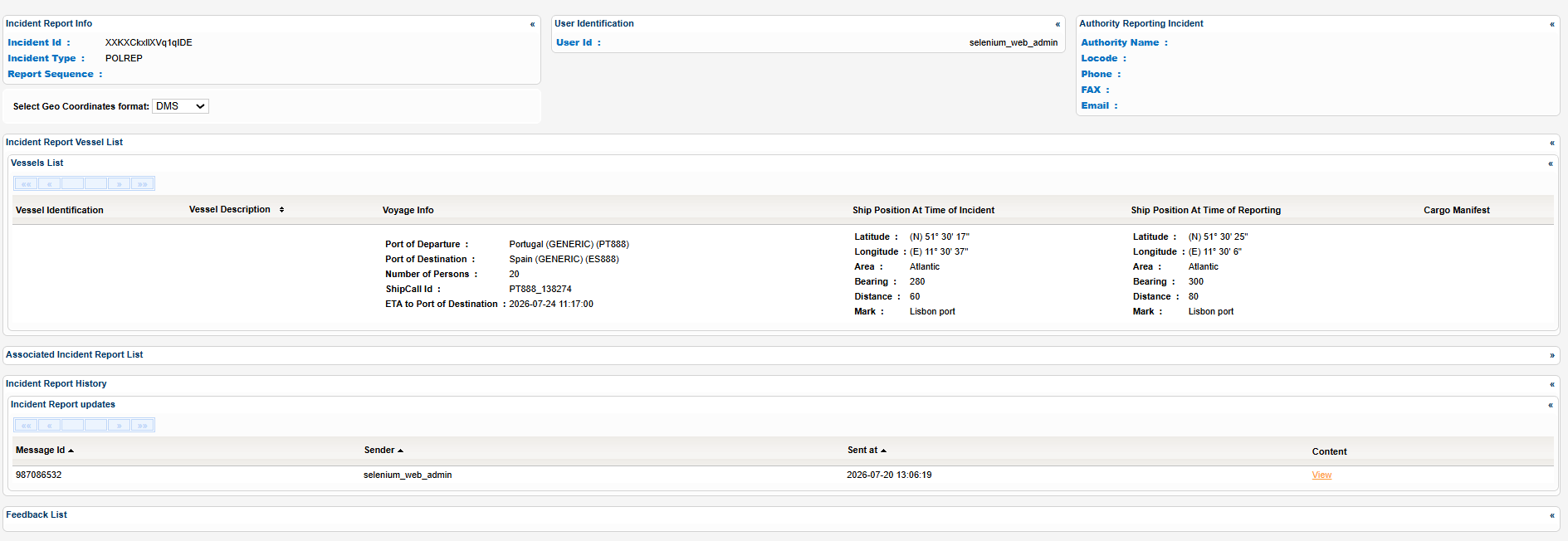
A new pop up window will be launched to present the IR details organized in sections:
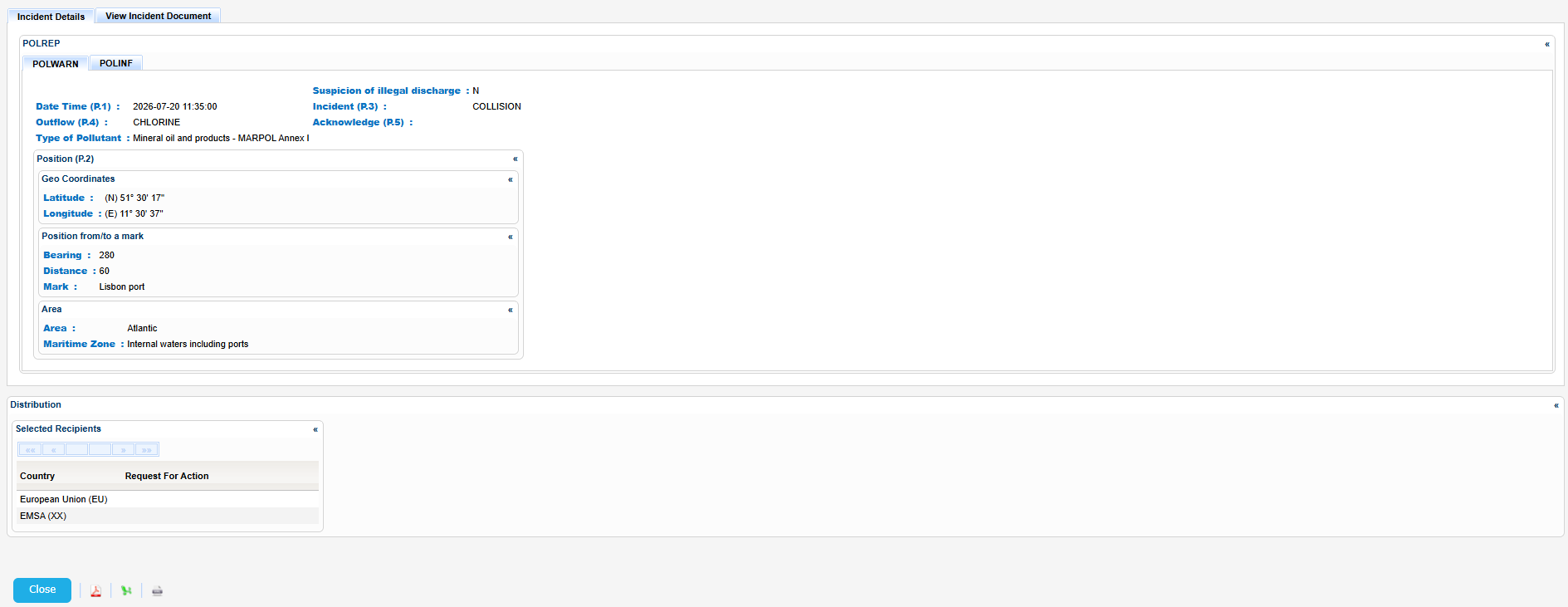
Export the IR Details in PDF, Excel or XML format by clicking on the respective icon on the bottom left side of the pop up window:
| View file | ||||
|---|---|---|---|---|
|
| View file | ||||
|---|---|---|---|---|
|
| View file | ||||
|---|---|---|---|---|
|