Navigate to Find Information > Port Call Information > Ship Port Calls.
The application will present the Vessel search form along with Time Period search criteria.
Fill in at least one of the IMO Number, MMSI Number, Call Sign or Ship Name and click on Search button.
The application will present a list of Vessels that meet the search criteria.
Select one of the Vessels and click on the IMO Number link.
The application will present a new screen containing the Search/Edit Vessel section prefilled, based on the selected Vessel, along with Time Period search criteria.
Fill in any of the Start / End Date fields and click on Search button.
The application will present a new screen containing the Vessel Identification section prefilled, and the list of Port Calls associated with the Vessel.
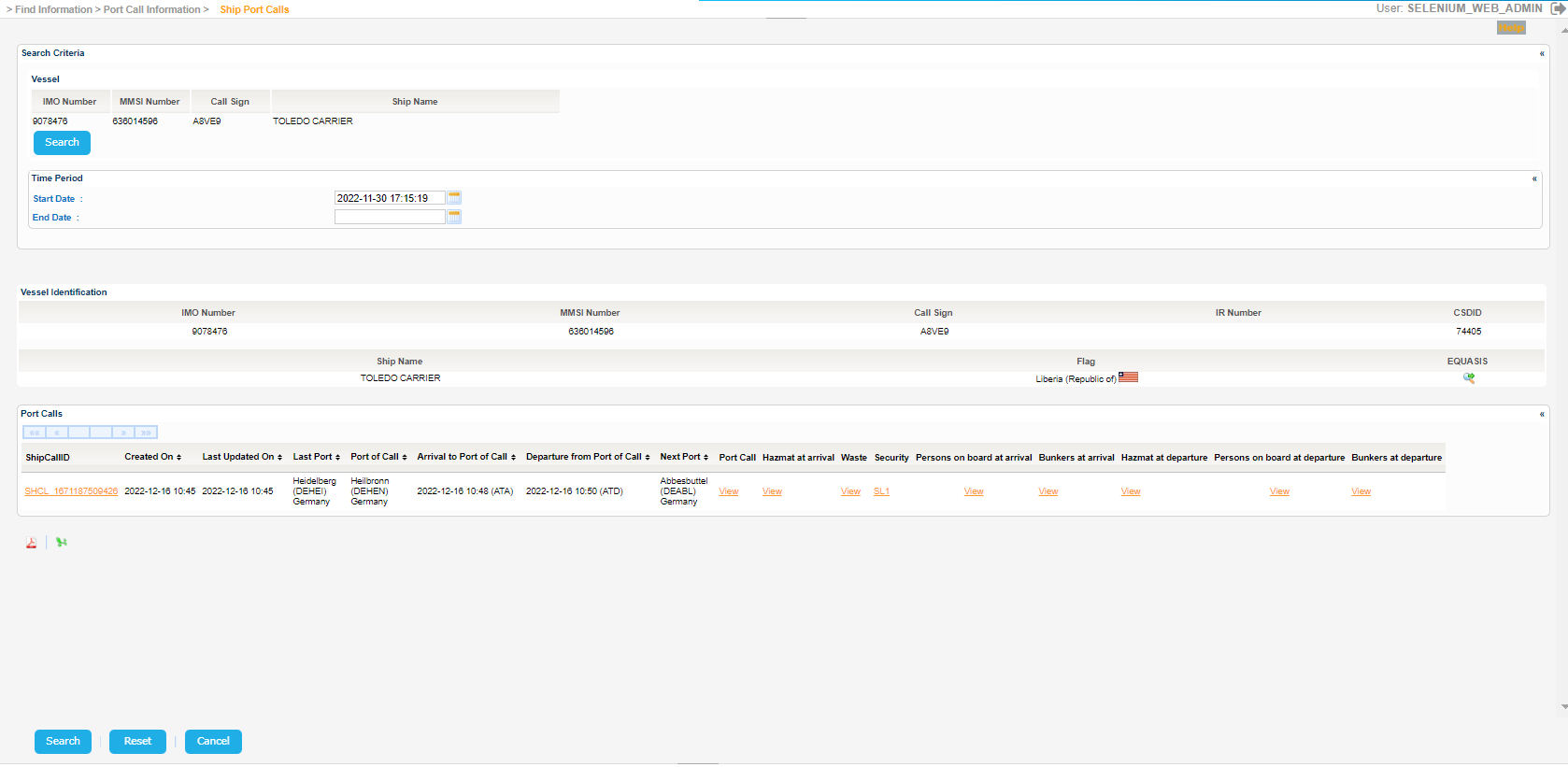
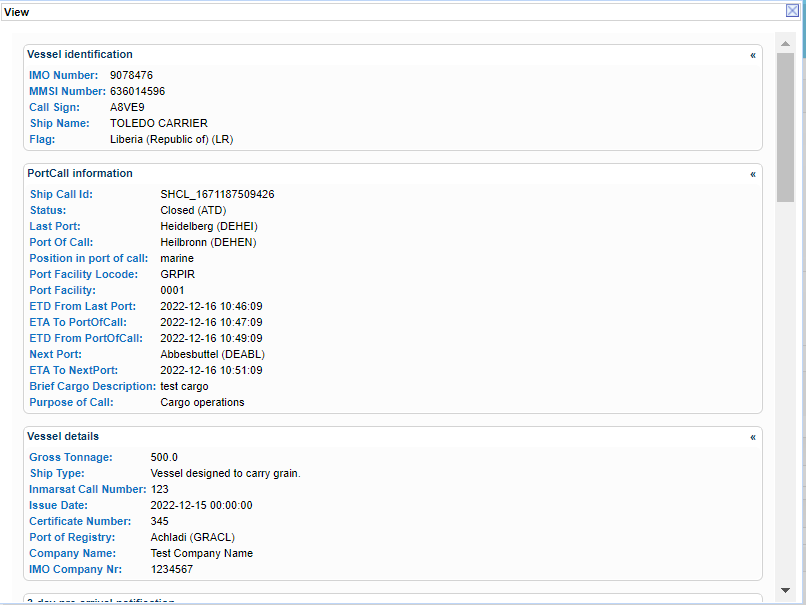
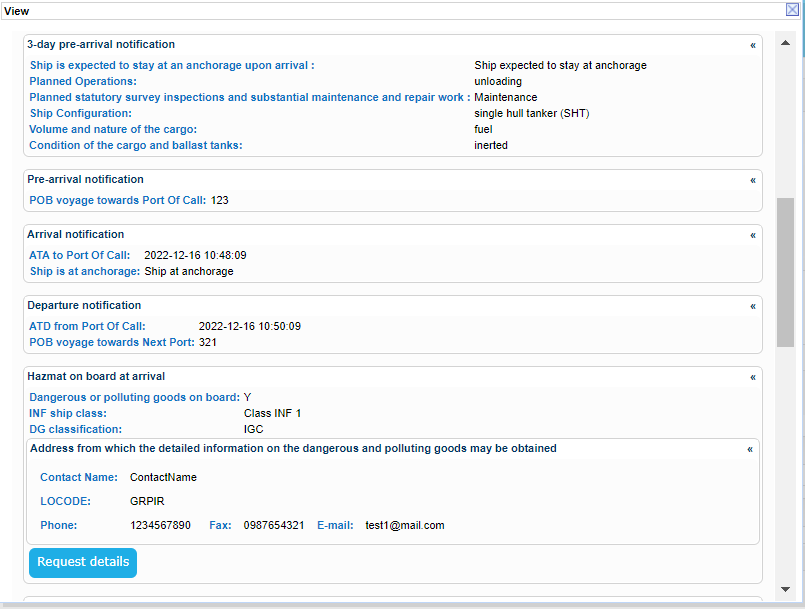
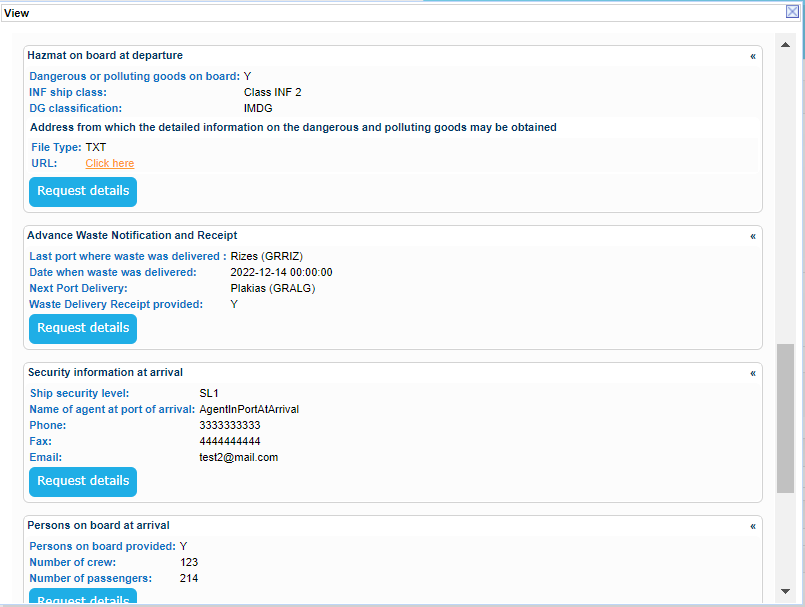
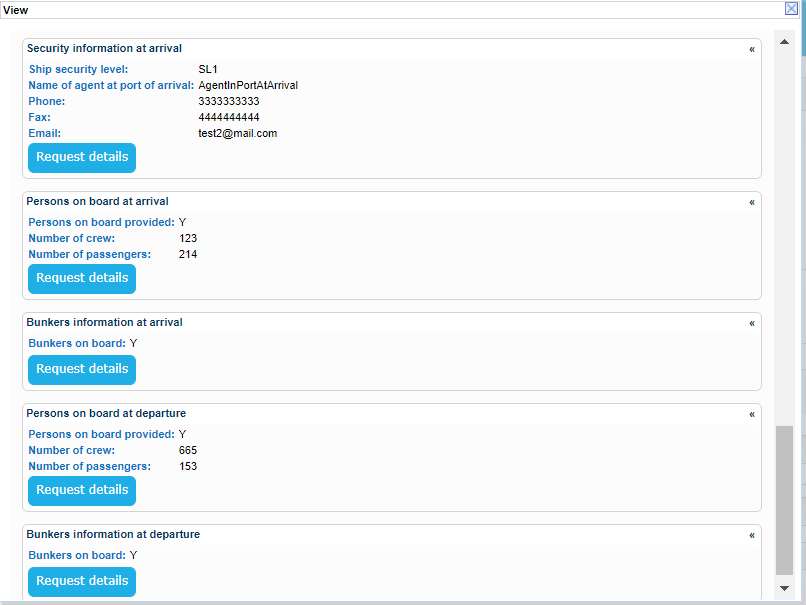
Click on View link under the Port Call column and a new Pop Up will be launched to present the Voyage details.