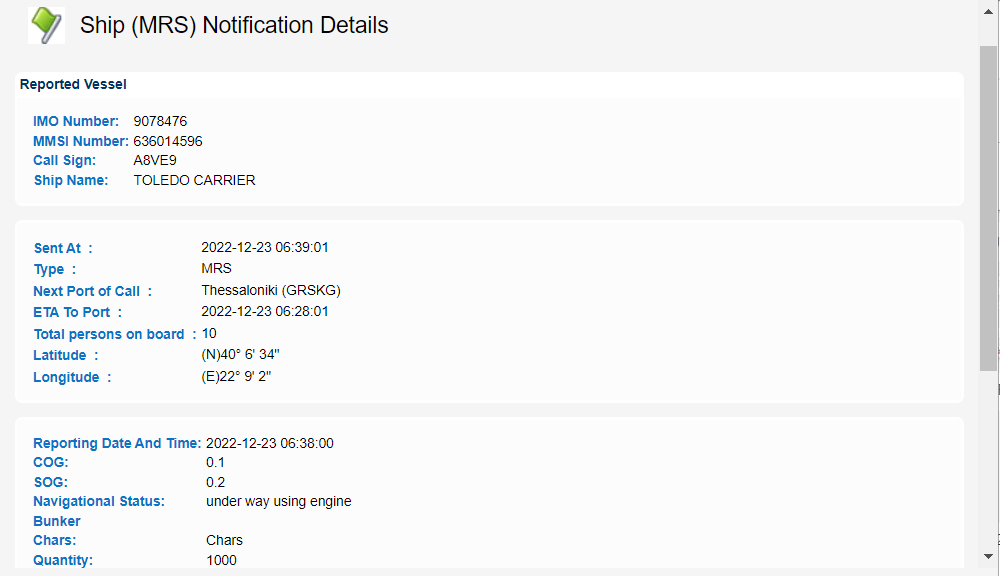
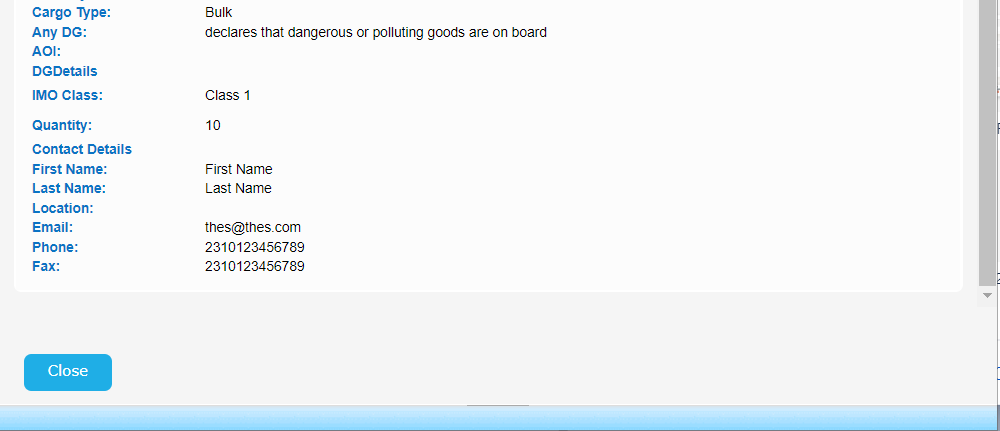
...
| View file | ||||
|---|---|---|---|---|
|
| View file | ||||
|---|---|---|---|---|
|
Click on the "Get Details" link under Equasis column of the Vessel Identification Section.
The application will open a new tab to present the details retrieved from Equasis.
In case Equasis takes too long to respond the system will present the following error message:

Otherwise the Equasis tab will look like the following:
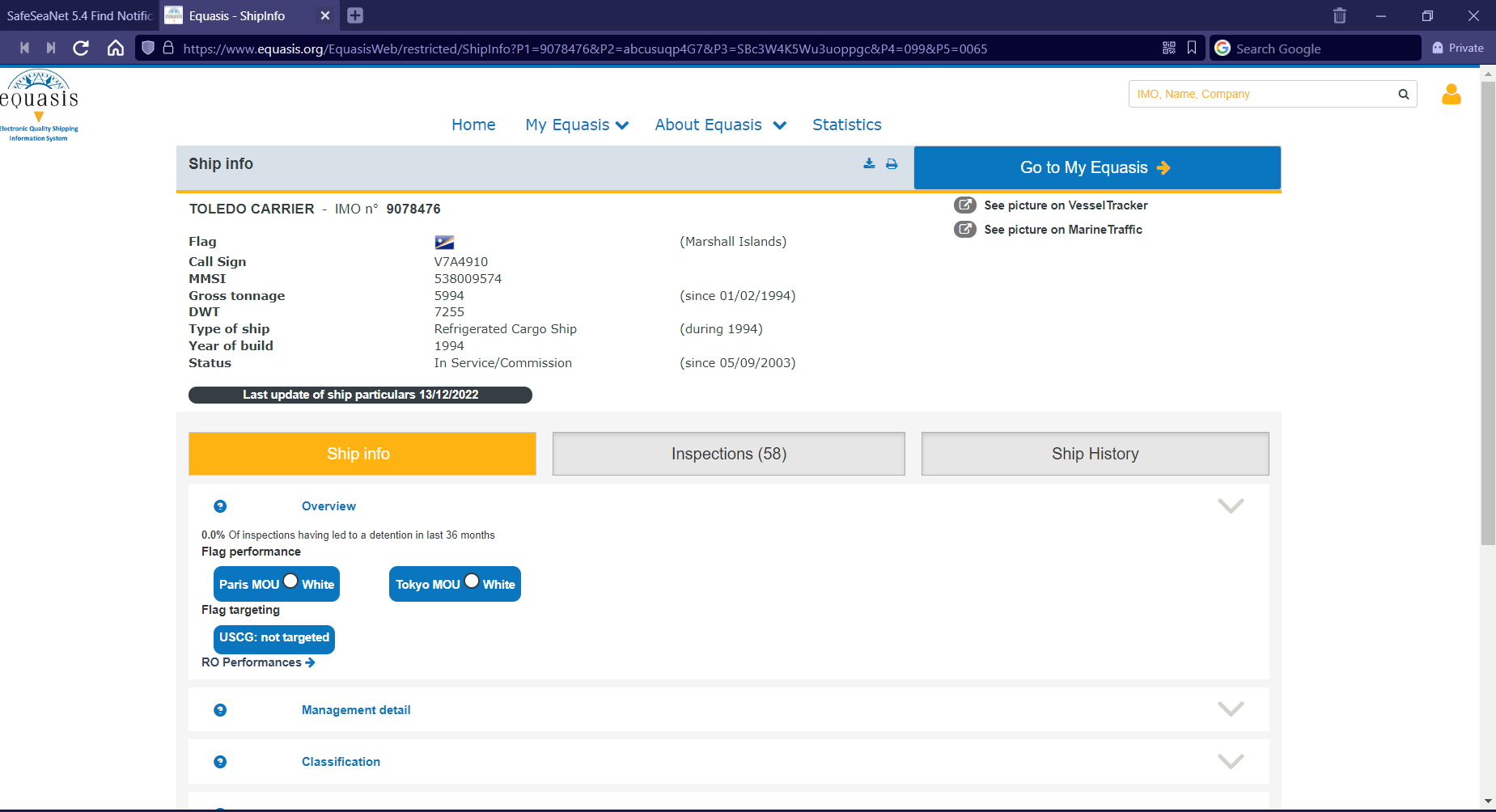
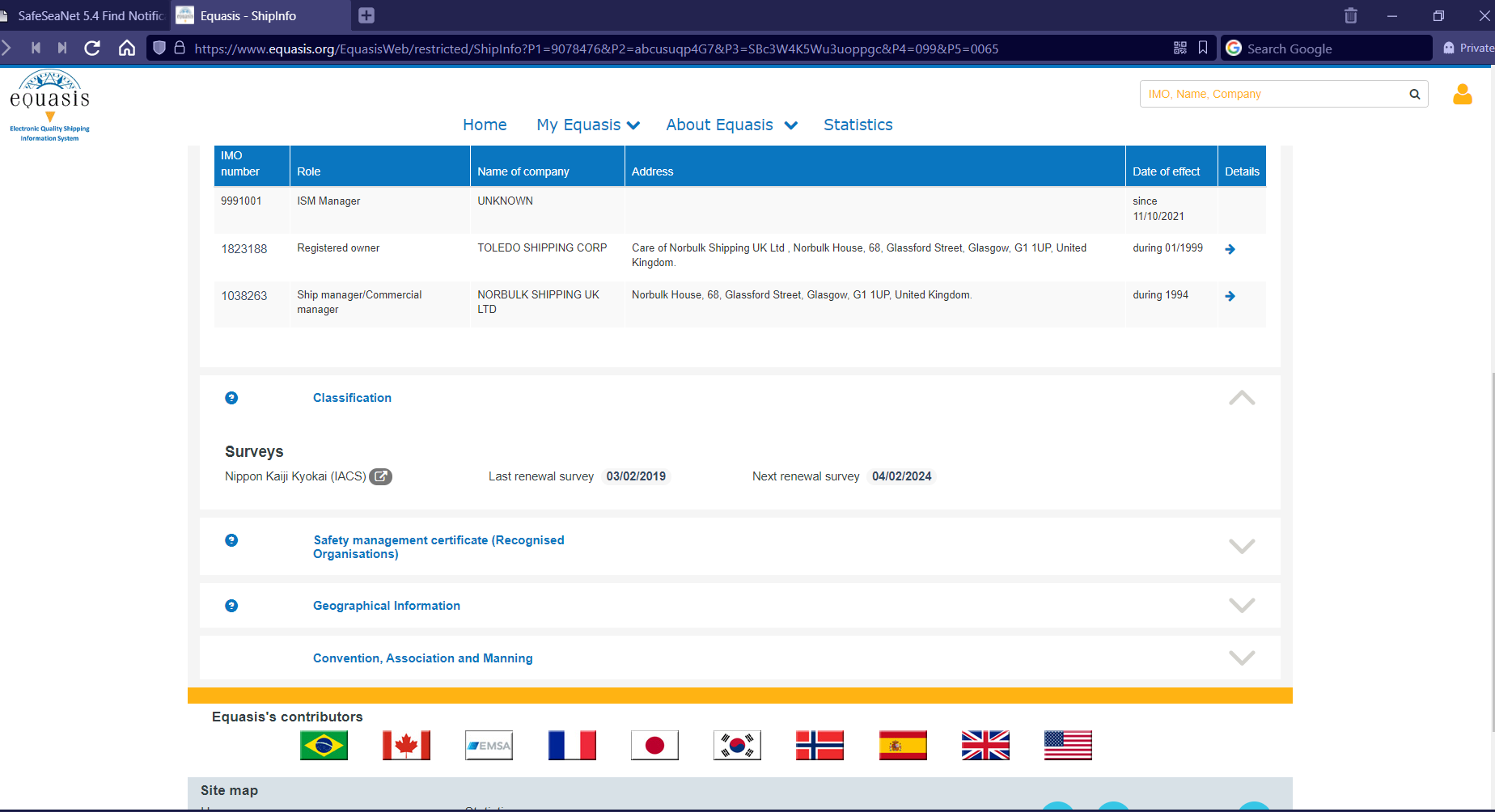
Close the Equasis tab and scroll down to the Voyage sections.
Select a Voyage and click on View link, under Voyage column.
...
A new pop up window will be launched to present the MRS details: