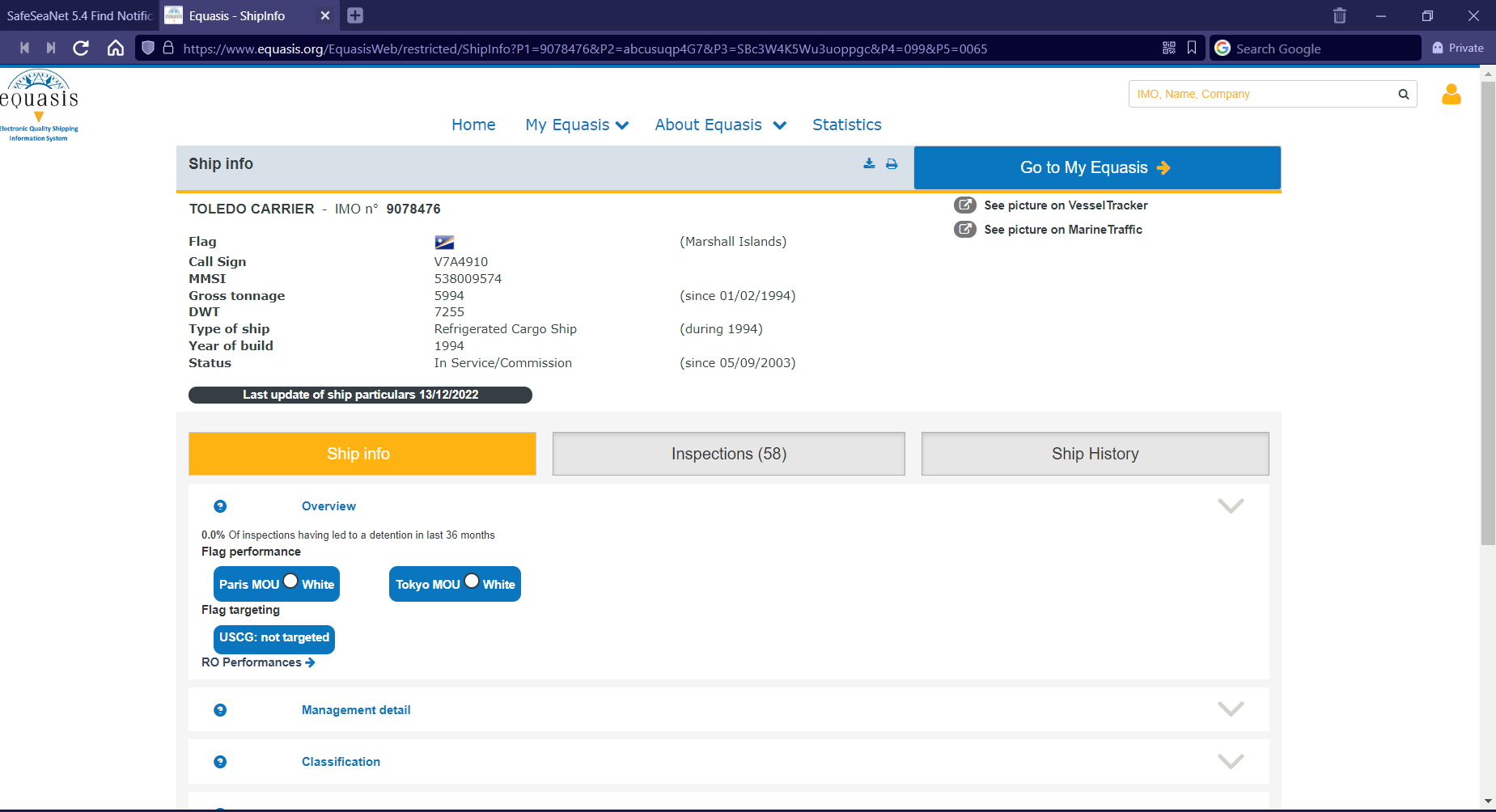
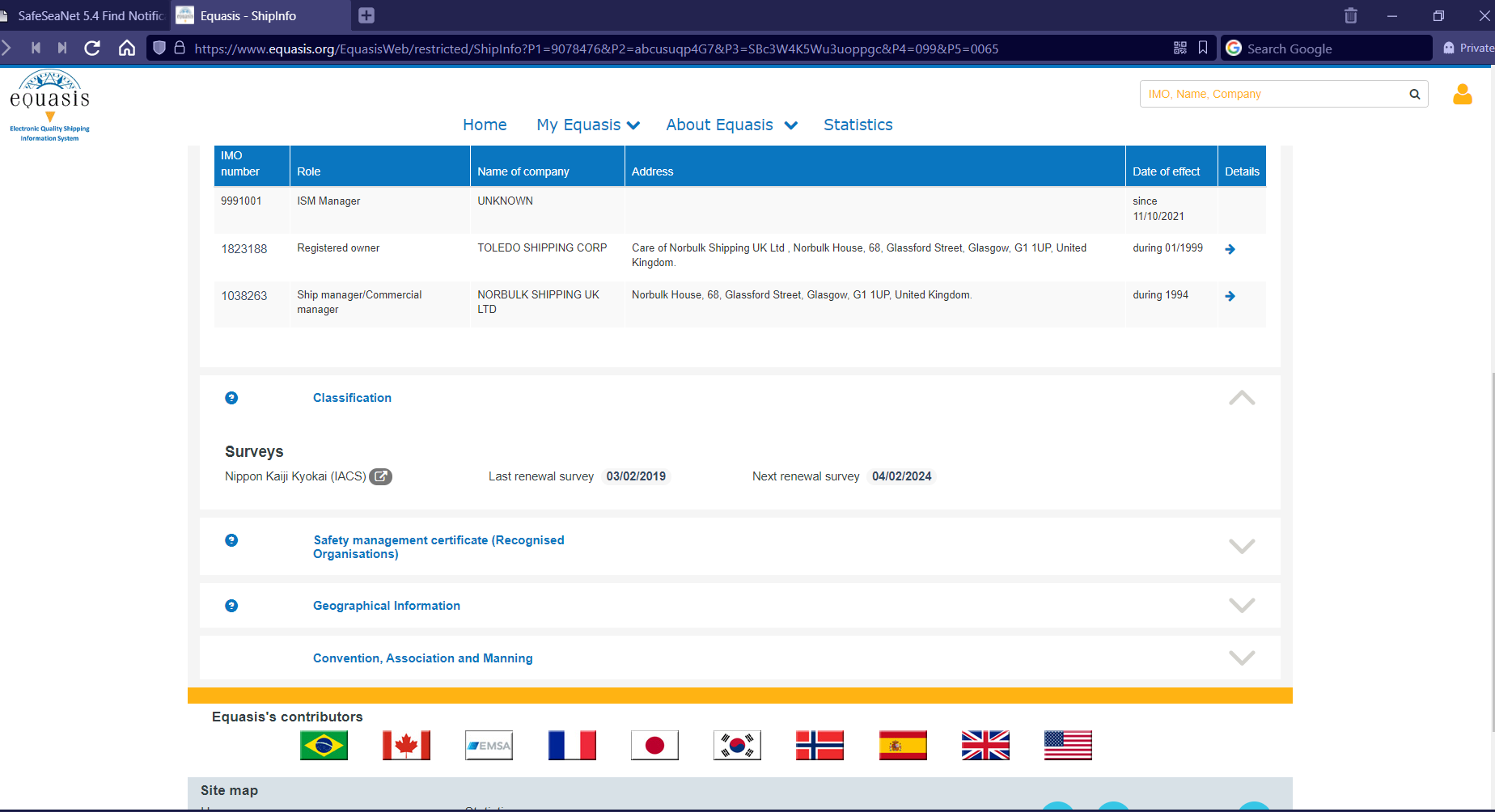
...
Export the list of Persons on Board in PDF or XML format by clicking on the respective icon on the bottom left side of the presented table.
Close the pop up window and scroll down to the Incident Report Info section, select an Incident Report and click on View link.
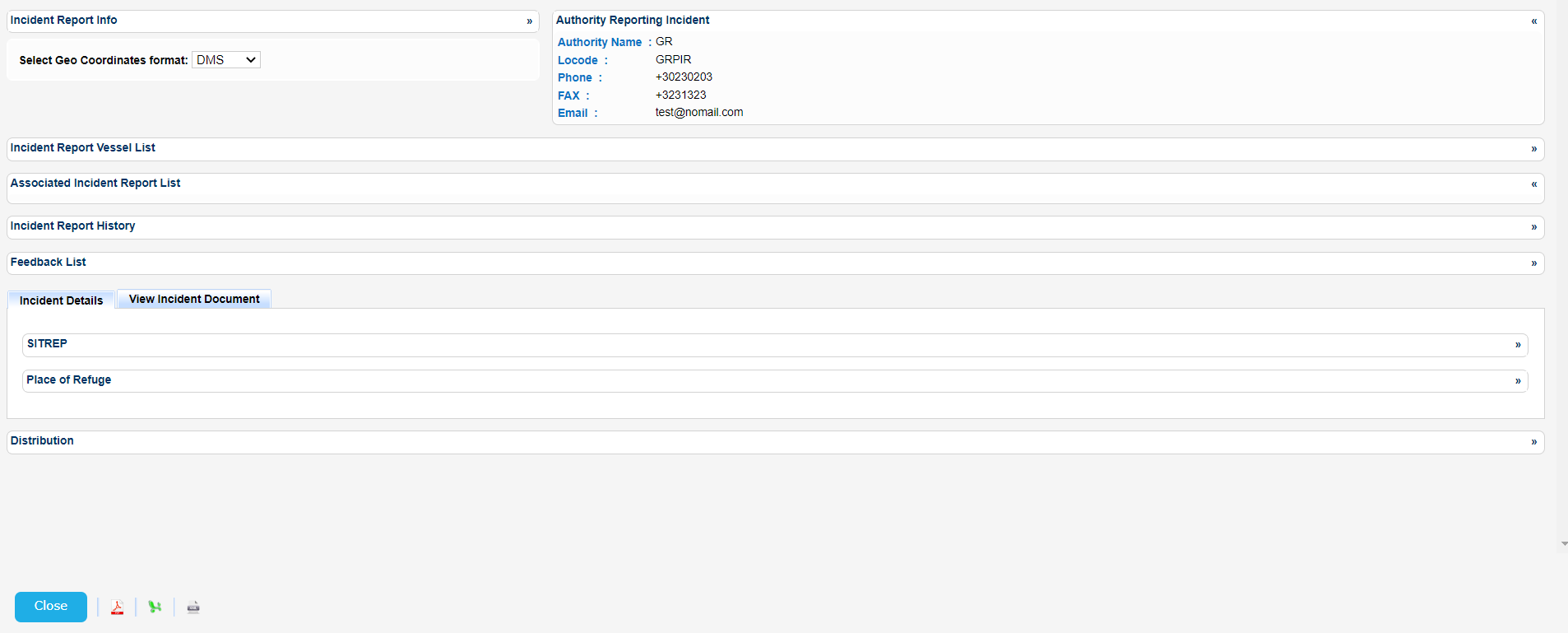
A new pop up window will be launched to present the details for the selected Incident Report organized in the following sections:
- Incident Report Info
- Authority Reporting Incident
- Incident Report Vessel List
- Associated Incident Report List
- Incident Report History
- Feedback List
- Incident Details and
- Distribution List
Expand or collapse the relevant section to view further details:
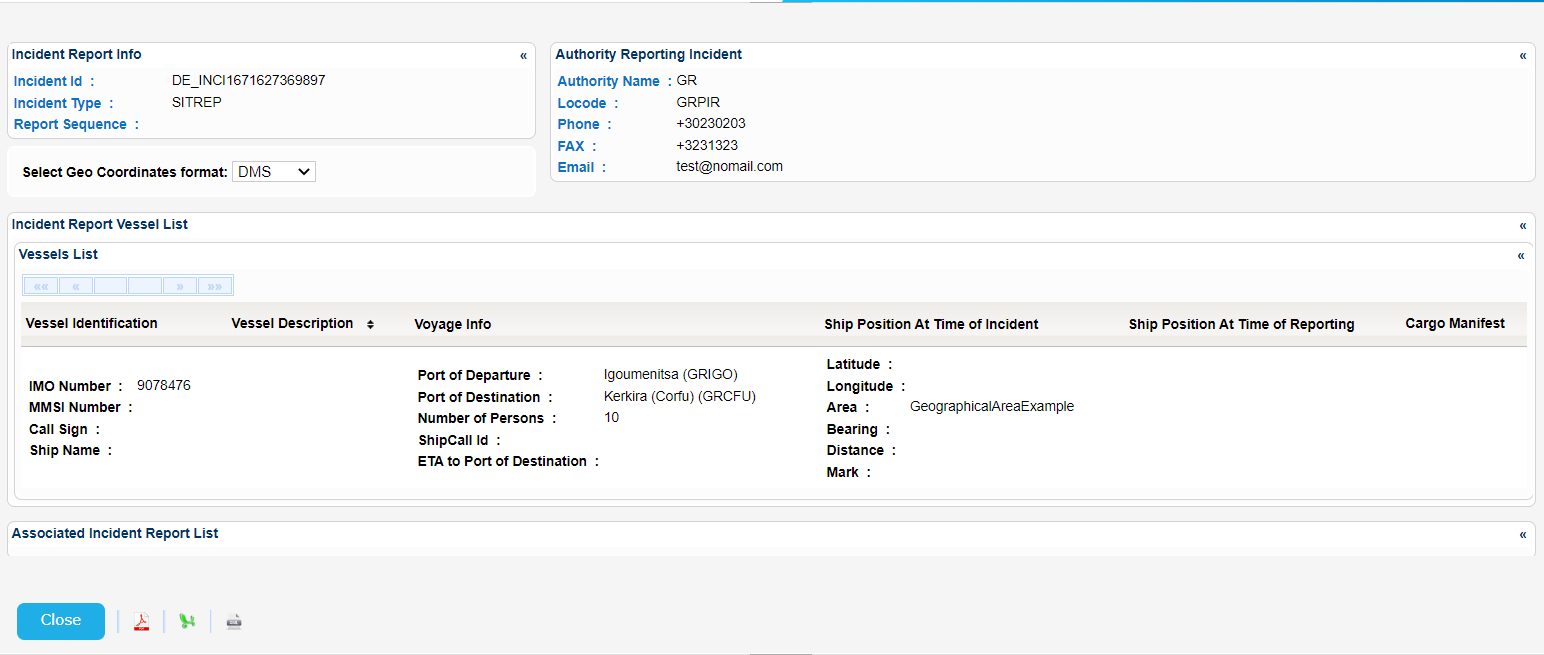
Export the search results in PDF, Excel XML format by clicking on the respective icon on the bottom left side of the table.