
Navigate to Find Information > Integrated ship information.
The application will present the Vessel search form.
Fill in at least one of the IMO Number, MMSI Number, Call Sign or Ship Name and click on Search button.
The application will present a list of Vessels that meet the search criteria.
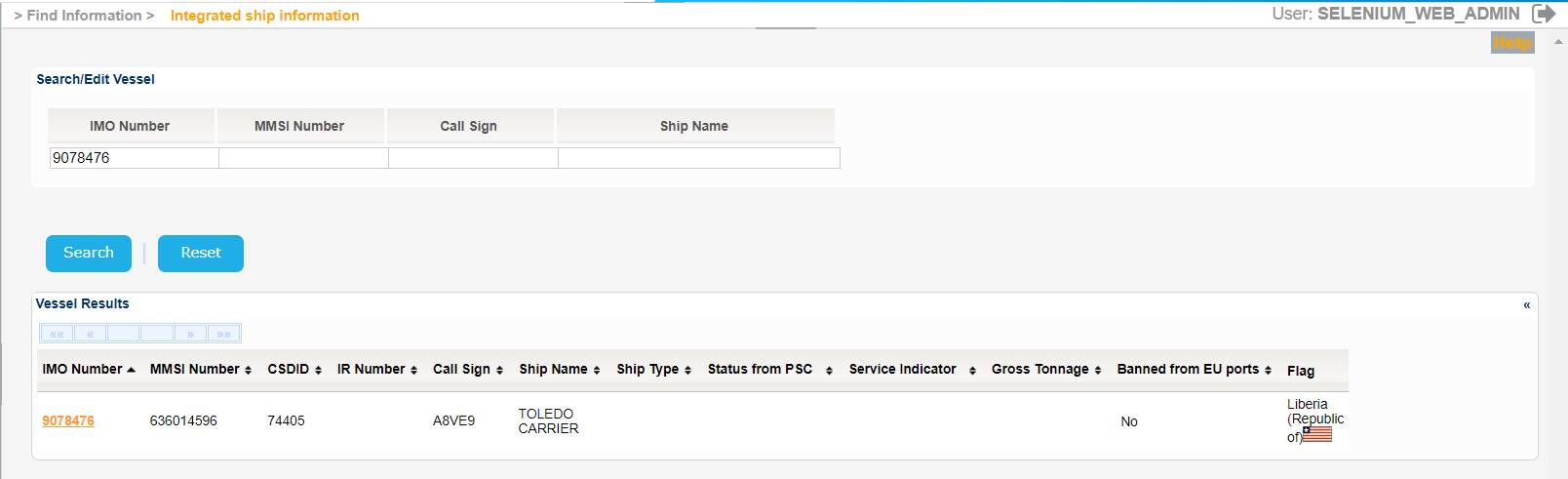
Select one of the Vessels and click on the IMO Number link.
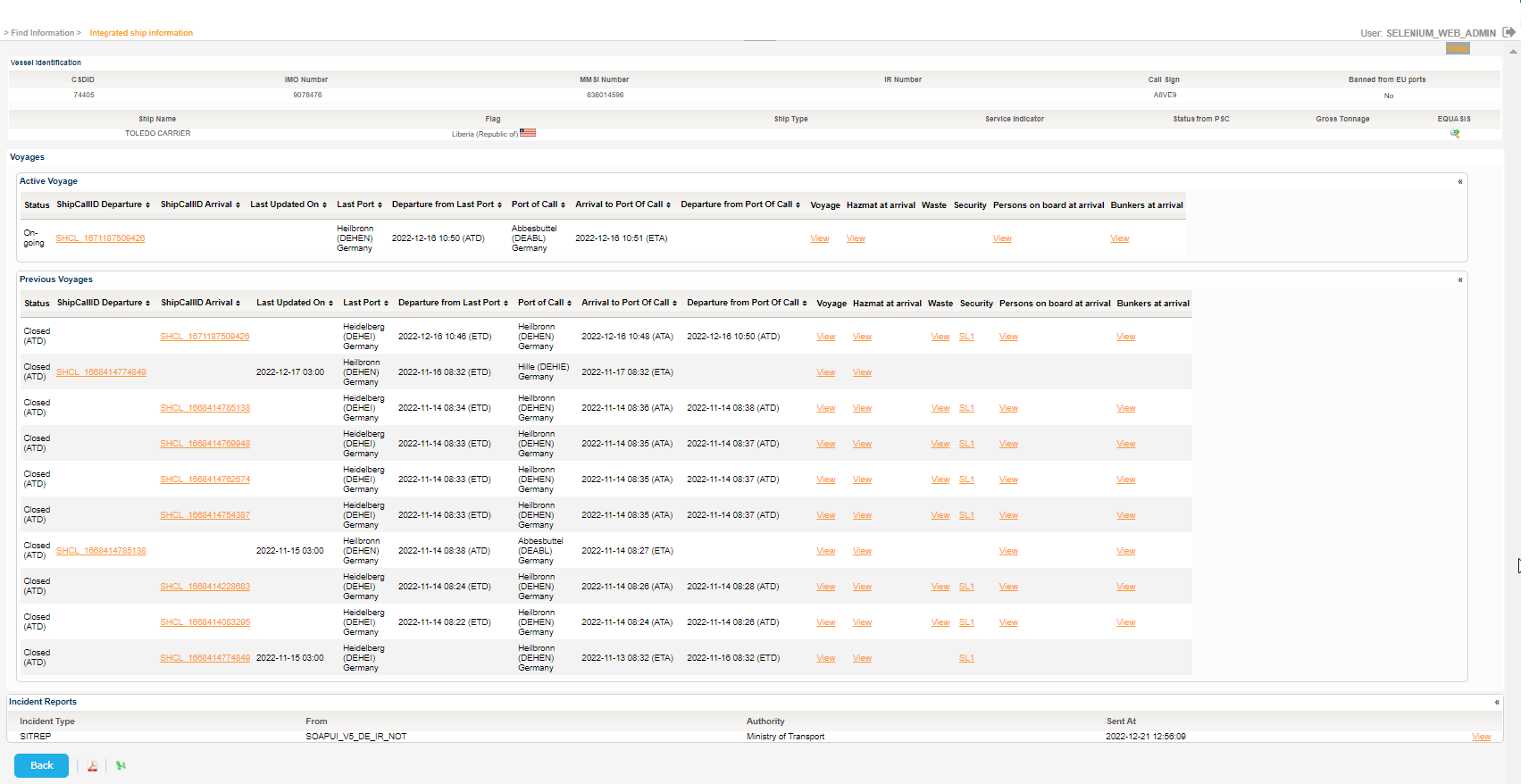
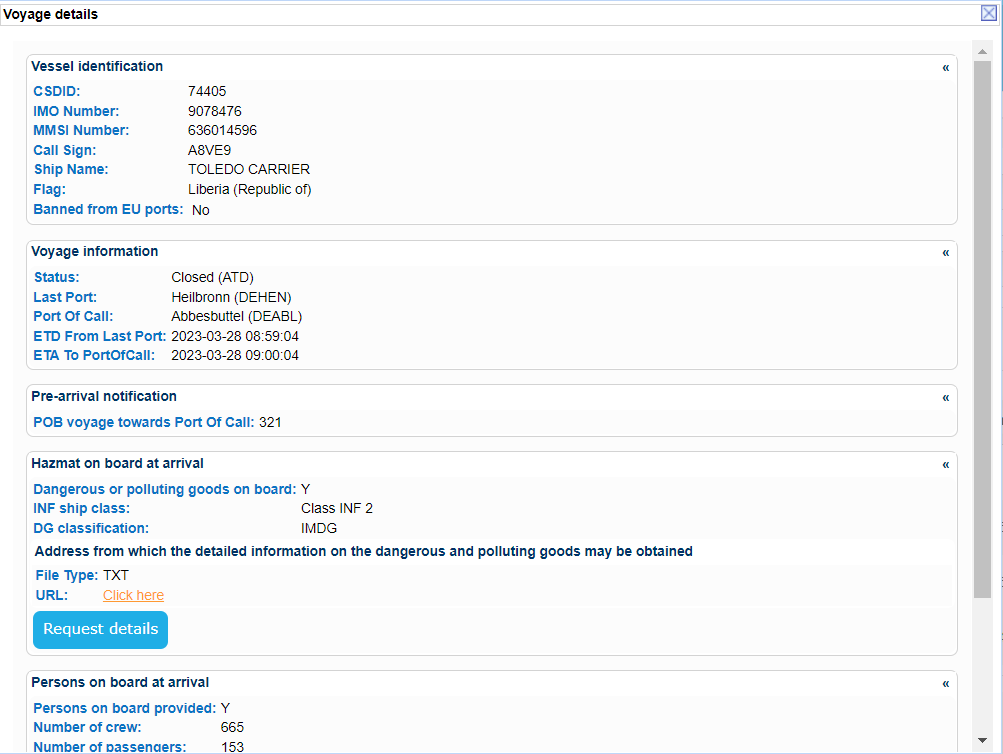
The application will present a new screen which includes the Vessel Identification section of the selected Vessel and also the following ones:
- Voyages
- The Active Voyage
- List of Planned Voyages
- List of Previous Voyages
- Exemptions (Applicable to the ship)
- Incident Reports

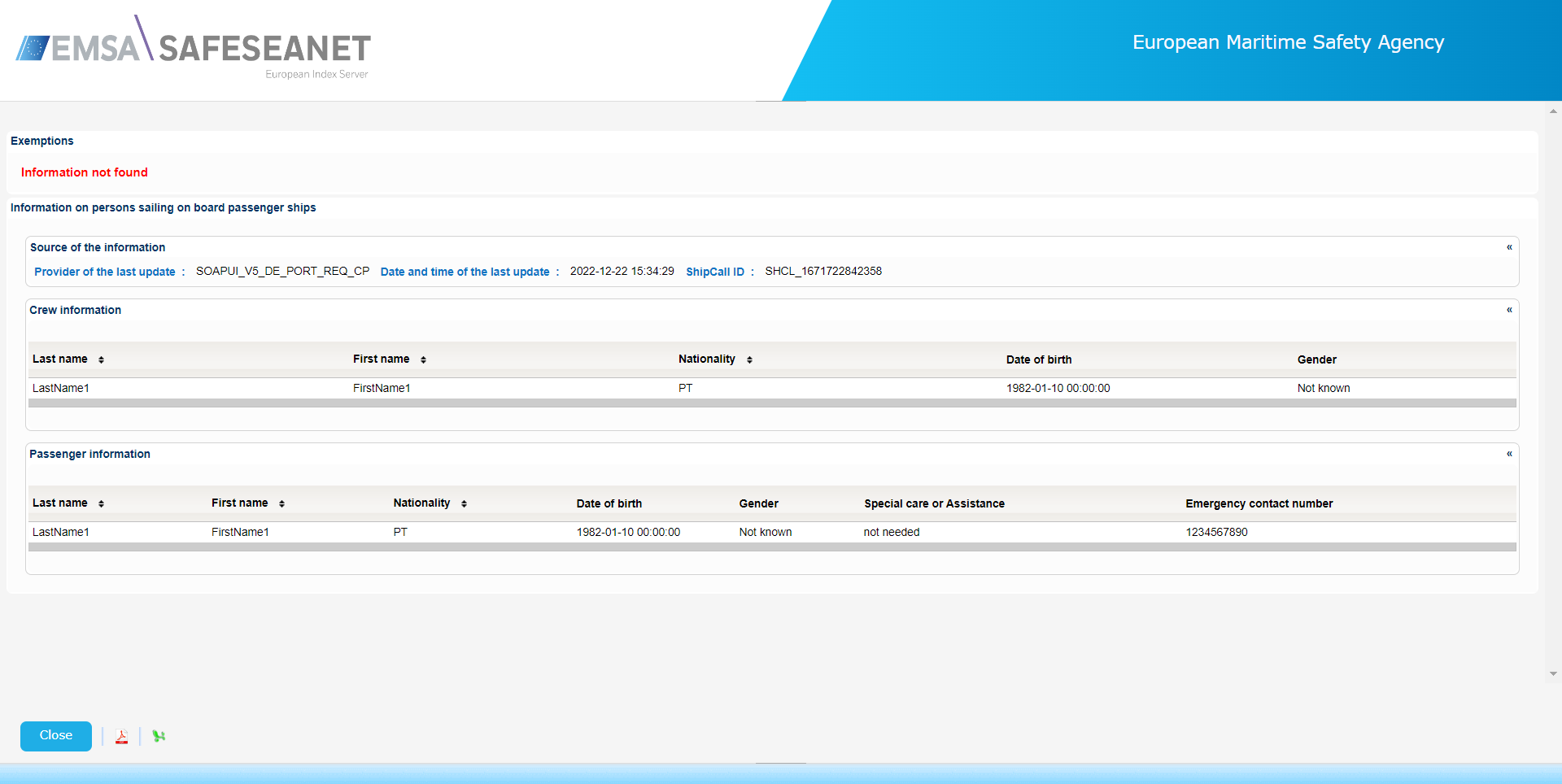
| View file | ||||
|---|---|---|---|---|
|
| View file | ||||
|---|---|---|---|---|
|
...