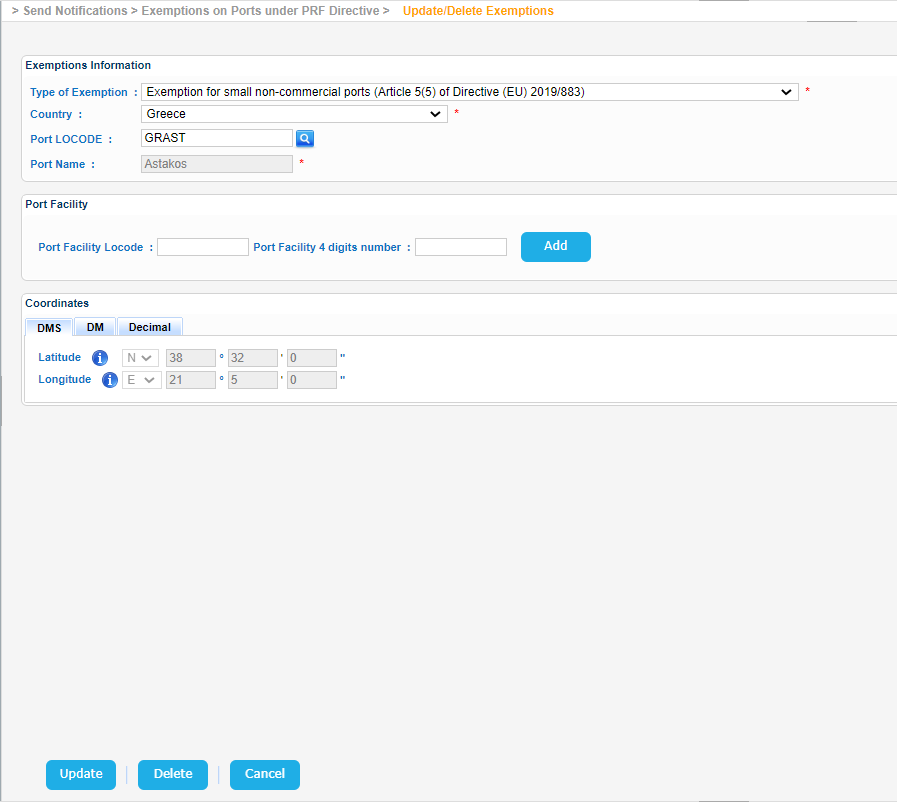
Navigate to Send Notifications > Exemptions on Ports under PRF Directive > Update/Delete Exemptions.
The application will present a search form for Exemptions.
Fill in any of the available fields and click on Search field:
- Port Locode
- Port Name
- Type of Exemption
- Country
The application will present a list of Exemptions that meet the search criteria.
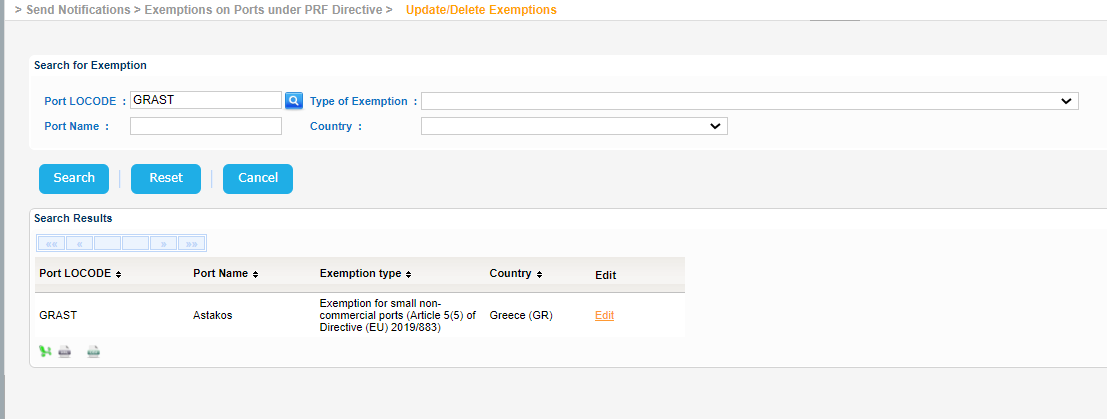
Export the search results in Excel, XML, CSV format by clicking on the respective icon on the bottom left side of the search results table.
| View file | ||||
|---|---|---|---|---|
|
| View file | ||||
|---|---|---|---|---|
|
| View file | ||||
|---|---|---|---|---|
|
Select one of the Exemptions in the search results and click on Edit link.
The application will present in a new screen the Edit Exemption form.
Modify any of the available values, that are not read-only and click on Update button in order to store the changes in the database.
Alternatively click on Delete button in order to delete the Exemption.