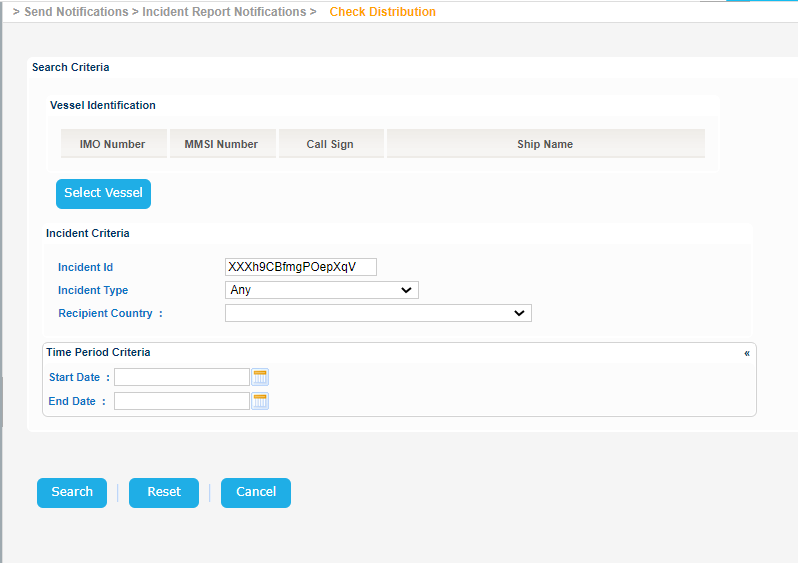
Navigate to Send Notifications > Incident Report Notifications > Check Distribution.
The application will present the Vessel search form along with Incident and Time Period criteria:
Fill in at least one of them and click on Search button:
 Results
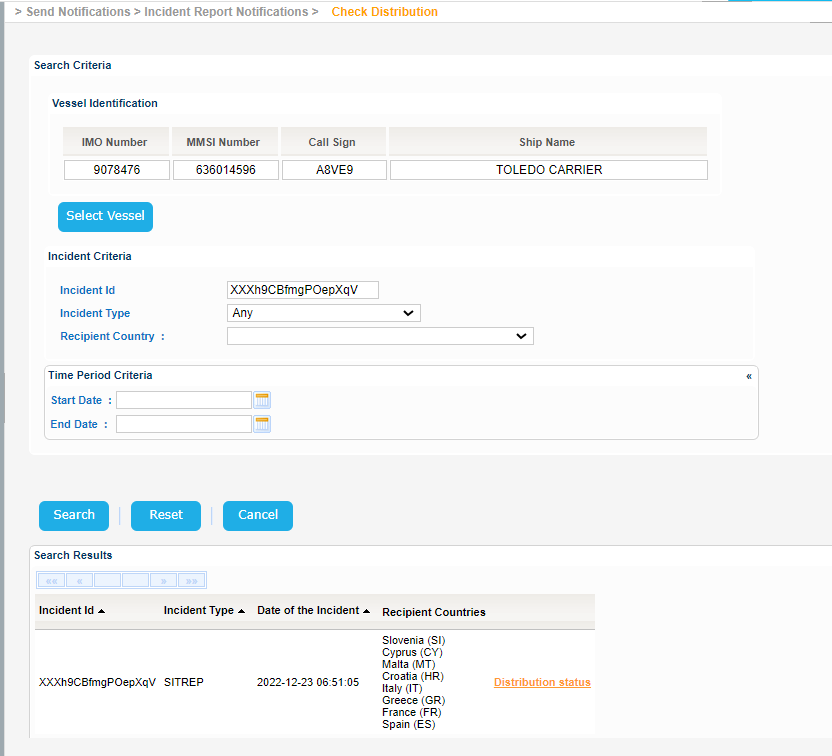
The application will present a list of Incident Reports that meet the search criteria:
 Distributions Status:
Click on Excel, XML or CSV export options in order to export the search results.
For each one of the Incidents found, there is "Distribution status" link.
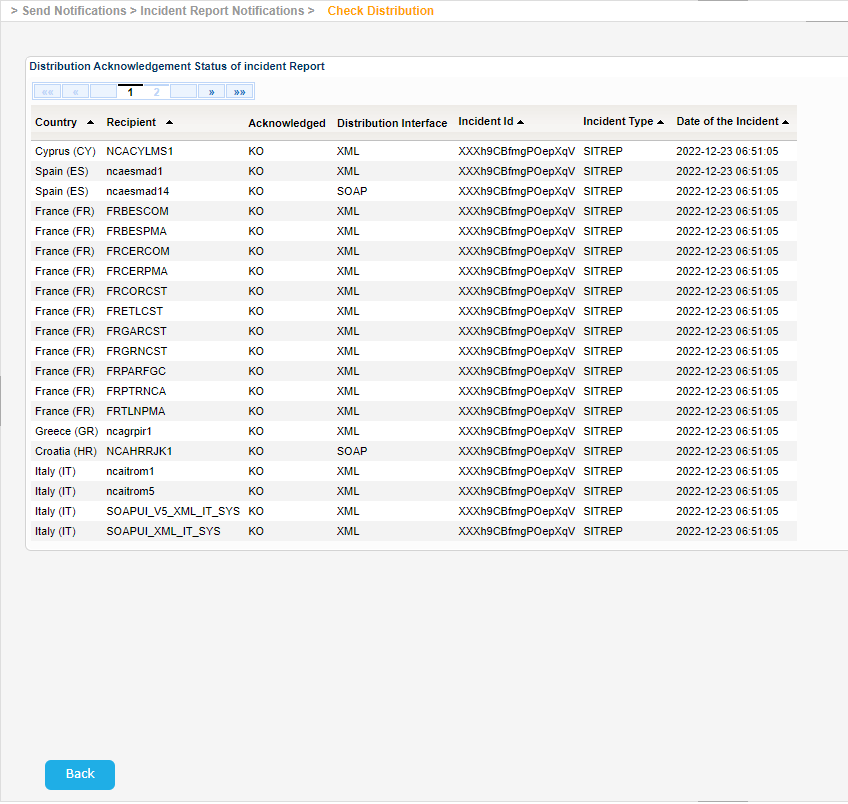
Click on this link and a new screen will be presented where the recipient countries are listed.