
...
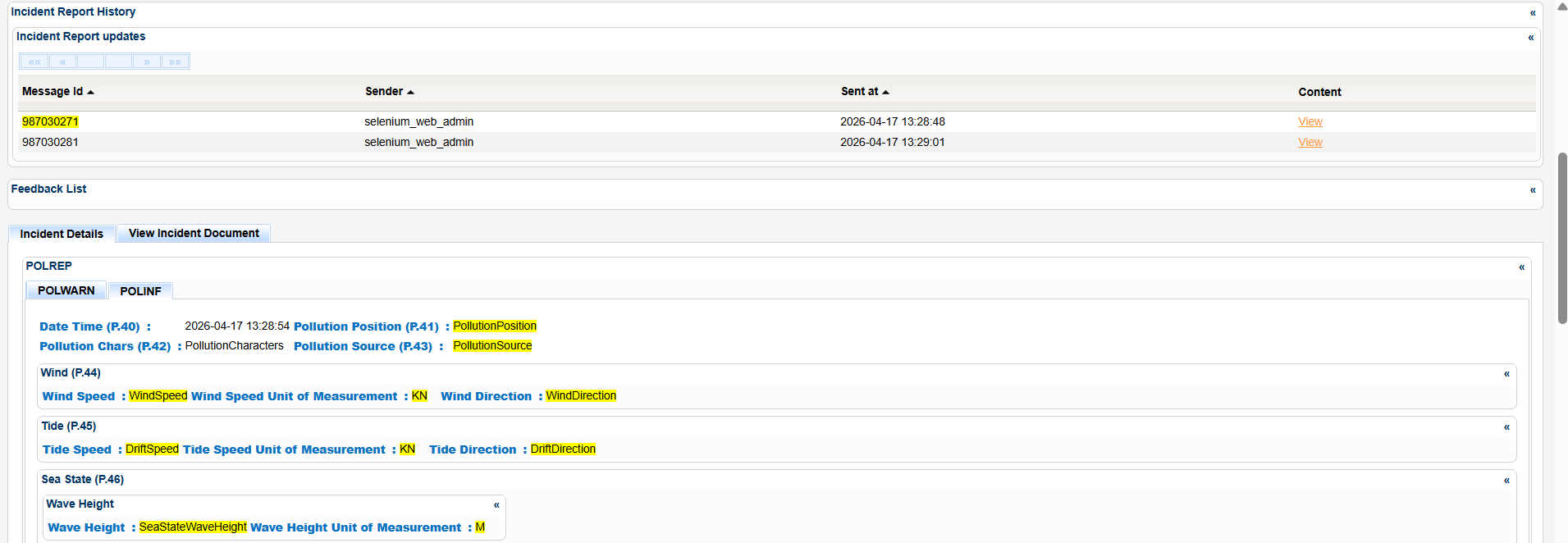
You can view the details of any previous message by selecting a message in Incident Report History section and clicking on its View link .
The application will launch a new pop up with the details.
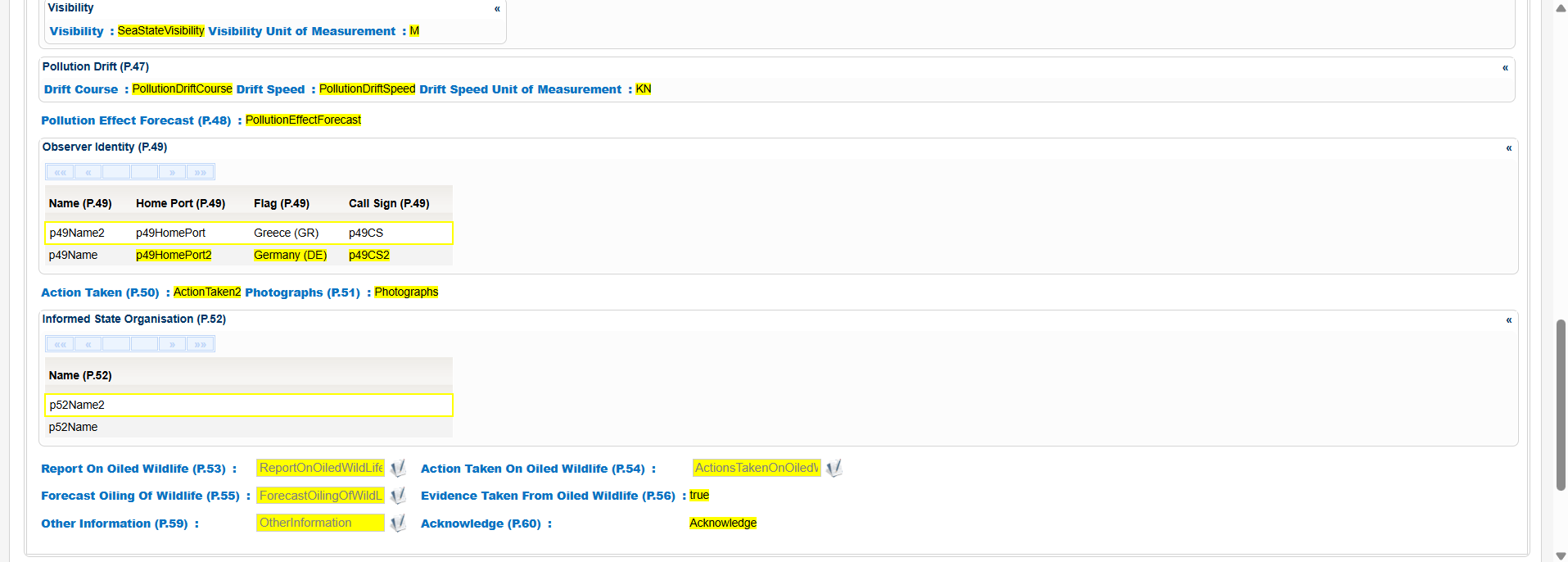
In the same window there is the option to view the changes of the specific version compared to the previous one i.e updated, added or deleted elements.
To do so click on the View Changes button and the system will highlight the relevant elements . with changes.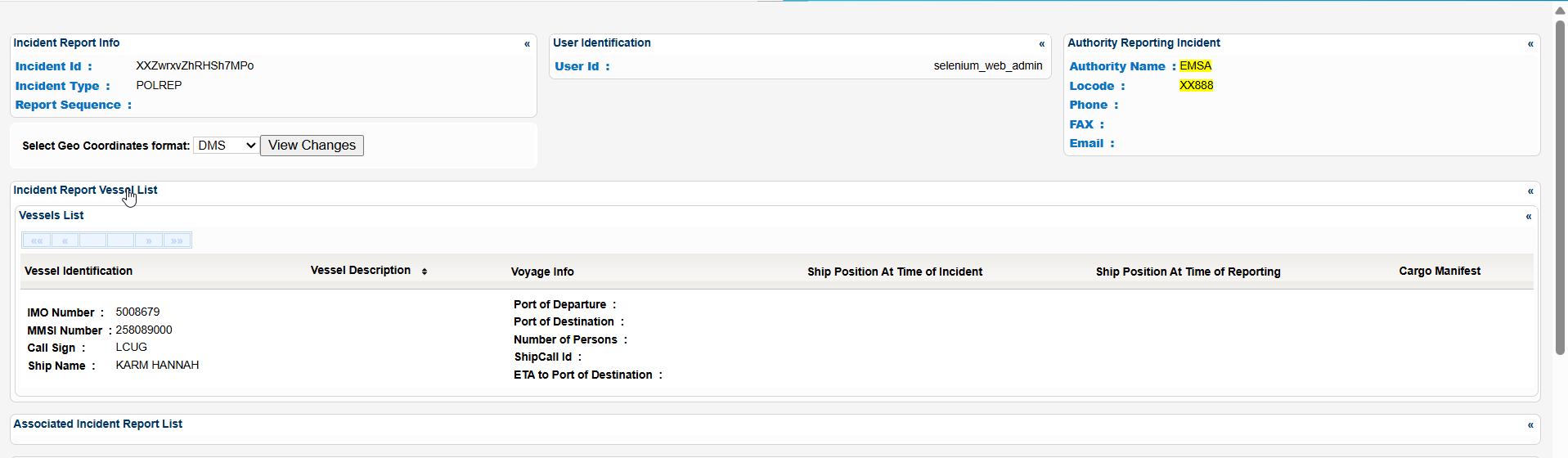
Export the IR details in Excel, XML, CSV format by clicking on the respective icon on the bottom left side of the pop up window:
...