
Navigate to Find Information > Incidents Information > Get Specific IR.
The application presents the following search form which includes the Incindent Id search criterion:
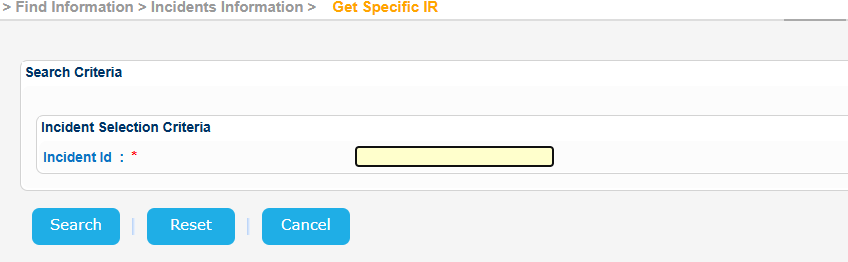
Fill in an Incident Id and click on Search button.
The application will present a list of IR Notification(s) that meet the search criteria:
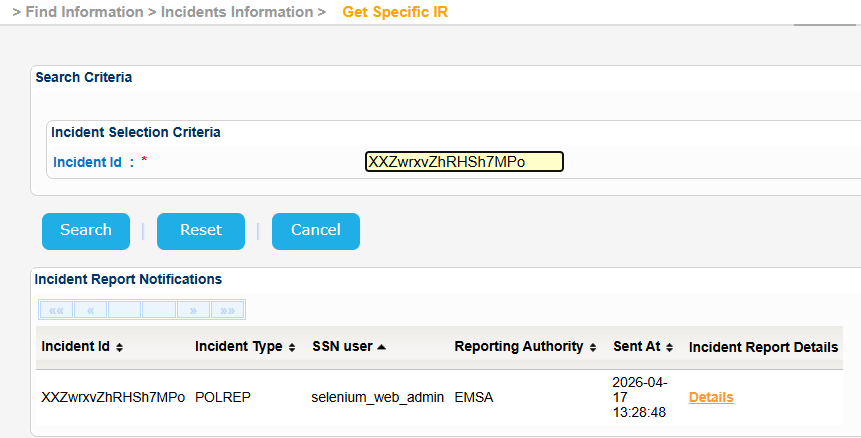
Click on Details link of the Incident Report Details column.
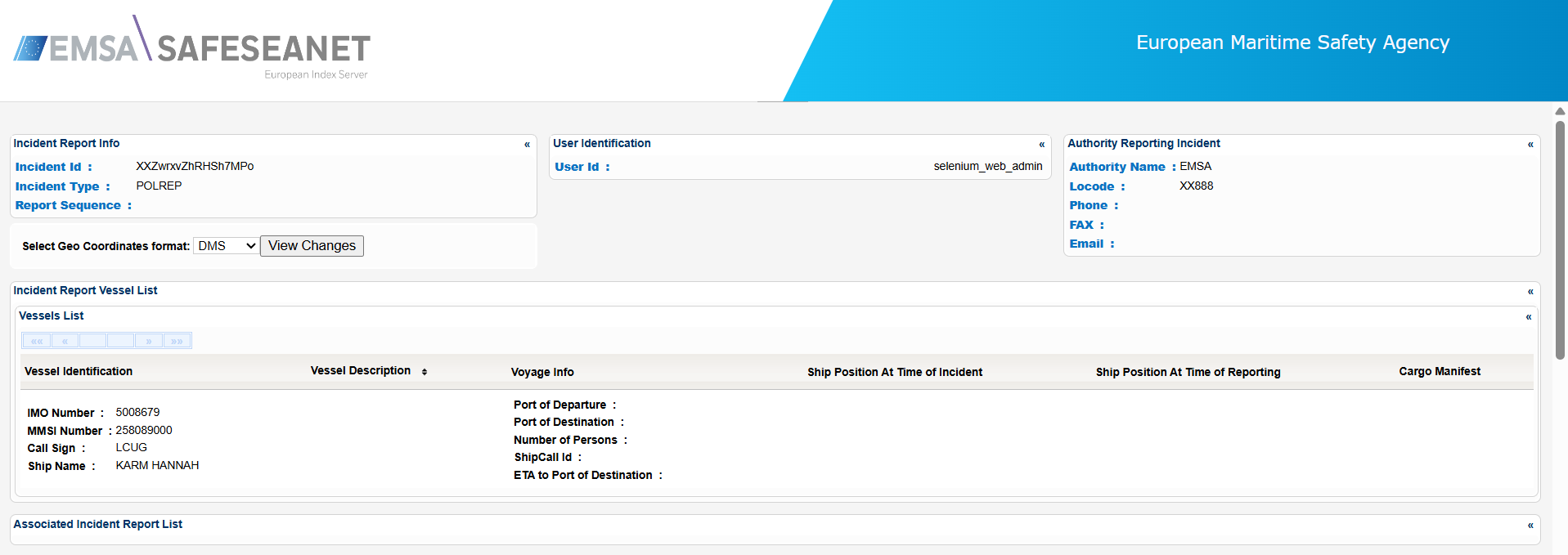
A new pop up window is launched and presents the IR details organized in sub-sections:
Export the IR details in Excel, XML, CSV format by clicking on the respective icon on the bottom left side of the pop up window:
...