
Navigate to Statistics Console > Logs > Search Logs.
The application will present a search form with various search criteria related to the messages exchanged between SSN and MS/ES systems.
Fill in any of the search criteria and click on Search button.
The application will present a list of messages that fulfill the search criteria.
For each Message information about its type, status, transaction status, protocol and details about the processing among others are presented.
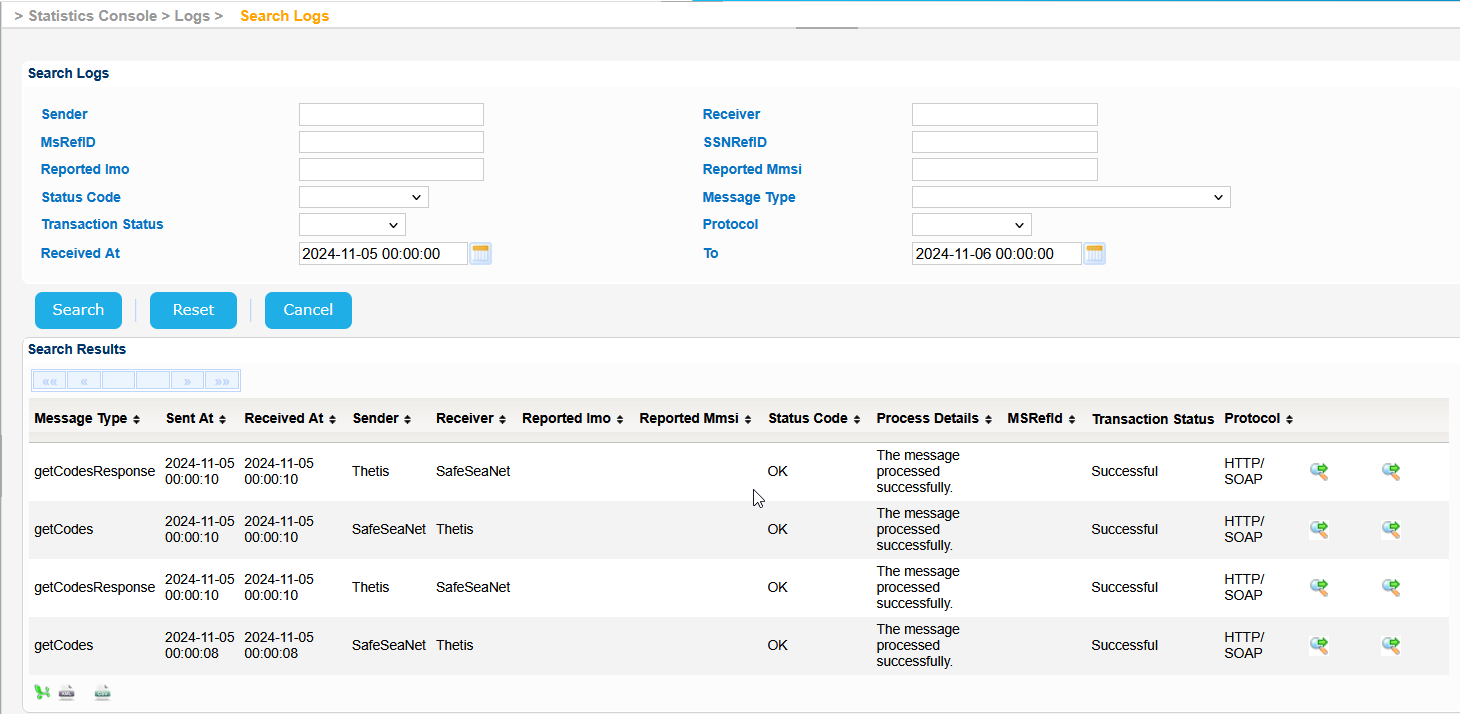
Select a Message and click on the green icon on the right of the screen having the "Show xml message" tooltip.
A pop up window will be launched where the actual XML message can be seen.
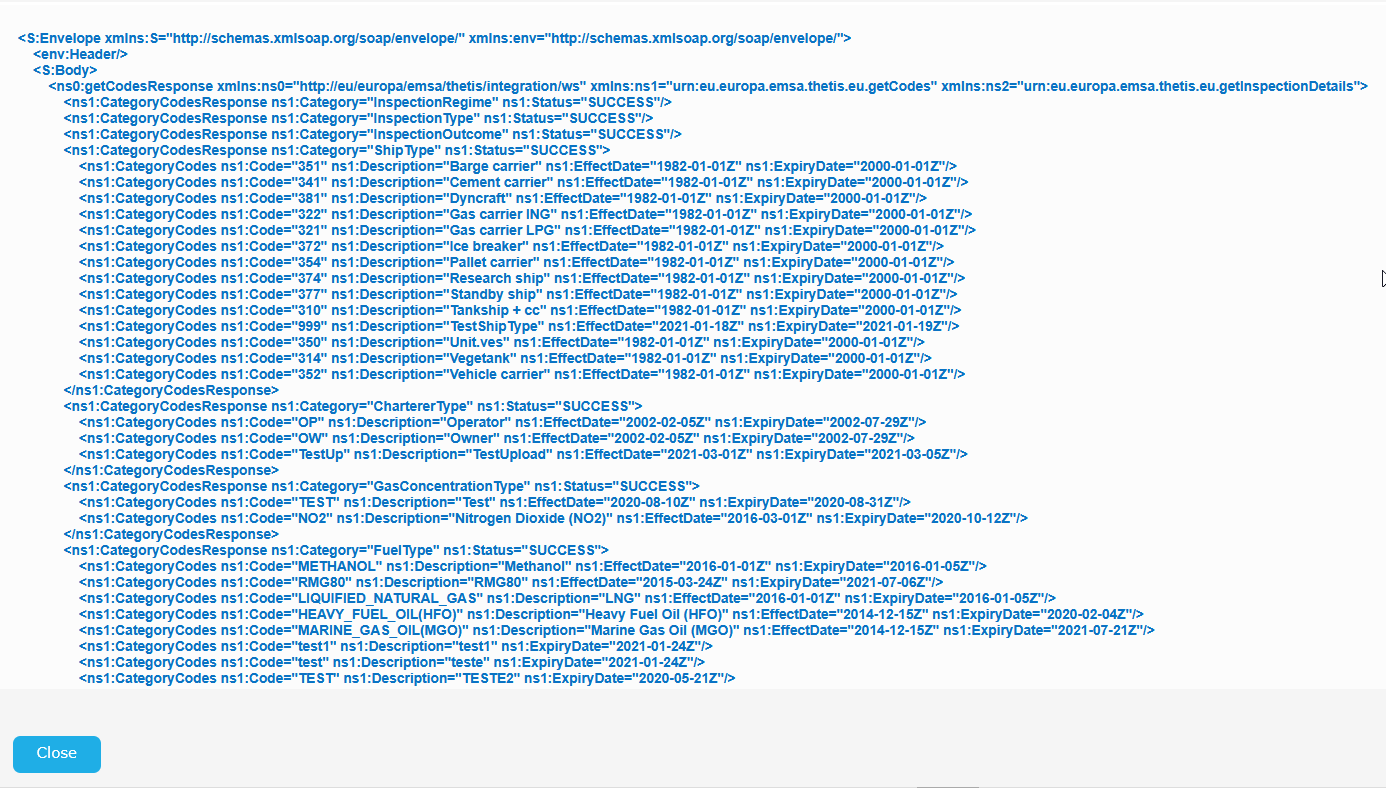
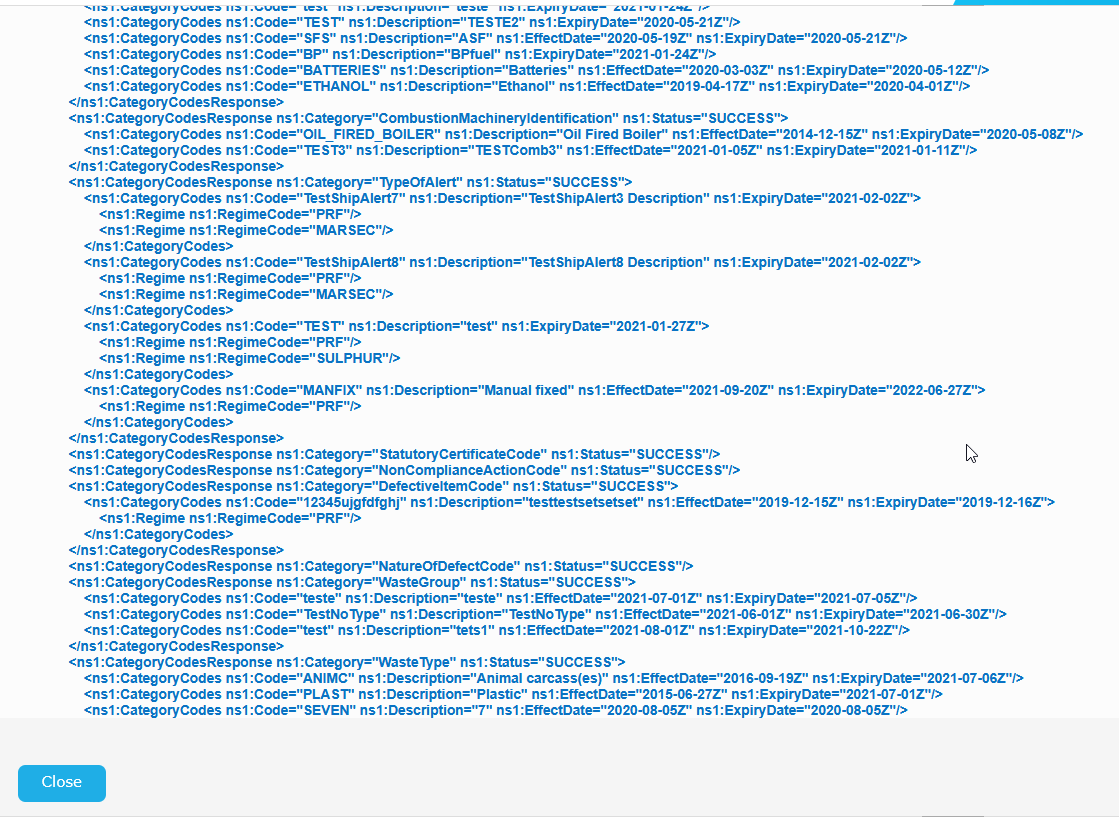
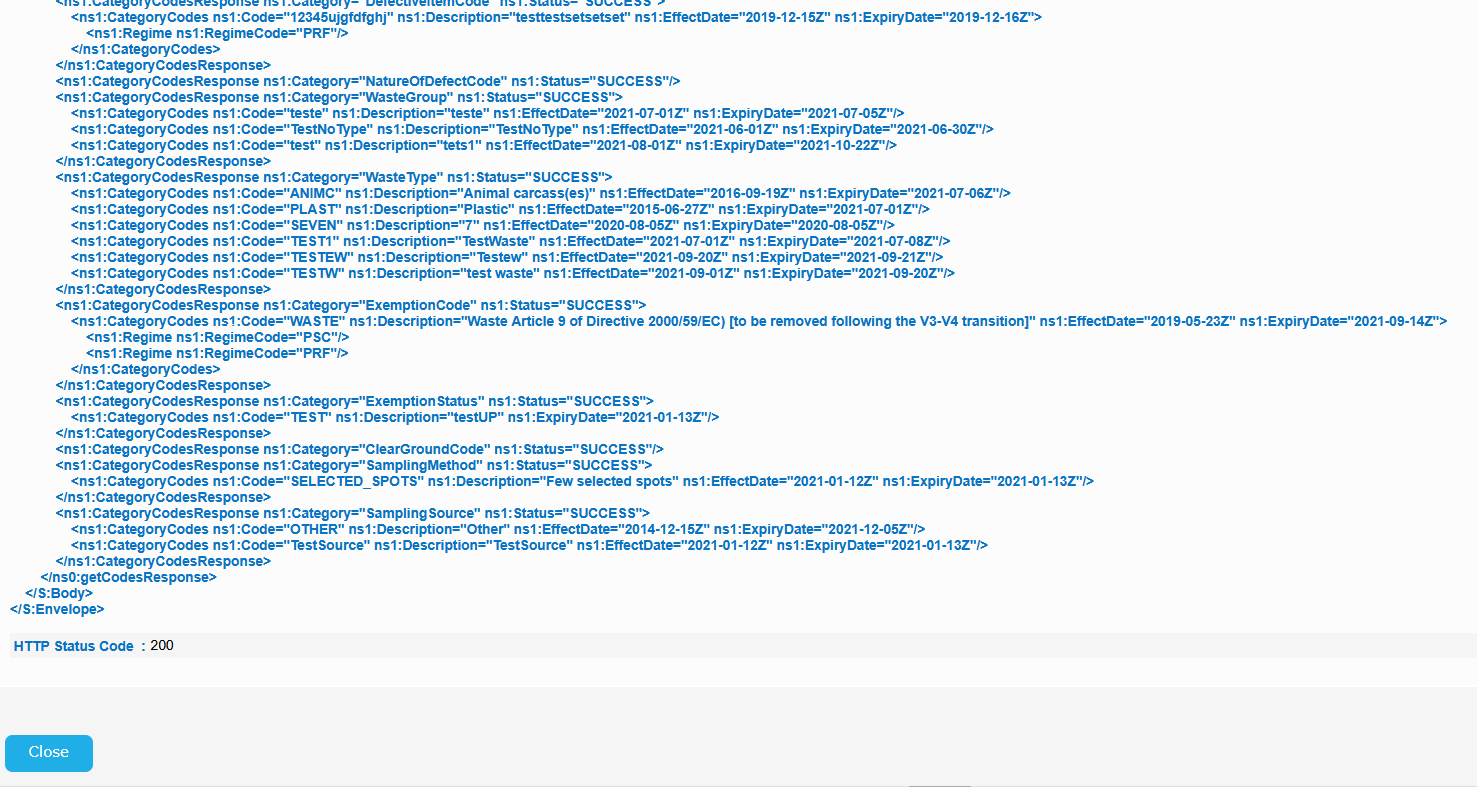
Similarly click on the green icon, of the results table, on the right of the screen having the "Show transaction messages" tooltip.
A pop up window will be launched also where the details of the transaction are presented..
