
...
Select one of the Vessels and click on the IMO Number link.
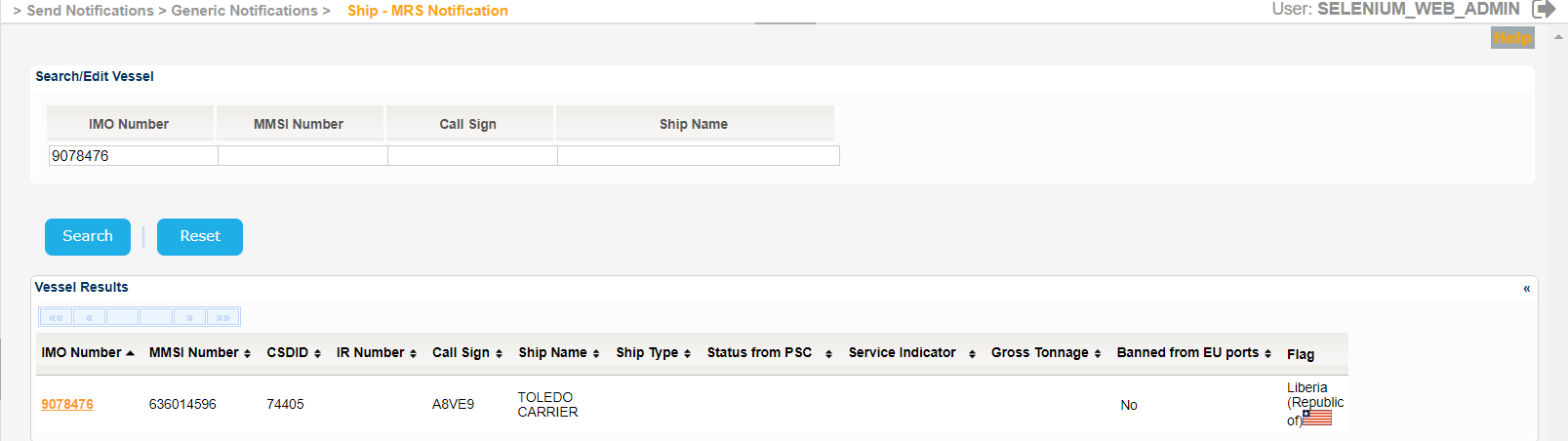
The Service Indicator and Ship Type codes and labels are provided in the attached files:
| View file | ||||||||
|---|---|---|---|---|---|---|---|---|
|
| View file | ||||||||
|---|---|---|---|---|---|---|---|---|
|
The application will present a new screen which includes the Vessel Identification section of the selected Vessel and the following sub-sections:
...
Fill in the rest of the mandatory fields related to the Cargo Type, the DGDetails (IMO Class and Quantity) and also the Contact Details.
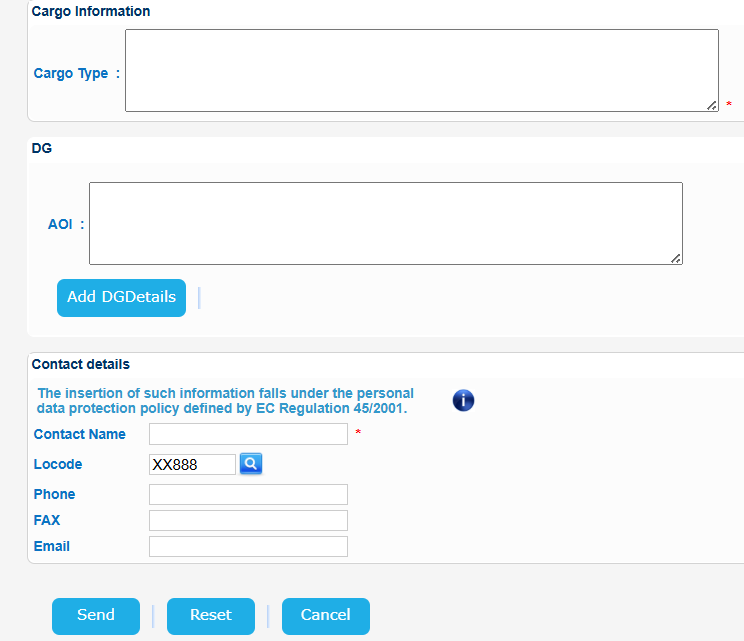
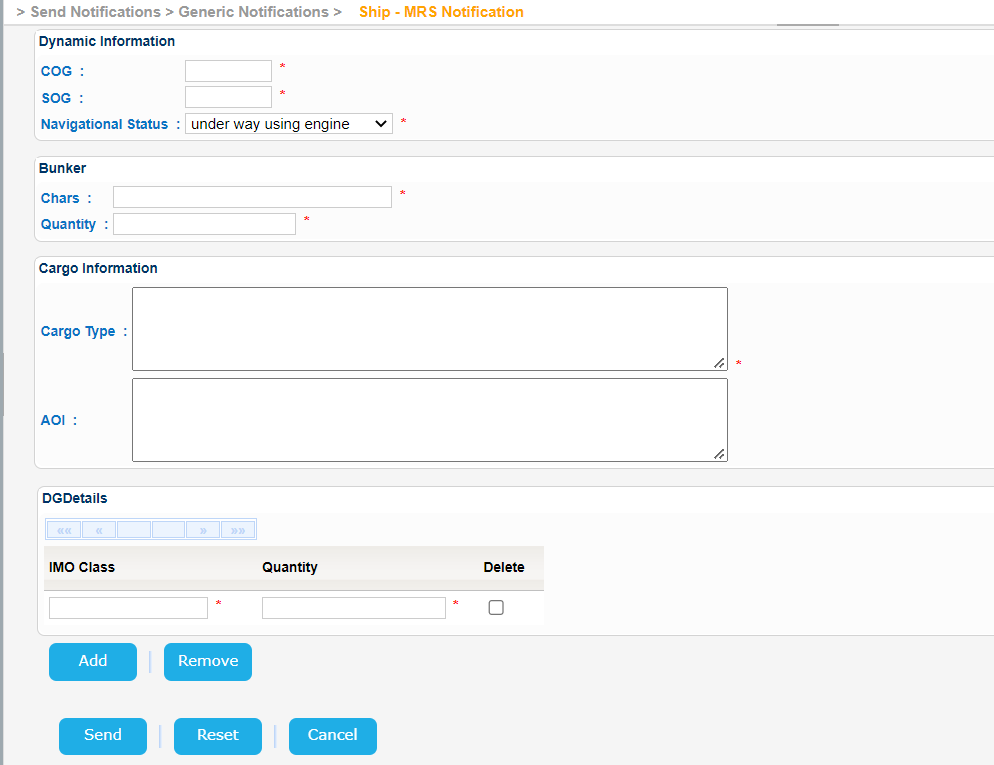
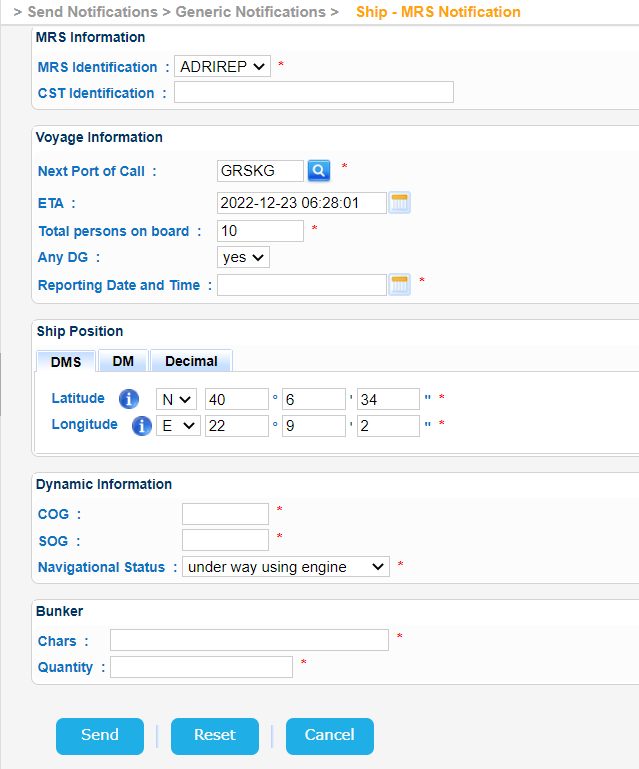
When done click on Send button.
...