-
Created by
 European Dynamics Trans Contractor, last updated on Apr 16, 2026
3 minute read
European Dynamics Trans Contractor, last updated on Apr 16, 2026
3 minute read
Navigate to Send Notifications > Exemptions on scheduled services > Reuse exemption.
The application will present the Vessel search form.
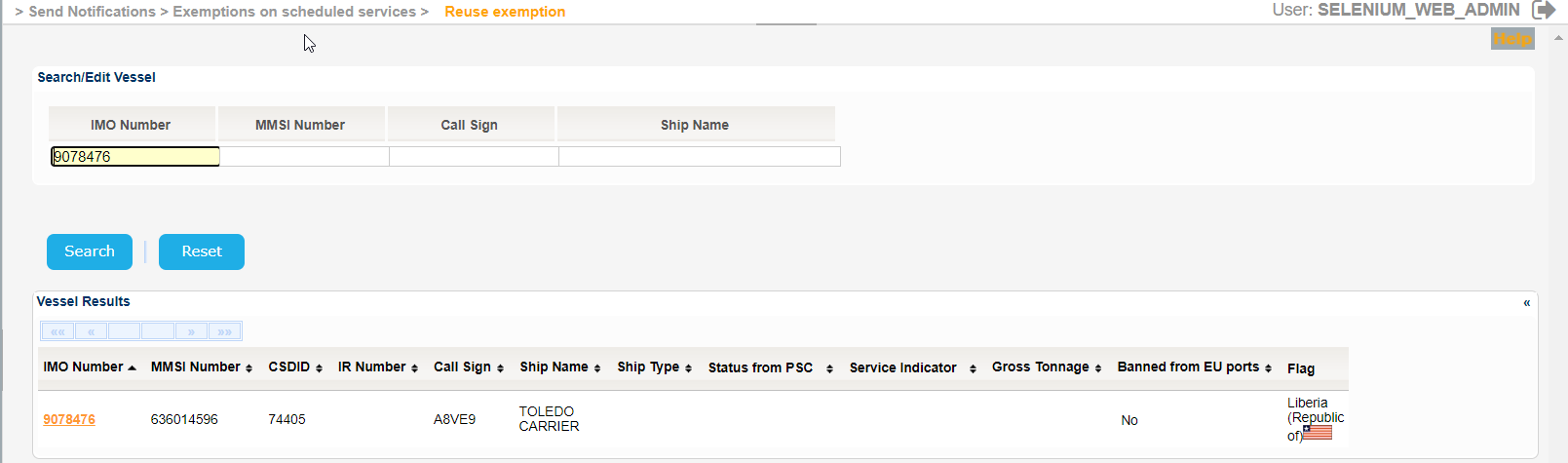
Fill in at least one of the IMO Number, MMSI Number, Call Sign or Ship Name and click on Search button.
The application will present a list of Vessels that meet the search criteria:
The Service Indicator and Ship Type codes and labels are provided in the attached files:
Select one of the Vessels and click on the IMO Number link.
The application will present the list of Exemptions associated with the selected Vessel along with the Type of Exemption fields where you can narrow down the list of Exemptions by selected specific type of Exemption.
It is also possible to filter with All, Valid, Planned or Expired Exemptions.
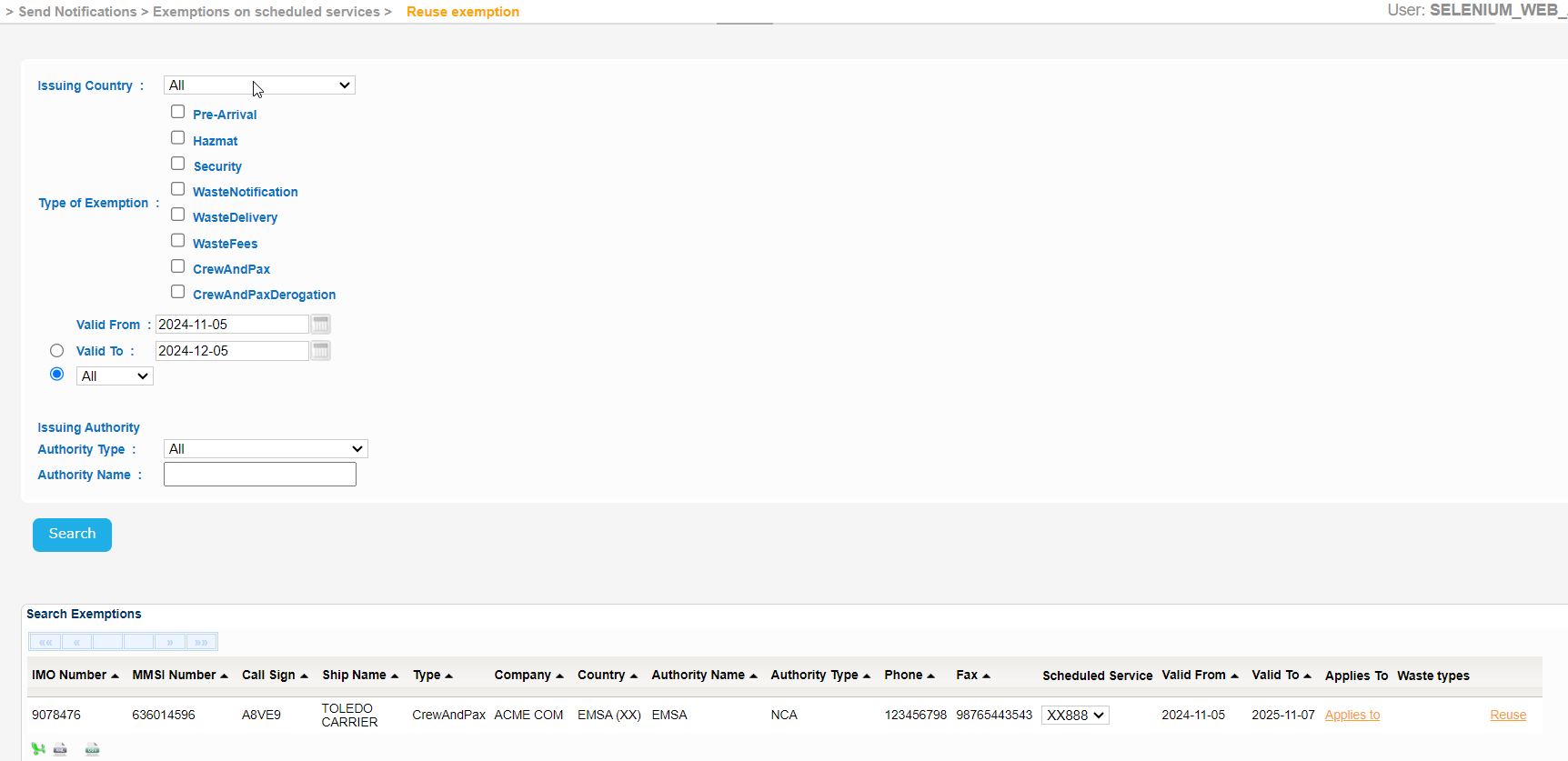
The year of the input date cannot be more than 9999.
Export the search results in Excel, XML, CSV format by clicking on the respective icon on the bottom left side of the search results table.
 3.2.3.1.2-ssndata.xml
 3.2.3.1.2-ssndata.csv
For each Exemption, in the search results, there are the following links:
- Applies to
- Waste Types
- Reuse
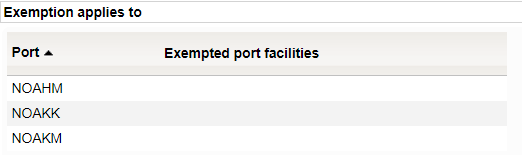
Click on "Applies to" link and a a new pop will be launched to present the list of Ports and the respective Exempted Port Facilities.
Click on Waste Types link and a new pop up will be presented with the list of Waste Types,

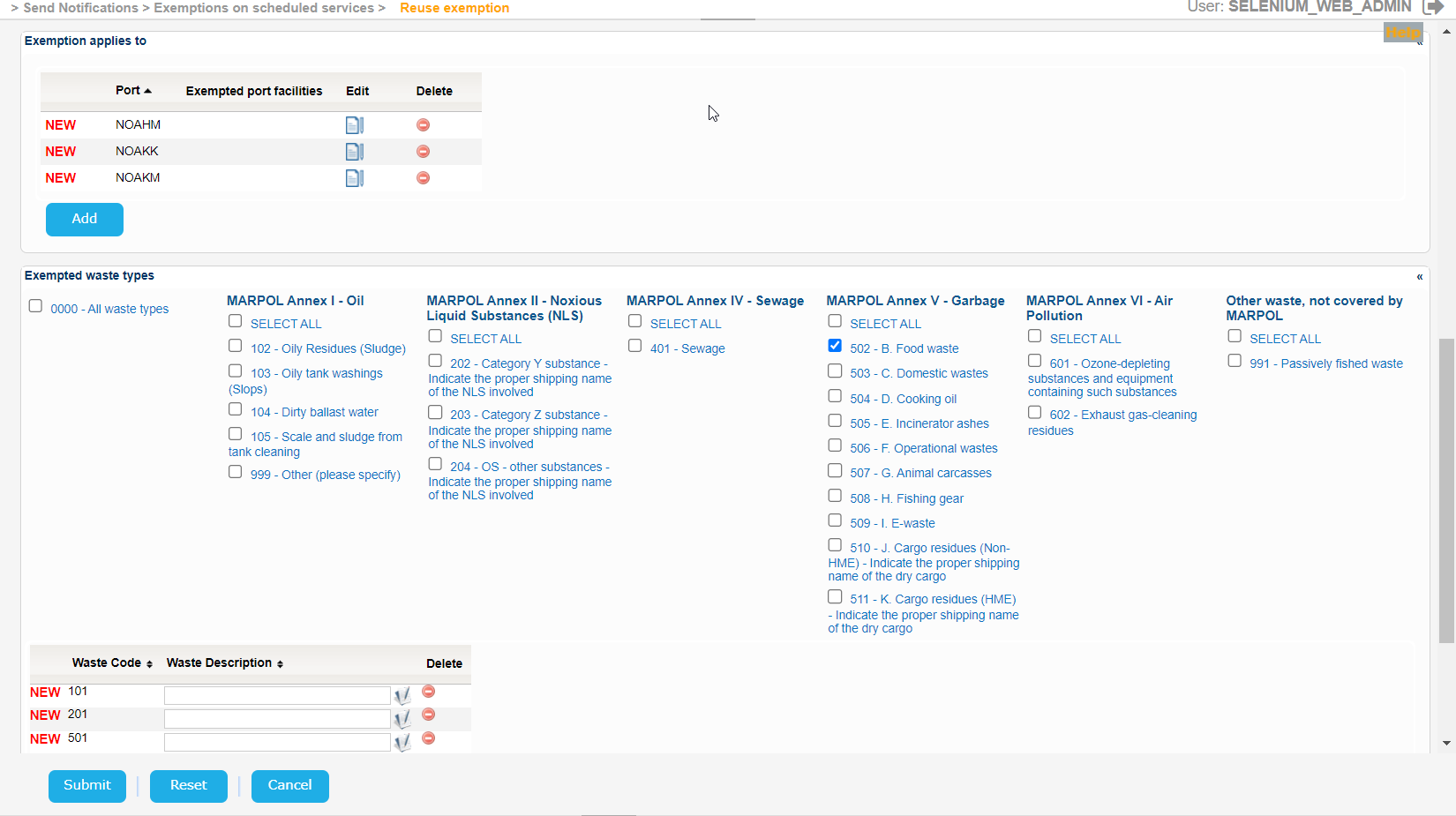
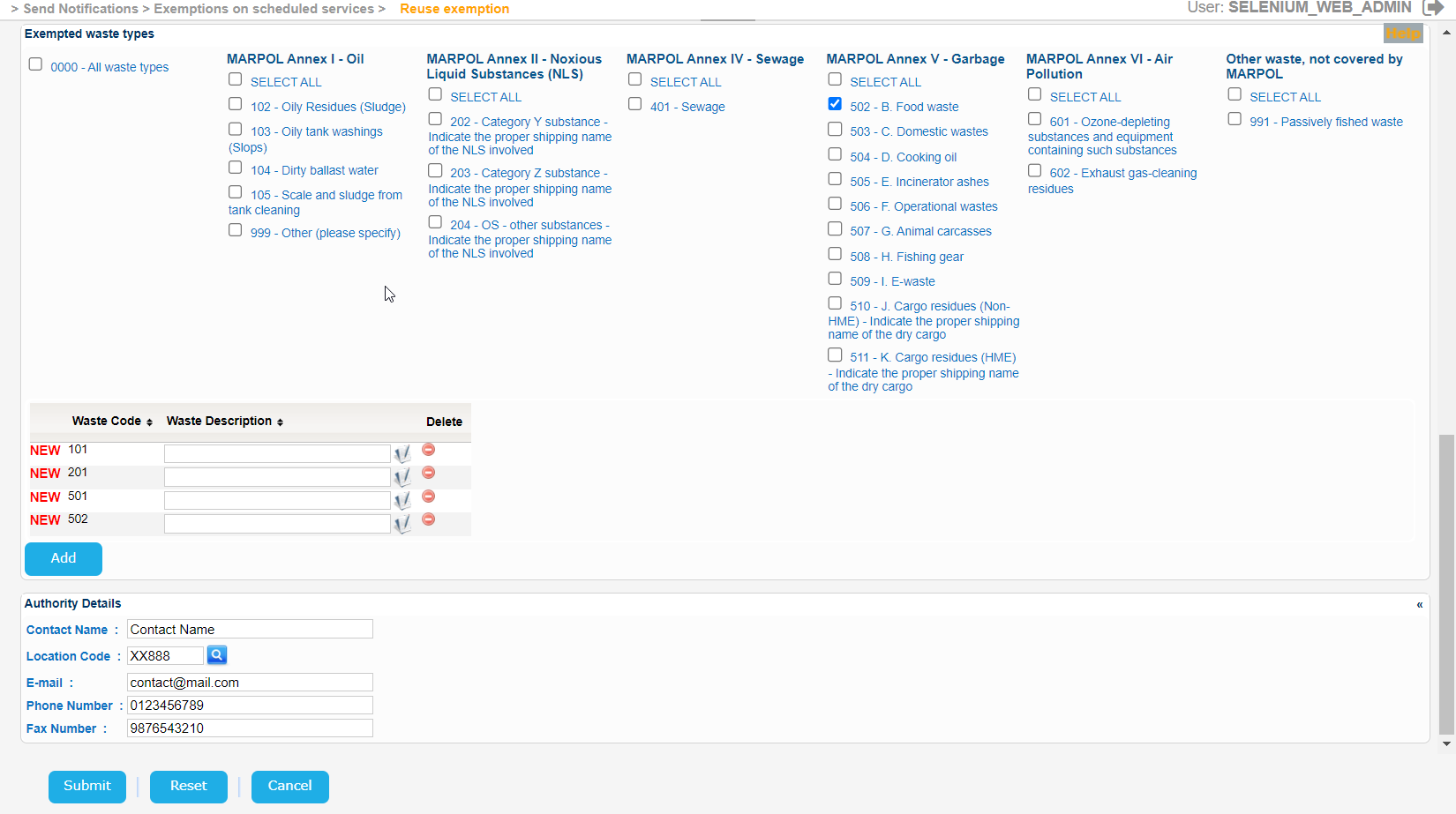
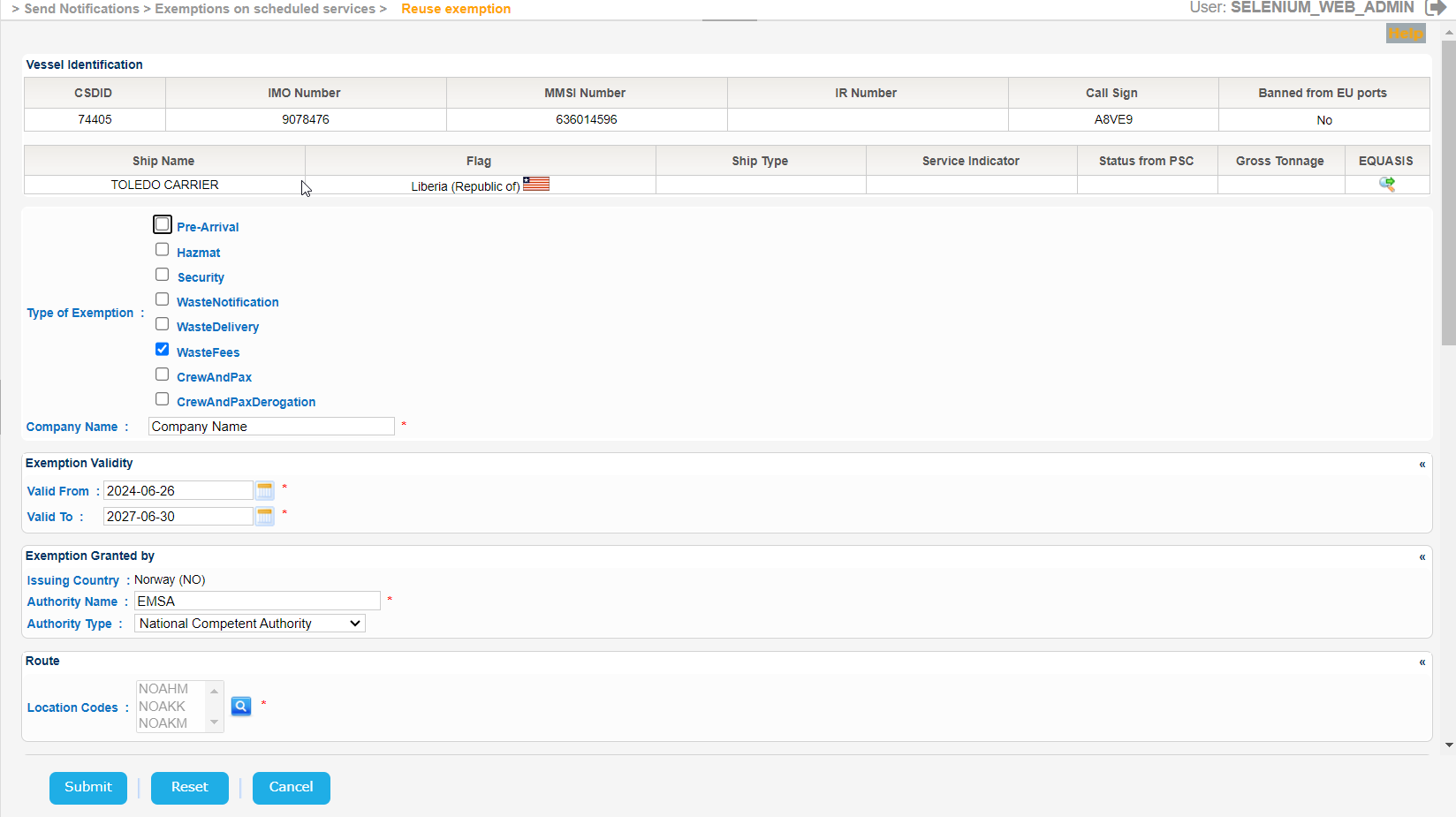
Click on Reuse and a new Create Exemption form will be presented based on the selected Exemption.
The fields will be prefilled and you may modify them accordingly and click on Submit button to store this new Exemption in the database.